Events & communities
Meet Taipei 2026 Online Booth Guide
An online booth guide we made for Meet Taipei 2026. Look around on your phone before the show opens: find booths, see how to walk there and message exhibitors directly.
103 booths
- 385
- pavilion exhibitors
- 5
- stages
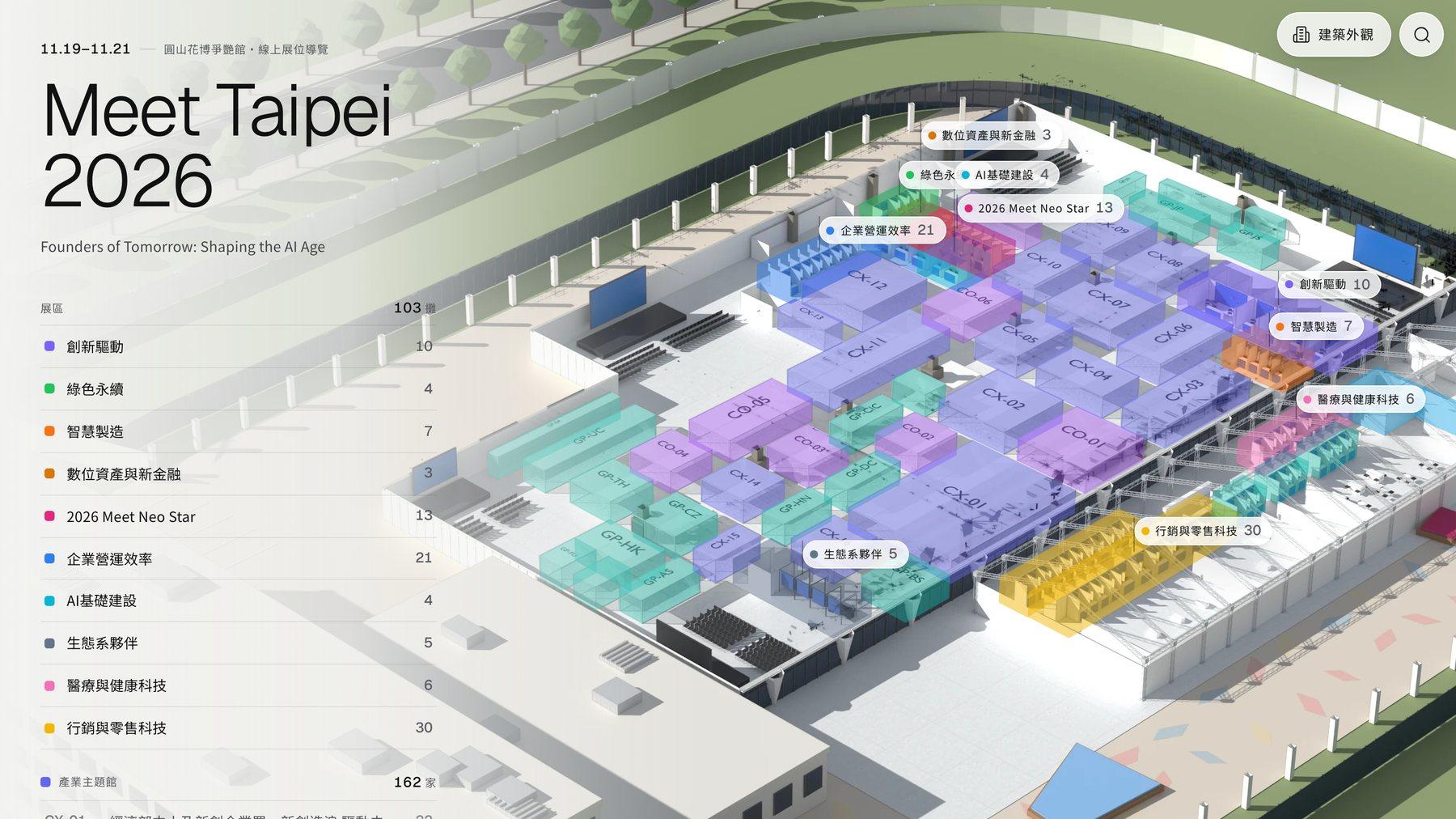
An online booth guide for the 2026 Meet Taipei Startup Festival (November 19–21, Expo Dome at Taipei Expo Park), at mt26.monglo.com. We modeled and rendered the whole hall in Blender, and every one of the 103 booths, 37 pavilions and 5 stages can be opened on the map. It was curated by ActIsland and made by Monglo. It is not the organizer's official website.
- Project type
- Online expo guide (unofficial)
- What we did
- 3D modeling and rendering of the venue, website design and development, notification emails and data admin
- Where it's used
- The website mt26.monglo.com, which can be added to a phone's home screen
- Dates
- November 19–21, 2026 · Expo Dome, Taipei Expo Park
Project overview
Meet Taipei has over a hundred booths, plus dozens of themed and international pavilions. To find a company, you first look up its booth number in the official list, then match it to a paper map at the venue. We were also exhibiting this year, so we made a guide you can explore before the show: which zone, how to walk there and when they're on stage, all on one page. If a booth looks interesting, you can message it right away.
01 · Overview
The whole venue in one image
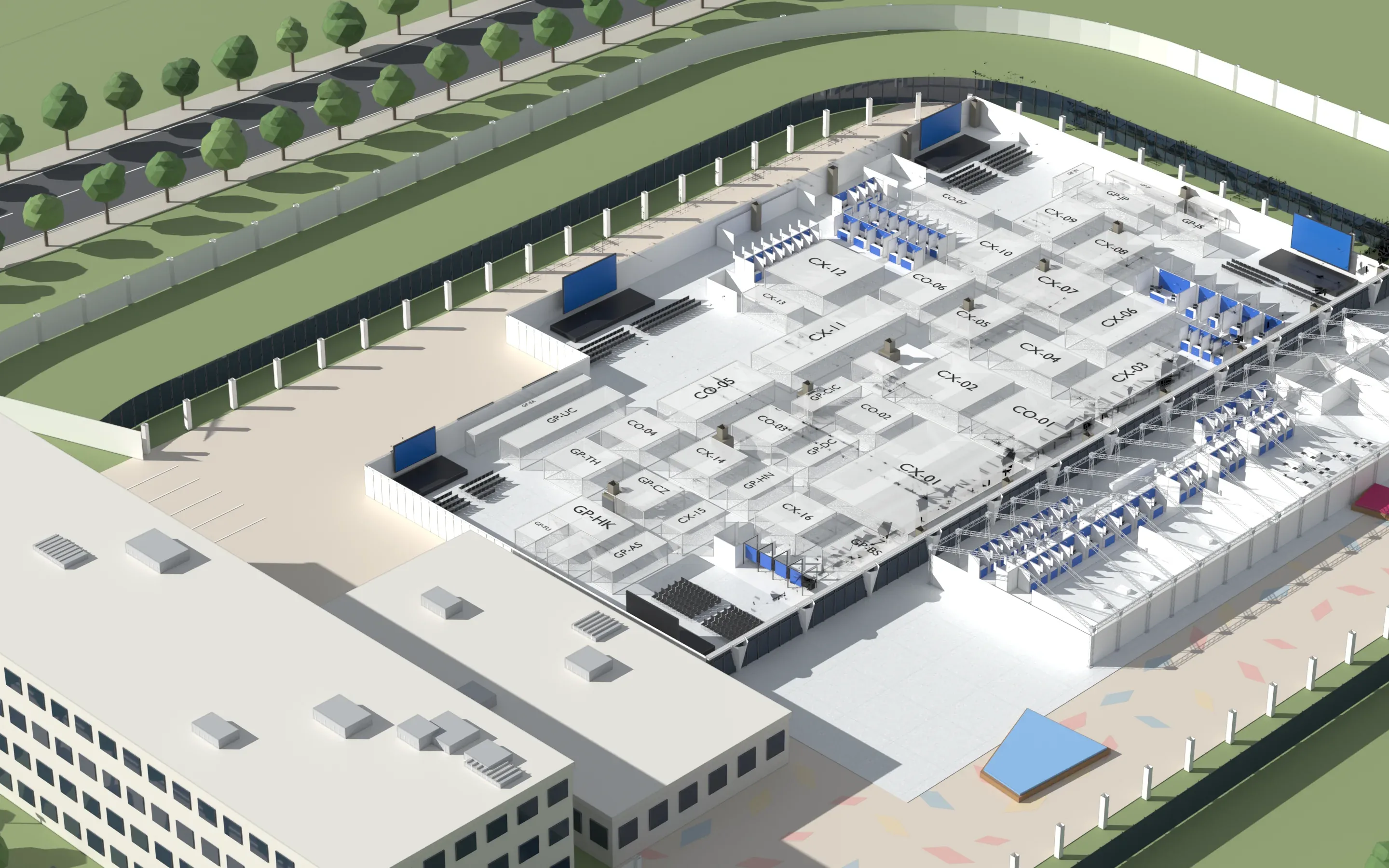
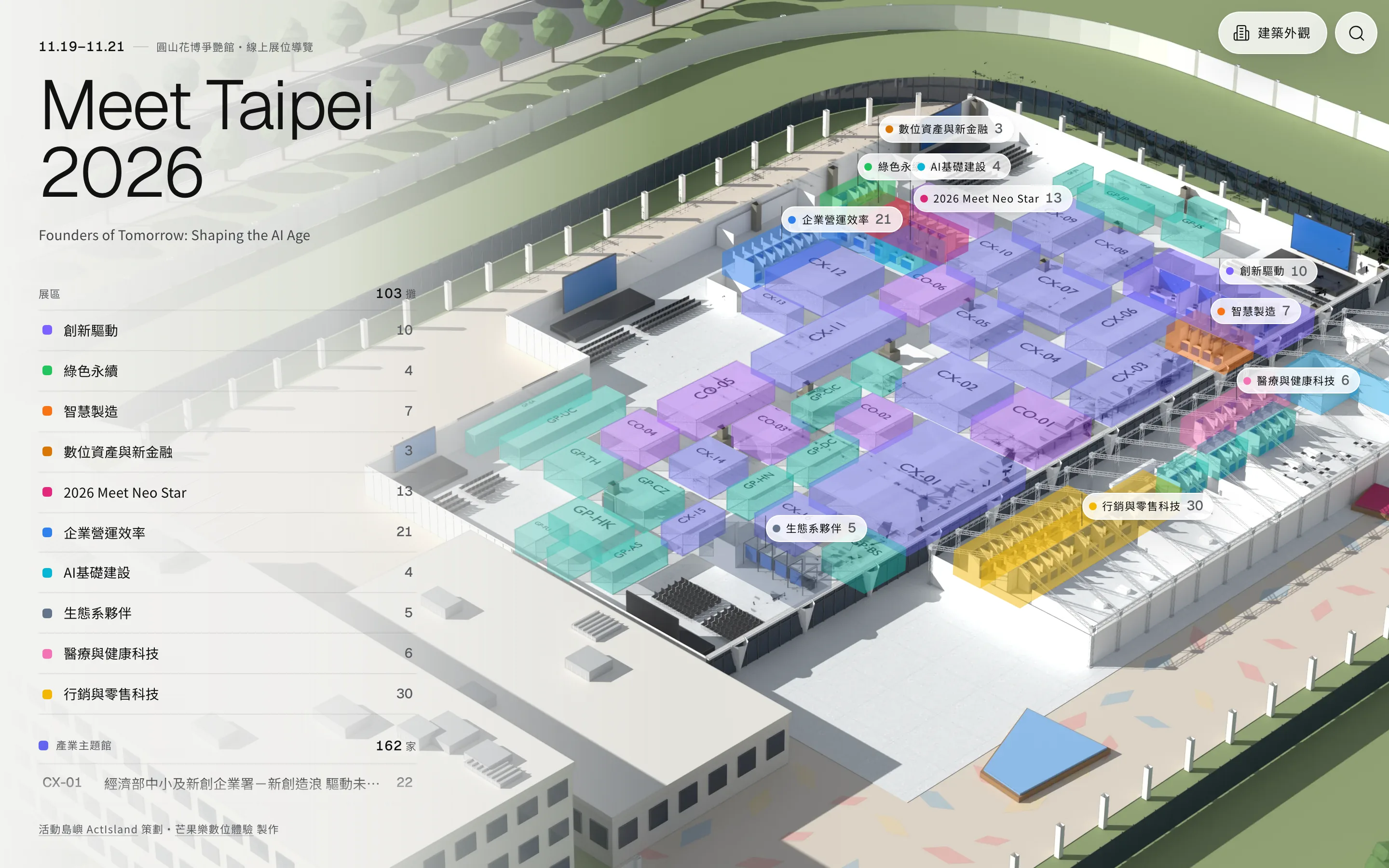
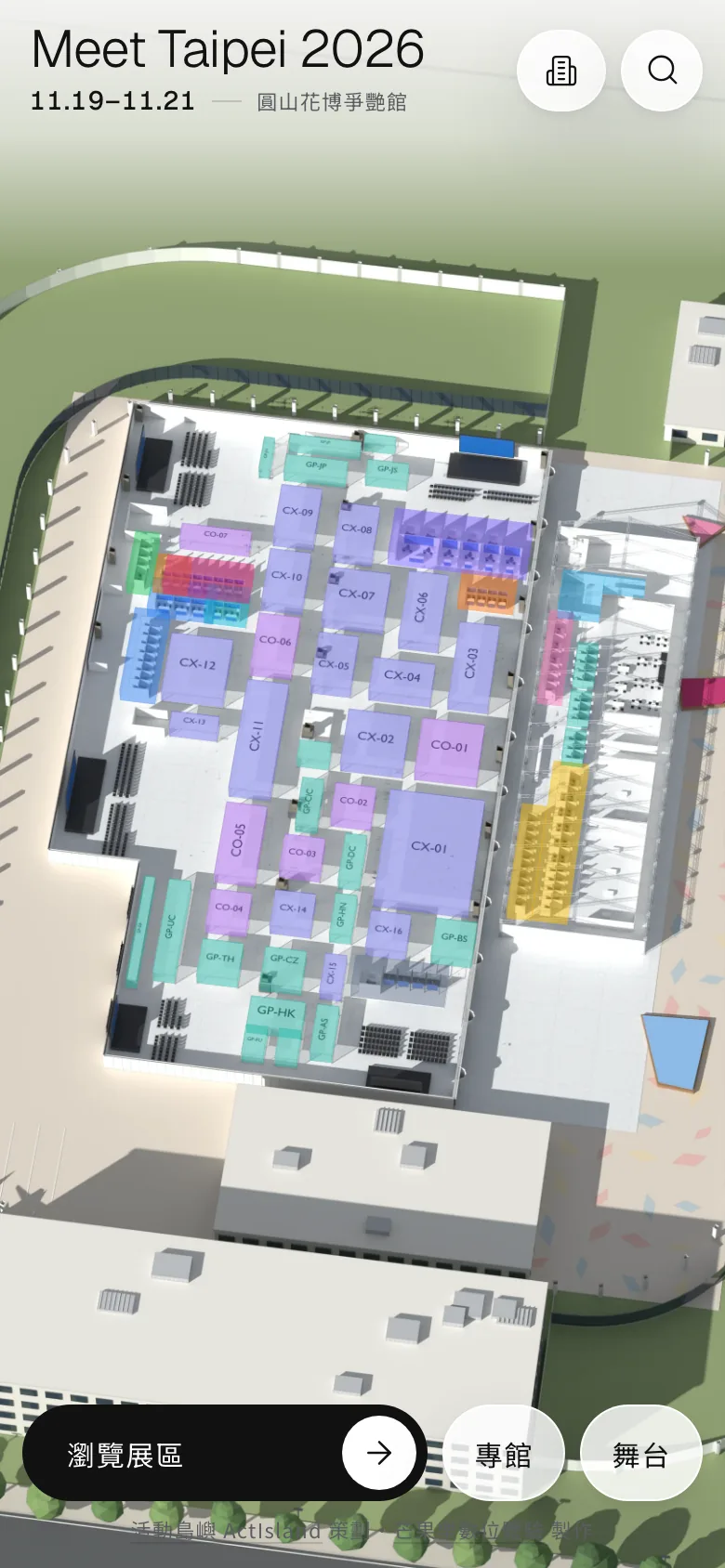
Using the floor plan published by the organizer, we built the Expo Dome as a white model in Blender and rendered it as one large view from above at an angle. The website then paints each zone in its own color.
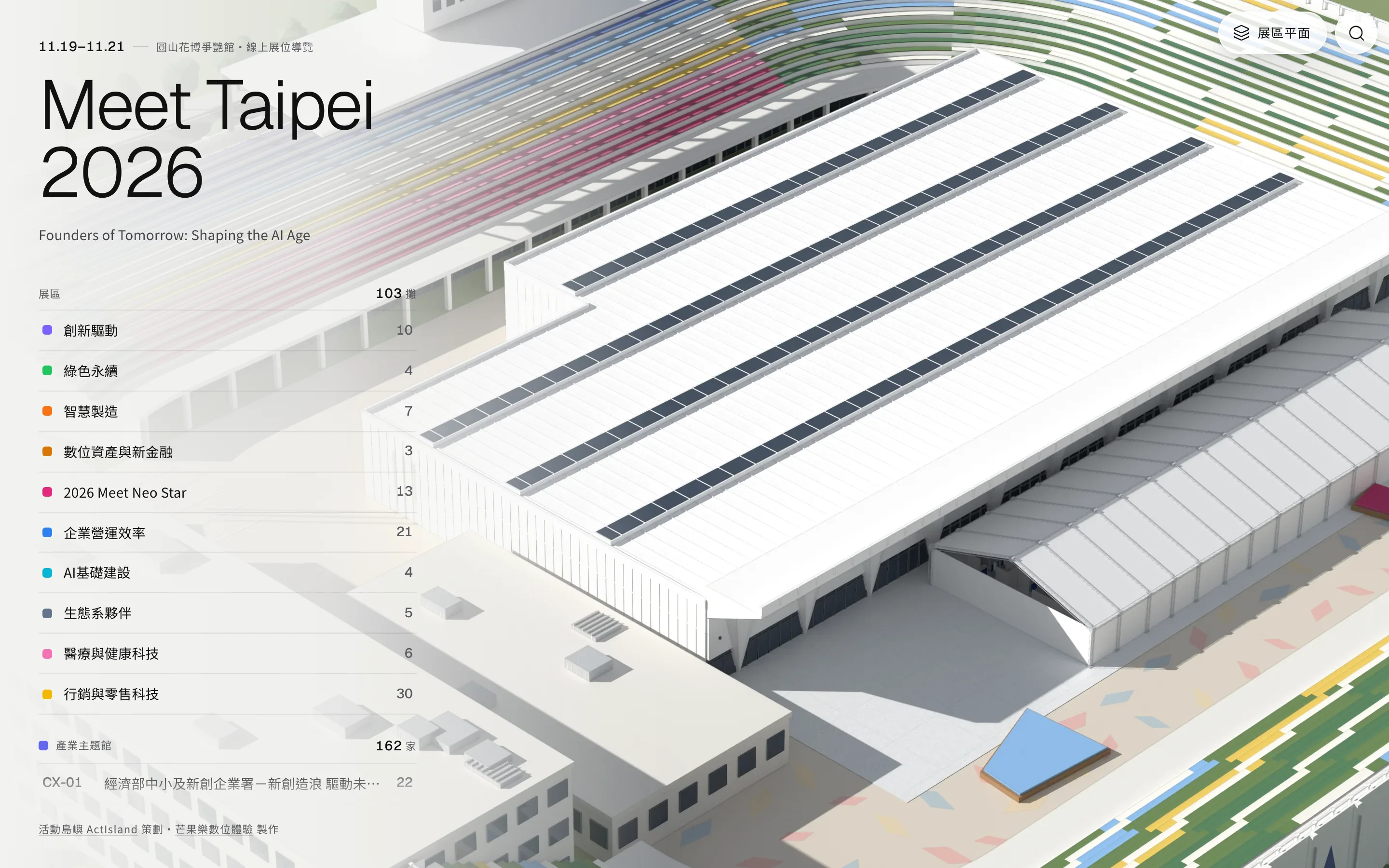
On the left is a list of the 10 zones, with the number of booths in each. Tap a name to fly to that zone. The button in the top right switches to the building's exterior.
02 · Booths
Find a booth, and see how to walk there
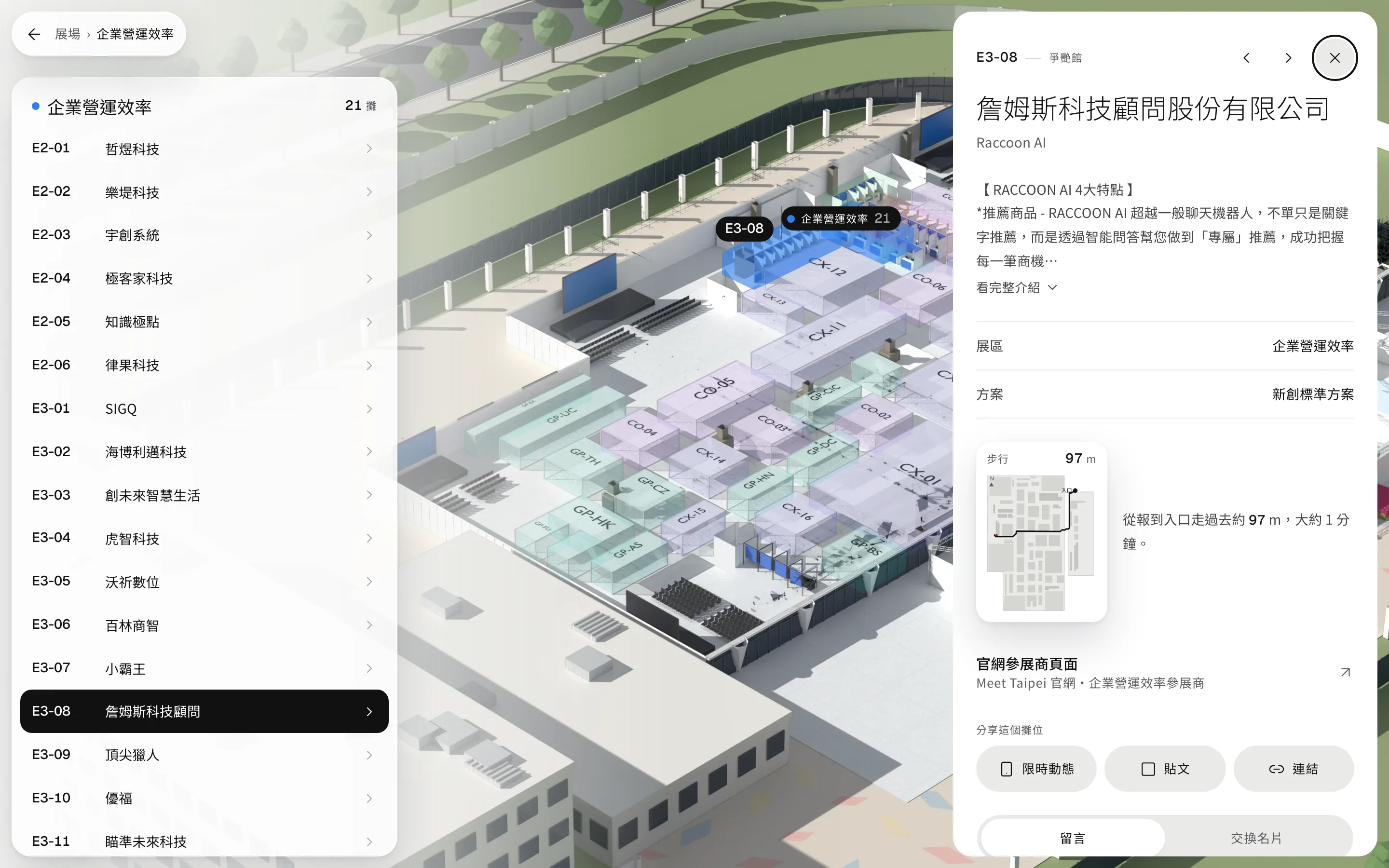
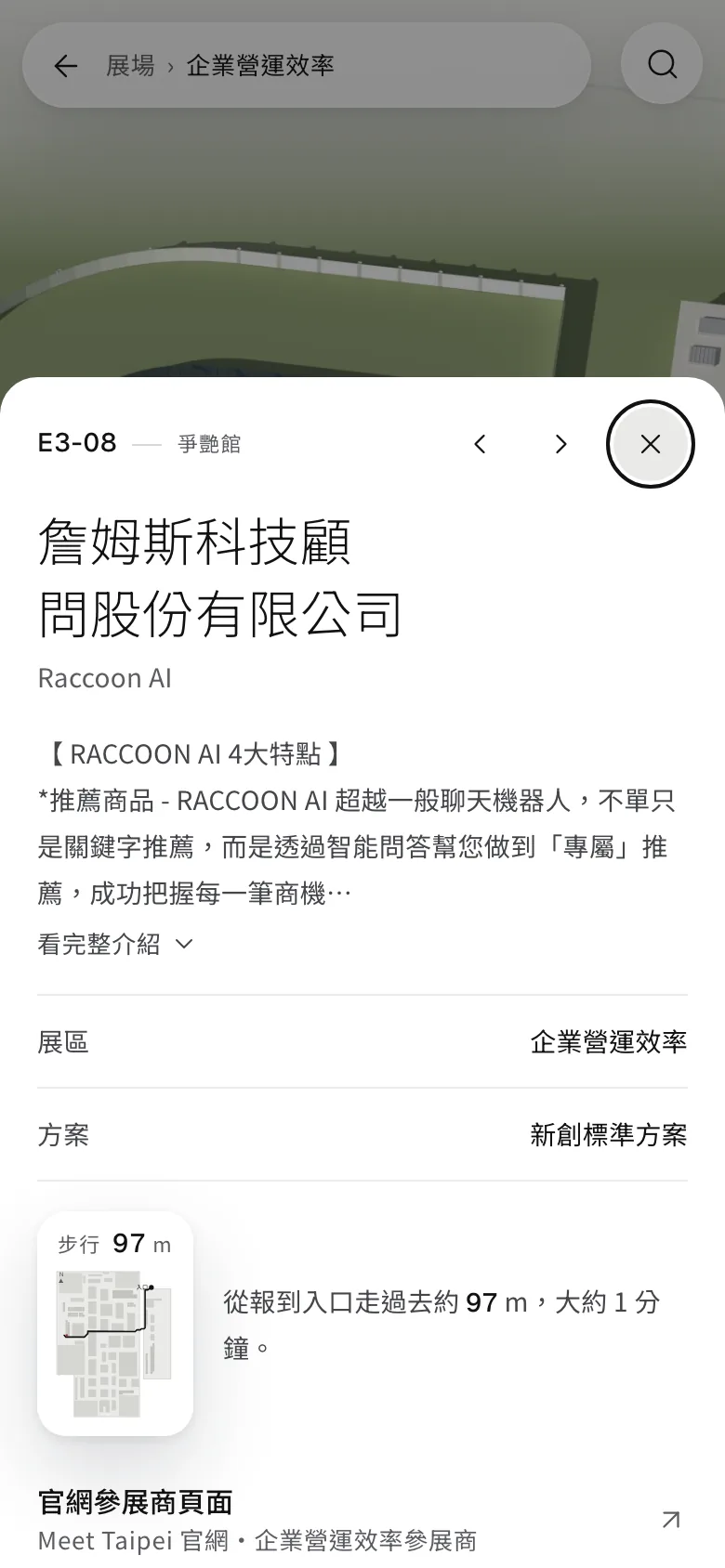
Tap a booth to see the company's description, its zone and its exhibition package. Below that is the walking route from the check-in entrance, with the distance and roughly how many minutes it takes. If the booth is in an investor matchmaking session or a startup pitch session, the times are listed here too.
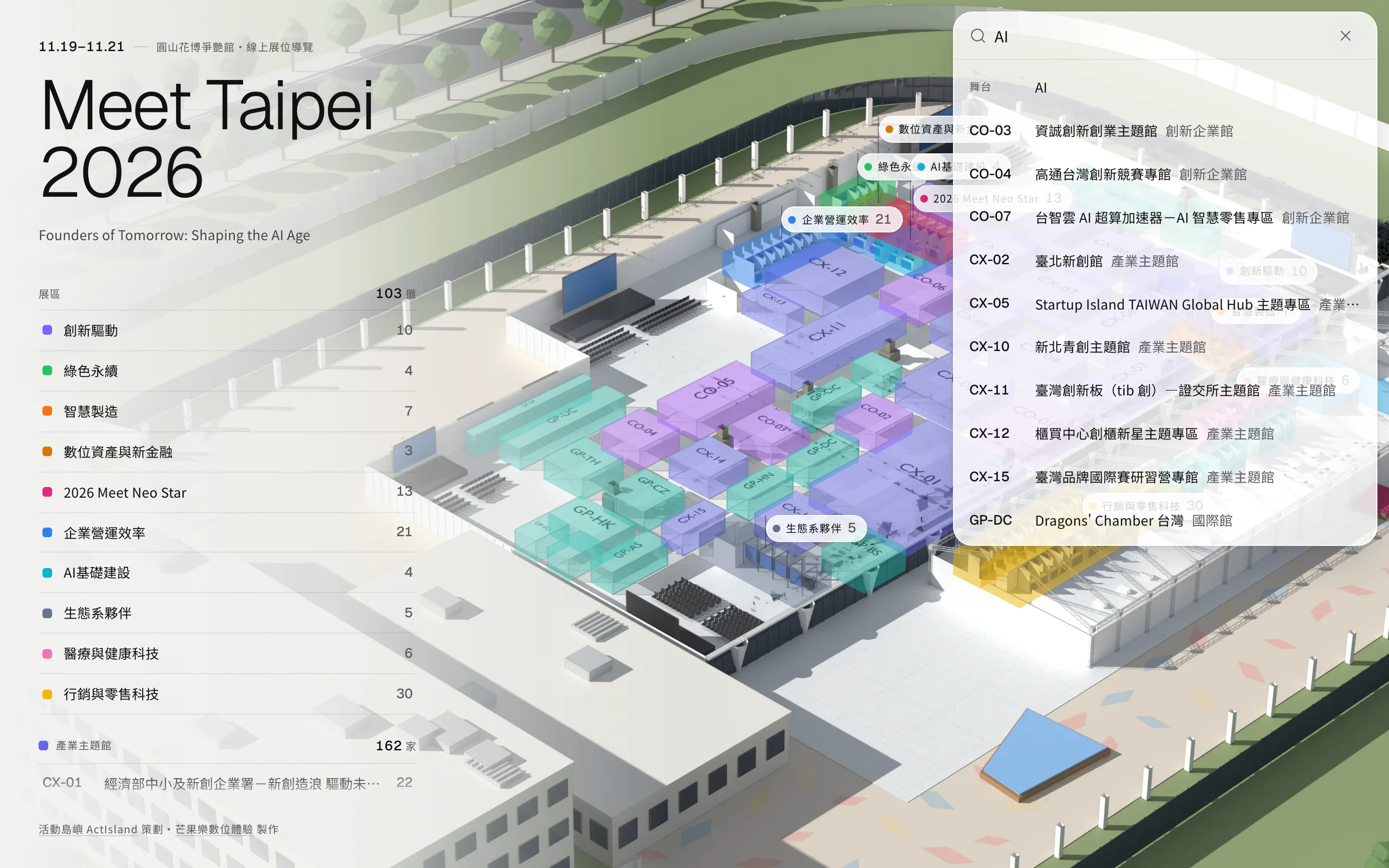
Company details come from the exhibitor list on the official Meet Taipei website. You can search directly by booth number, company name or stage.
03 · Pavilions & stages
Who's in each pavilion, and what's on stage
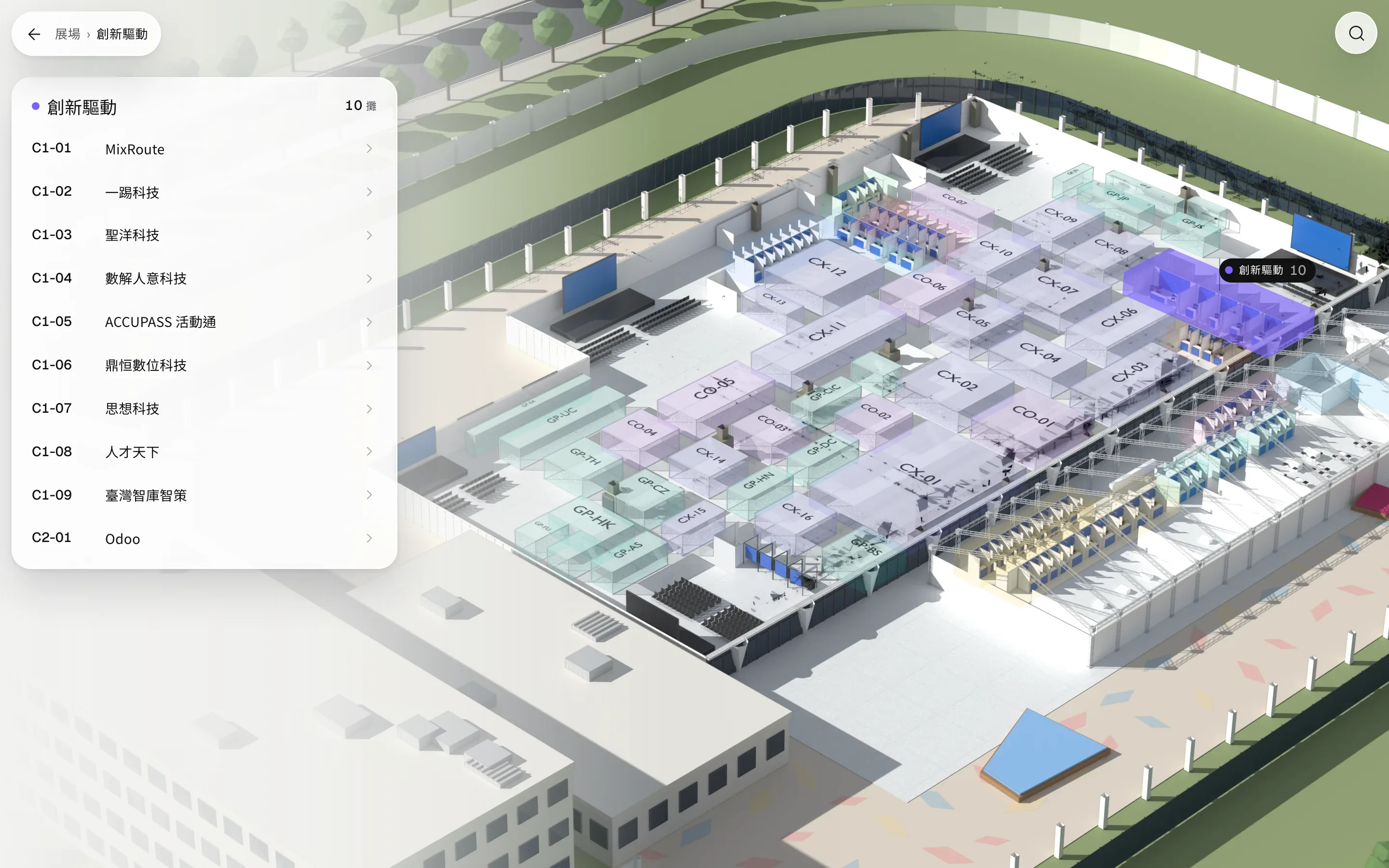
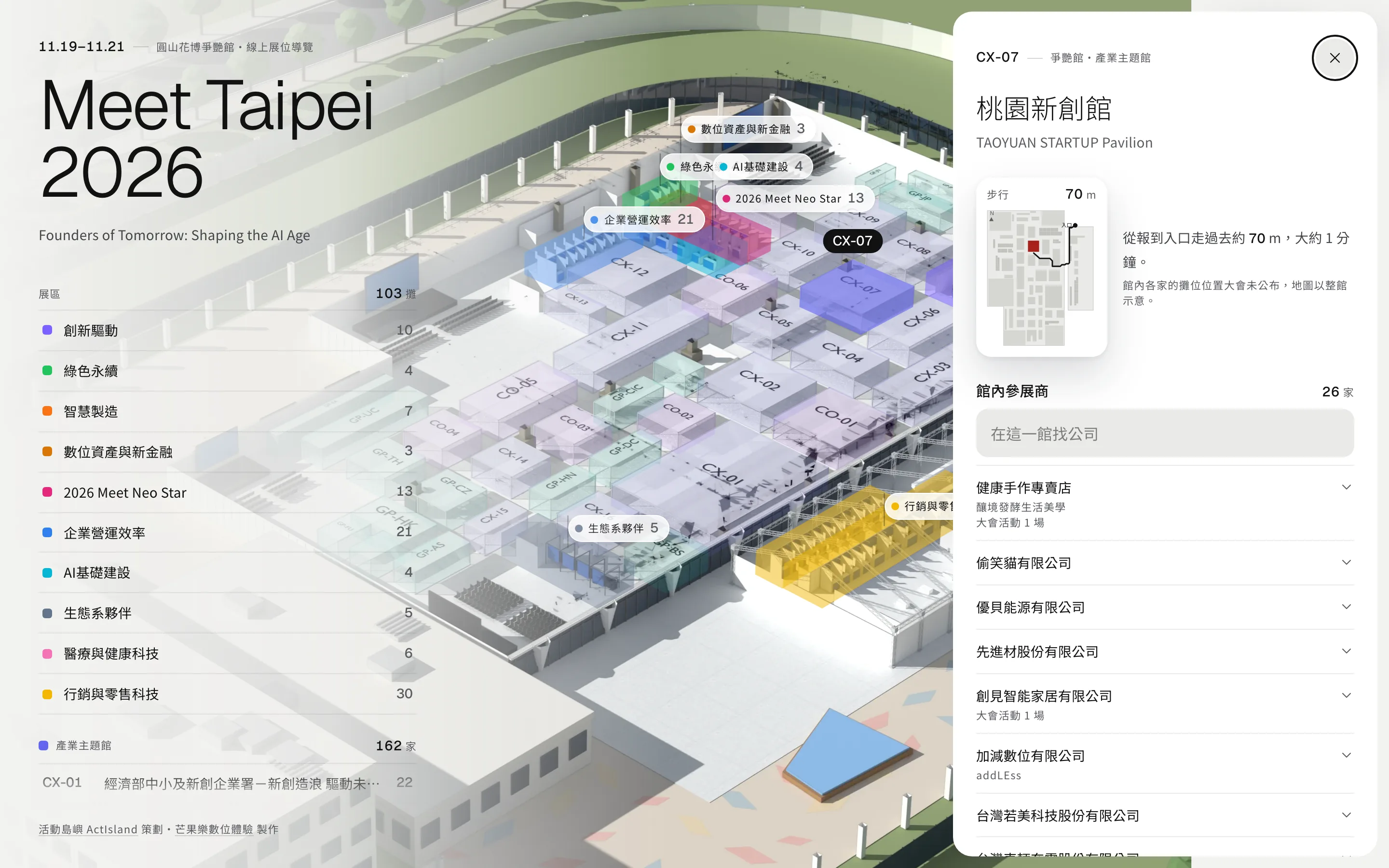
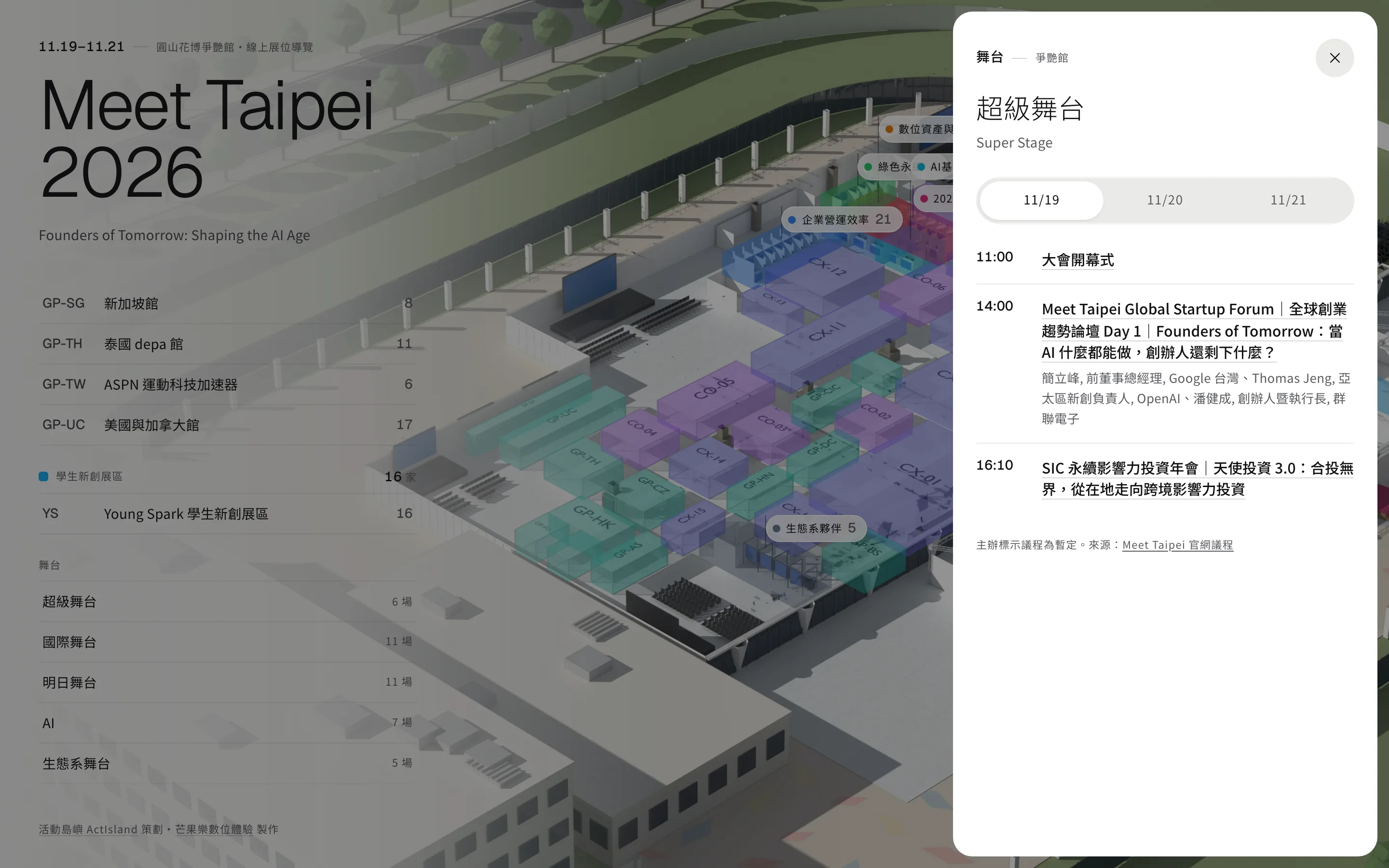
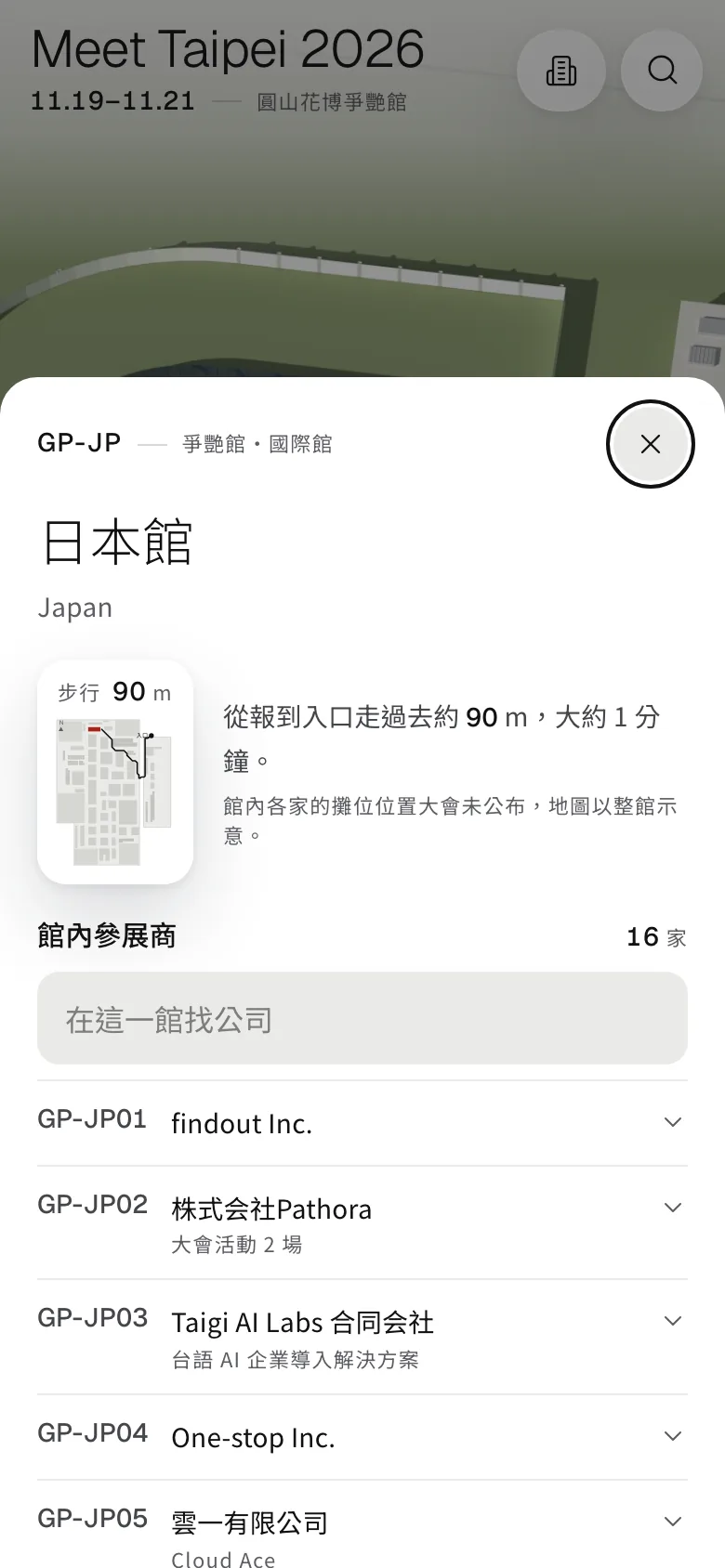
The themed pavilions, corporate innovation pavilions, international pavilions and student startup area hold 385 exhibitors in total. The organizer didn't publish where each company sits inside a pavilion, so each pavilion is marked as a semi-transparent block. Tap it to list every company inside, and search within the pavilion.
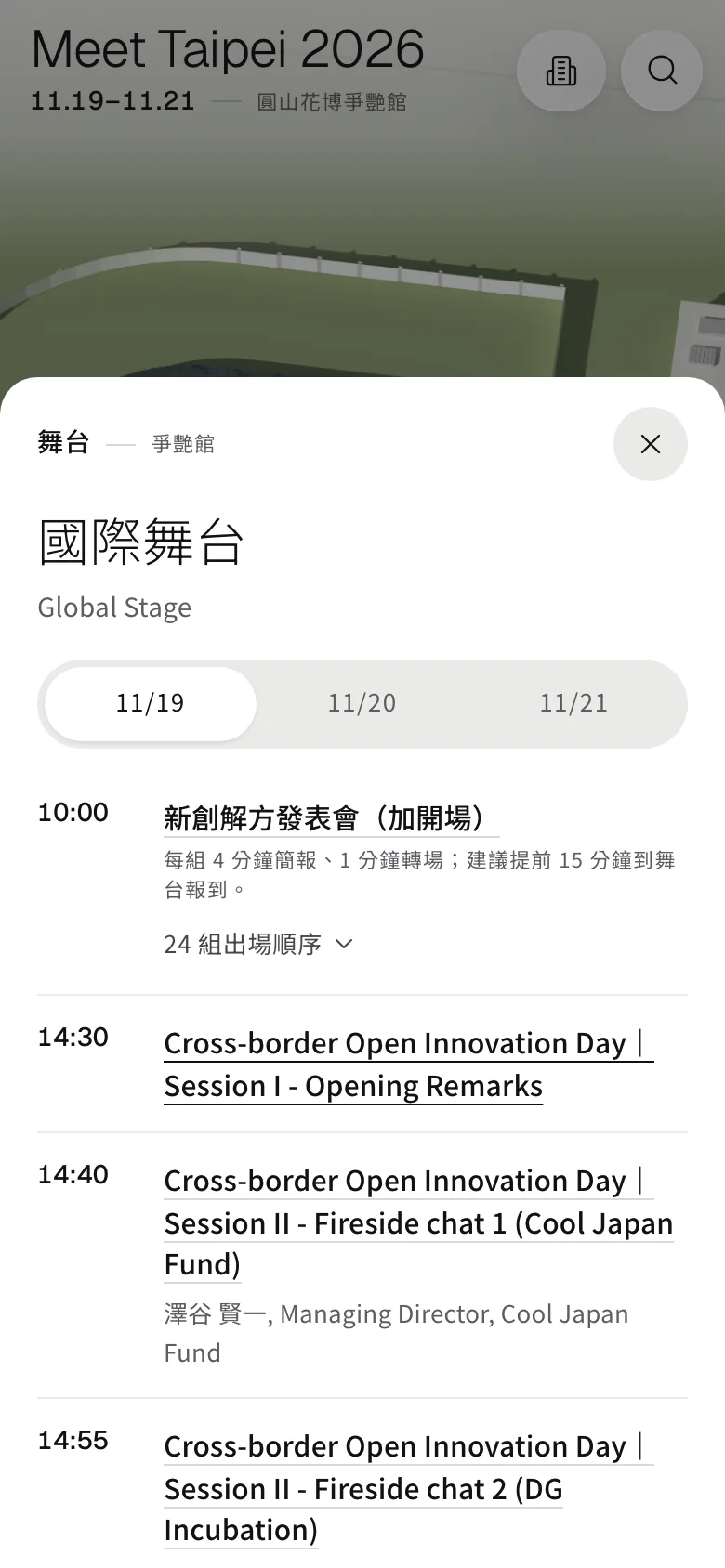
The agendas for the 5 stages come from the official website, with a tab for each day. The organizer noted that the agendas are tentative, and the page says so too.
04 · Messages & sharing
See a booth you like? Message it or exchange business cards
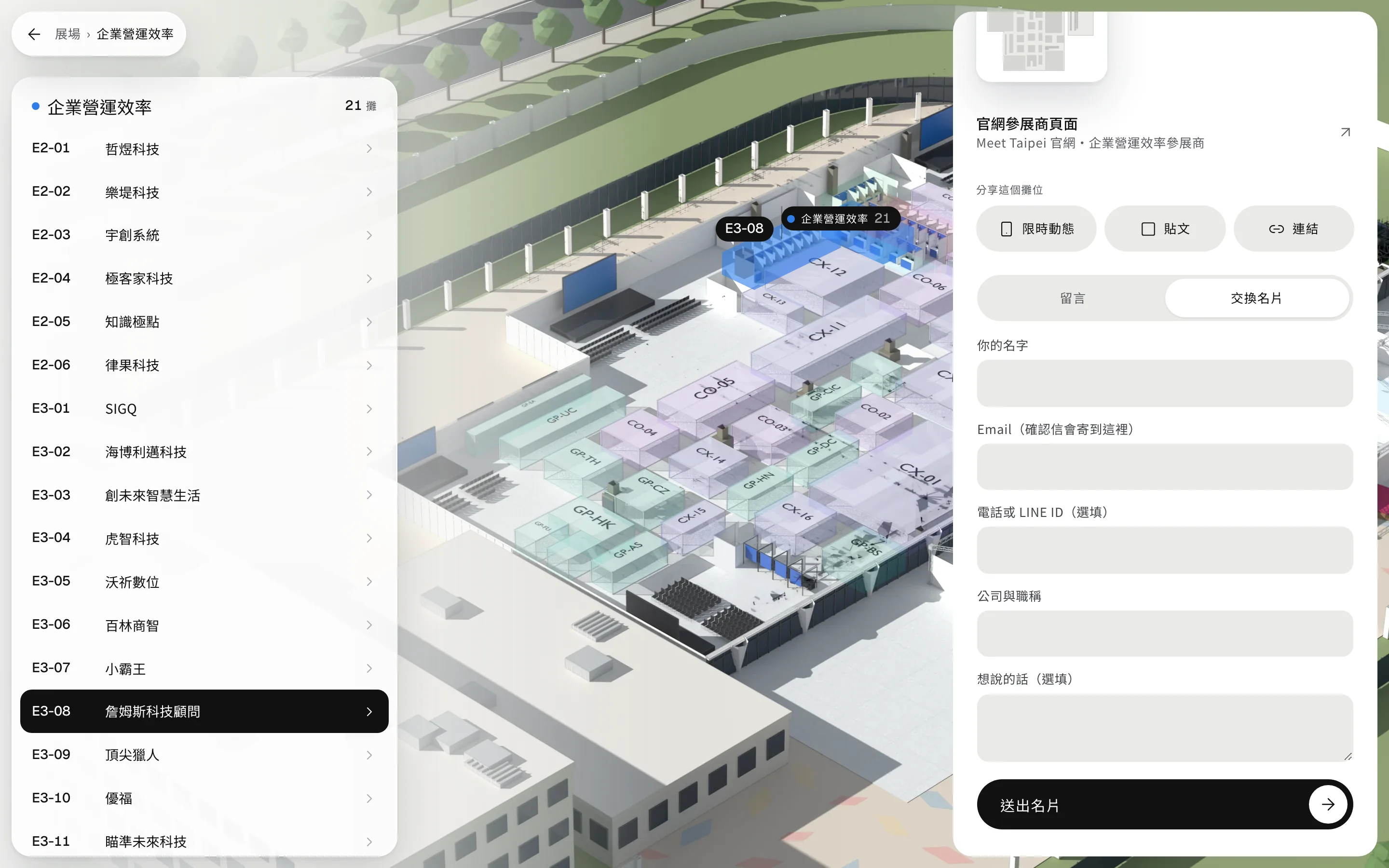
Every booth page lets visitors leave a message or their business card. If the exhibitor allows it, visitors can also book a meeting slot, and each slot takes only one booking. Once sent, exhibitors with a registered email get a notification, their replies go straight to the visitor's inbox, and the visitor gets a confirmation email.
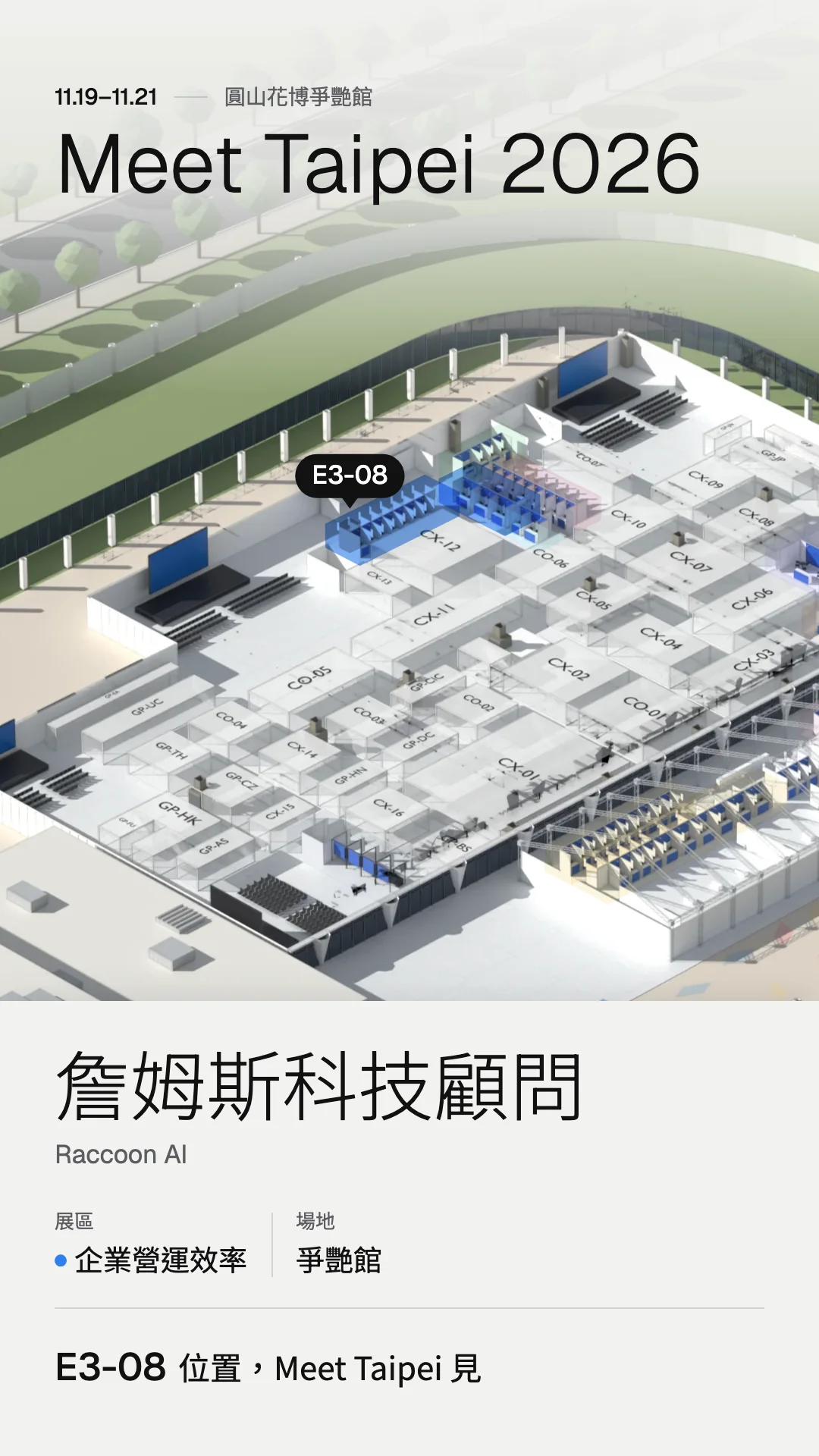
Every booth can generate share images sized for stories and posts, with the booth's location marked. Visitors can also copy the link.
05 · Admin
Exhibitor details are edited in a spreadsheet
Exhibitor details, messages and bookings are all stored in one Google Sheet. When a company name, description or website is changed there, the site updates within two minutes. Unchecking “Listed” hides that booth's details on the site.
Only invited members can open the sheet, so the names, emails and phone numbers visitors leave are never made public.