Food retail
eel so good
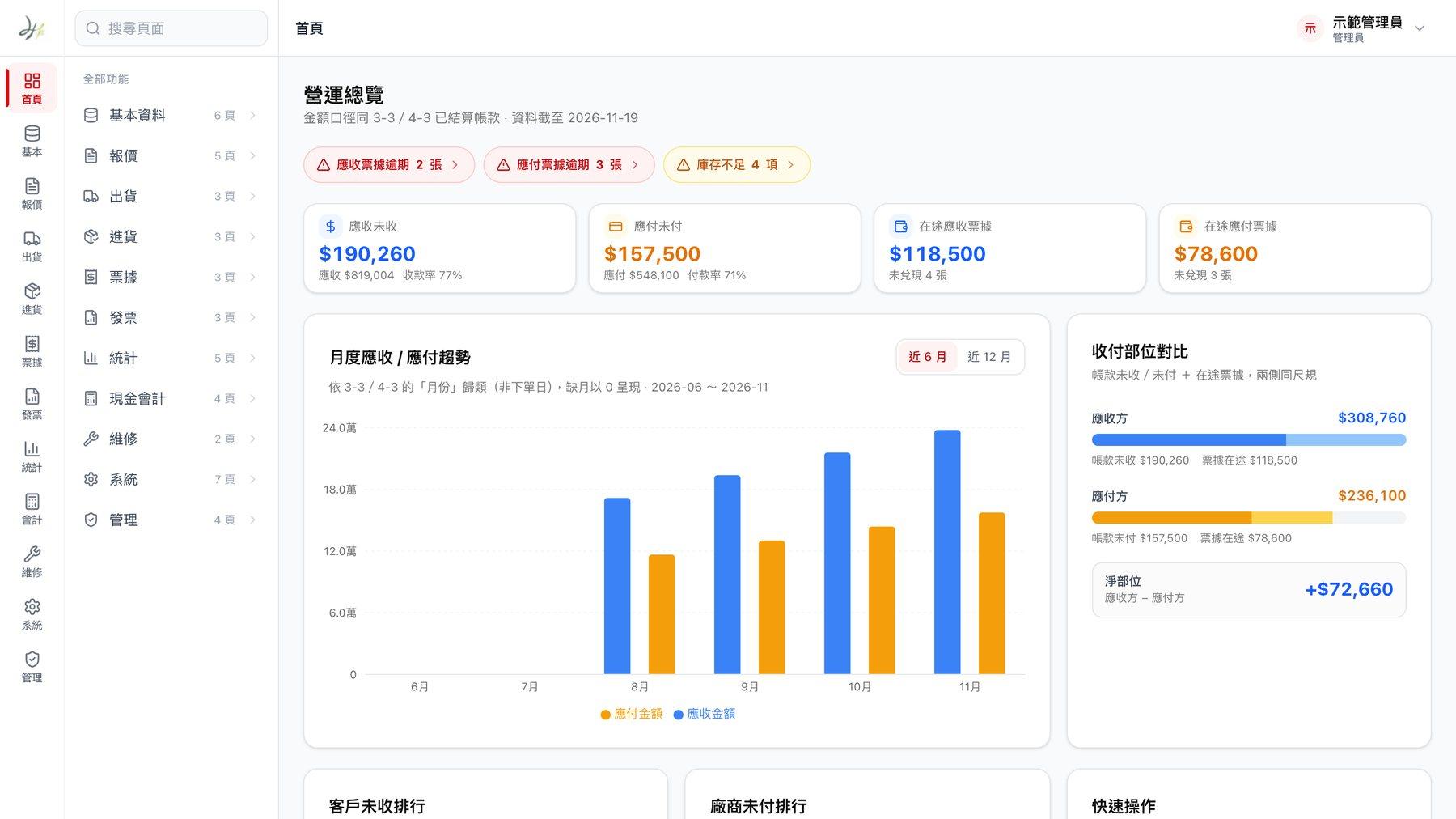
An online store and admin for an eel brand. It only takes bank transfers, and daily reconciliation doesn't miss an order.
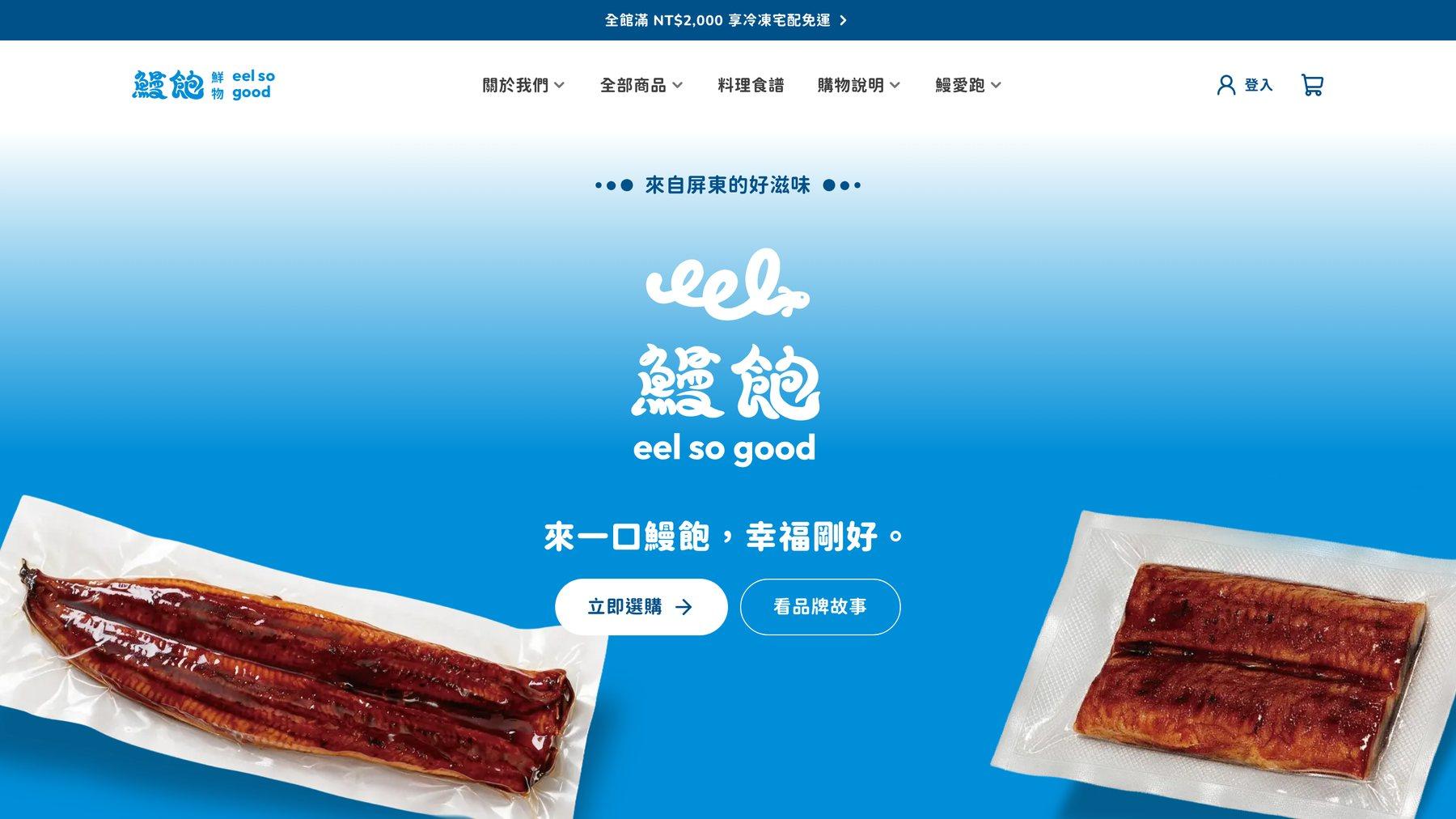
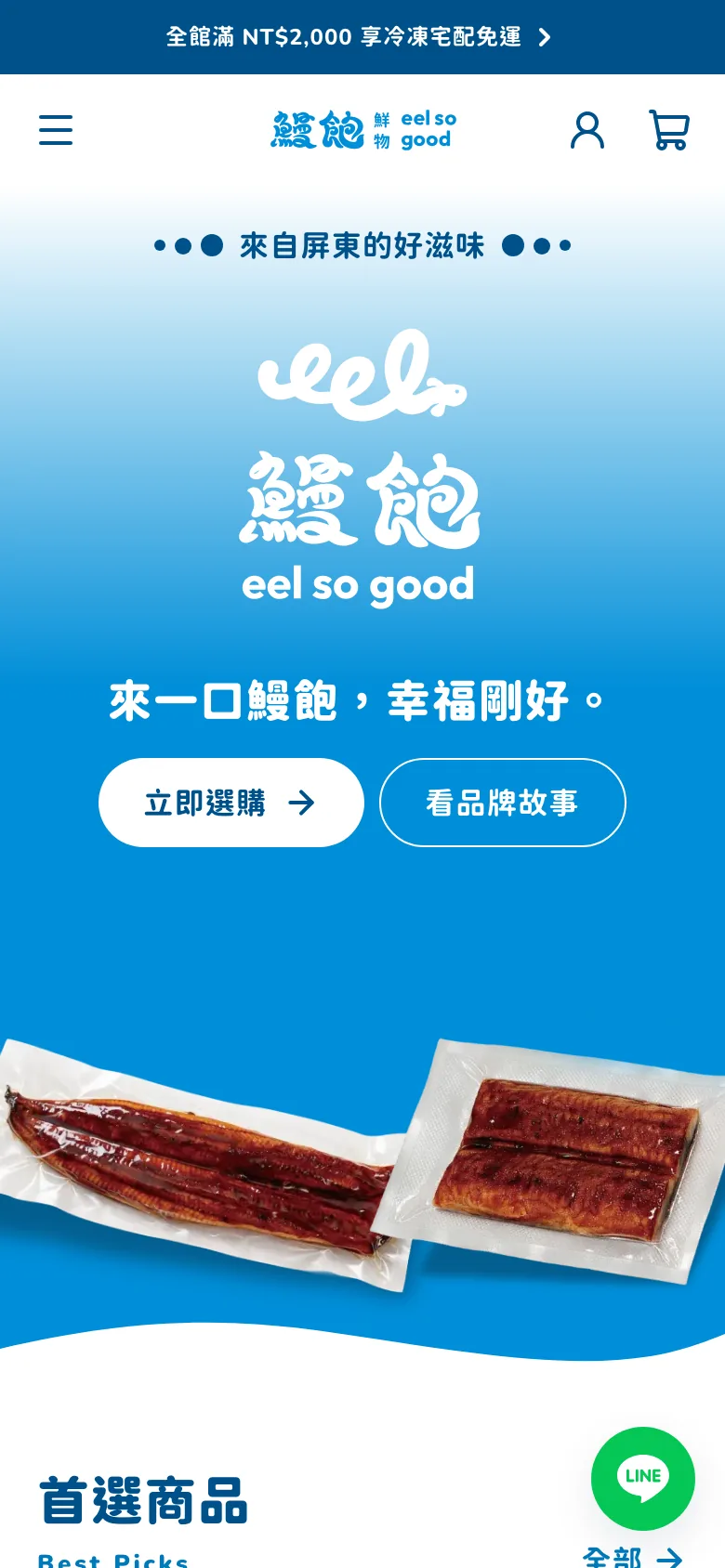
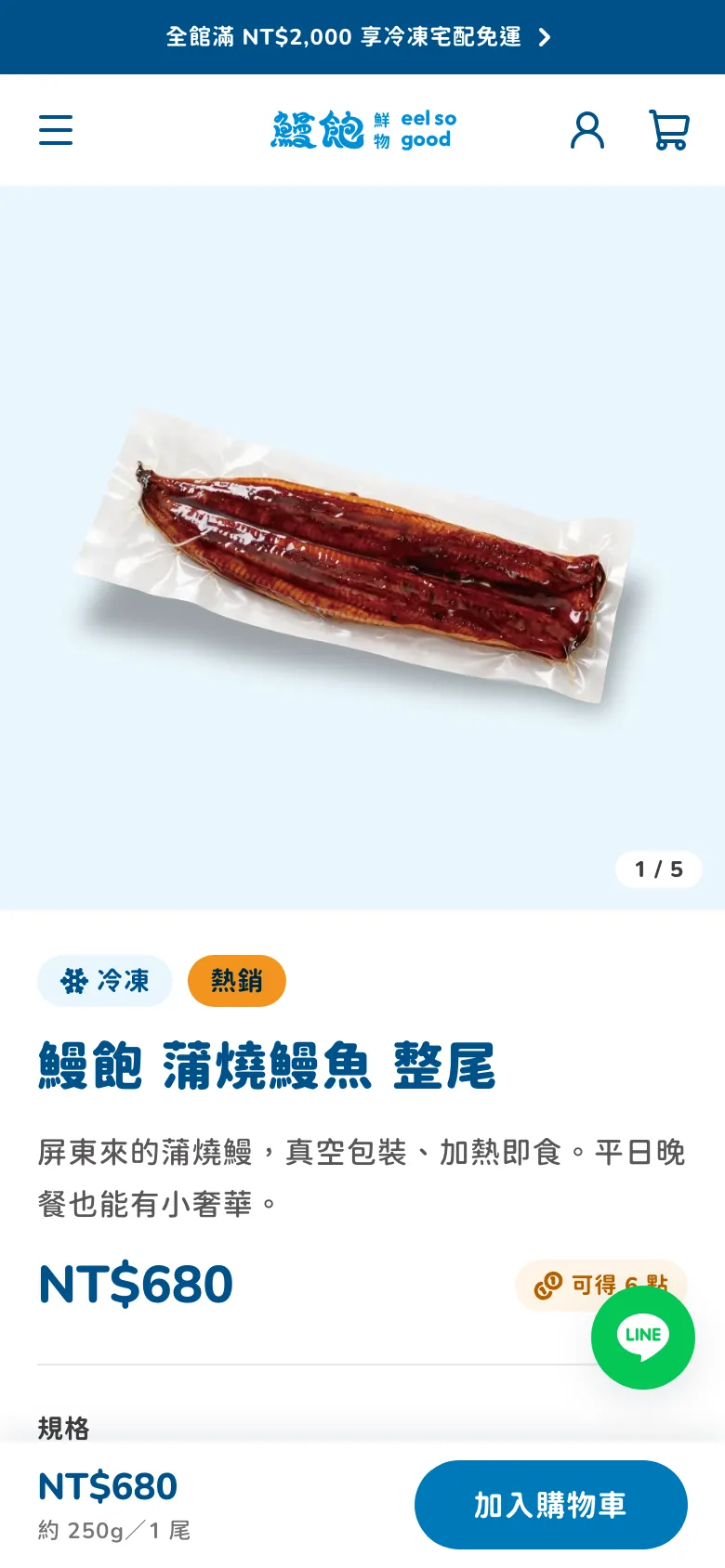
eel so good is an eel brand from Pingtung that wanted its own online store. We first drew every page as a design and went through it page by page with the brand, then built it to match. Customers buy on their phones on the website, and the brand takes orders, reconciles payments, and ships from the admin.
- Project type
- Brand online store and admin
- What we did
- Interface design, storefront website, admin system
- How customers pay
- Bank transfer, then enter the last five digits of the transfer account
- Devices
- Works on phones and computers, admin included
Project overview
The brand decided early on: take bank transfers only for now, send the invoice with the goods, and hand frozen home delivery to T-Cat (Black Cat). That let them start selling without waiting for a payment provider's review, but every payment has to be checked by a person. So the system focuses most on helping the people who reconcile and ship each day make fewer mistakes.
01 · Design
Every page reviewed before we started building
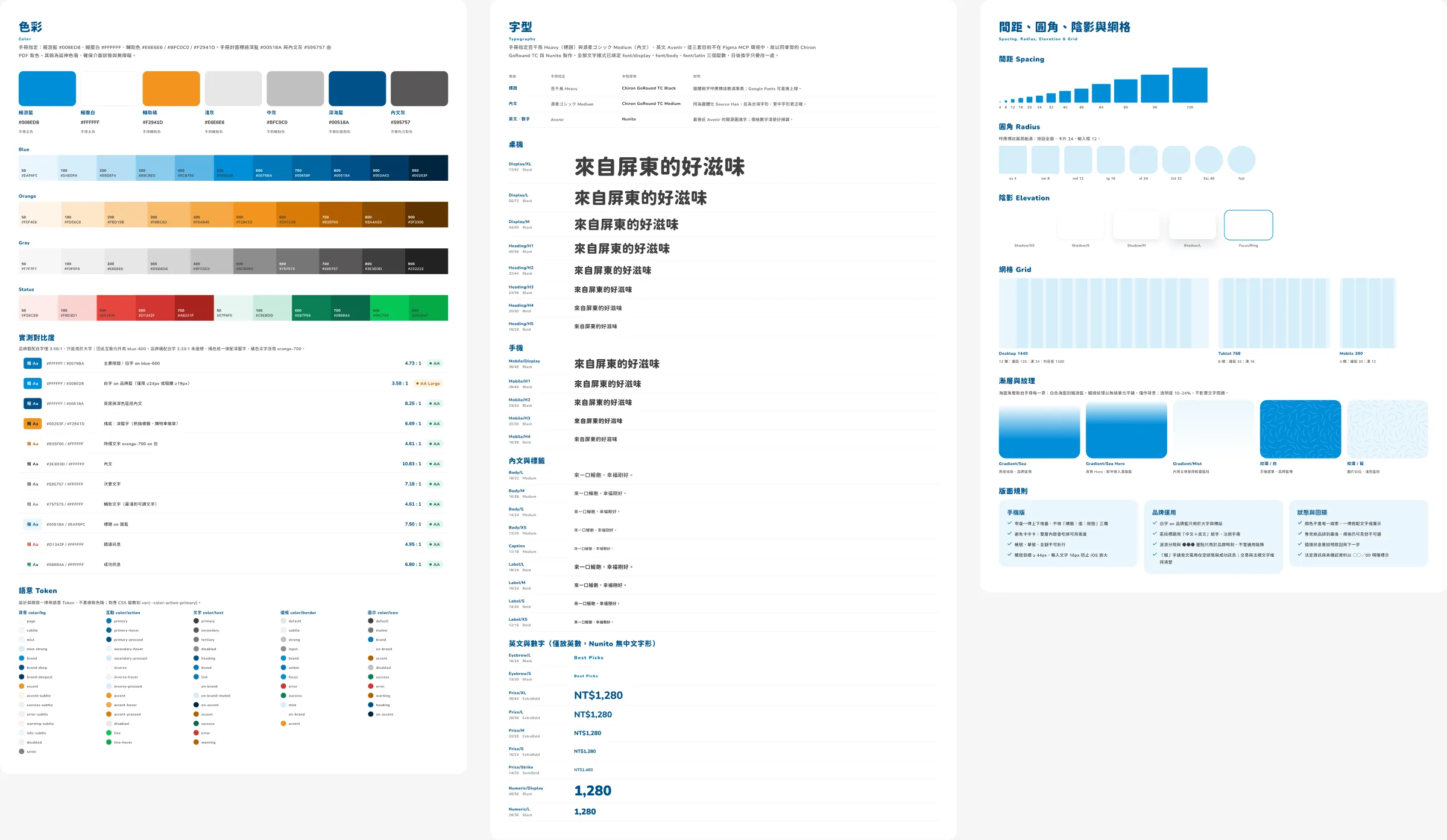
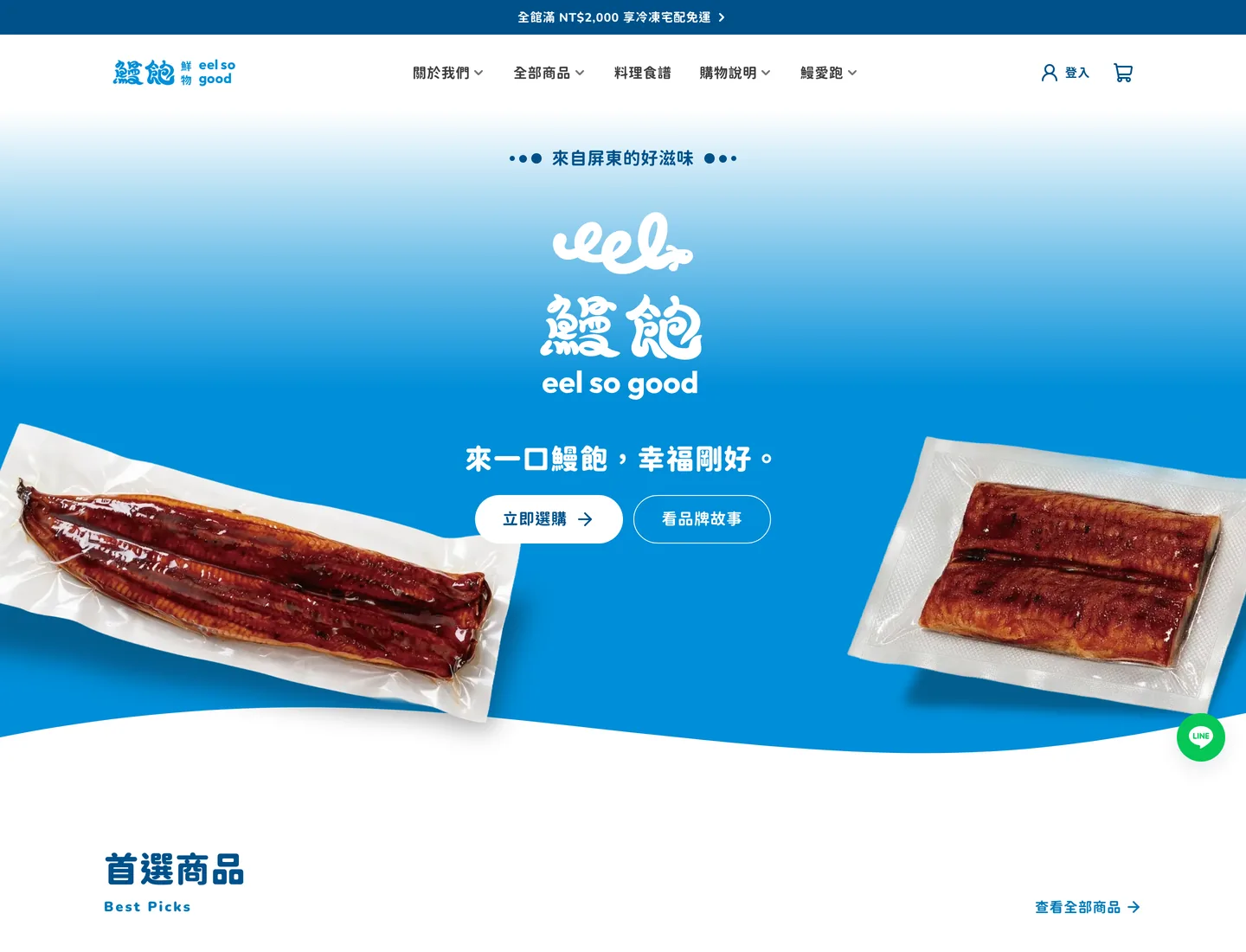
Before writing any code, we drew every store page and every admin screen, and even tested whether the text colors were clear enough on a phone. From the designs, the brand could see what the home page would look like, which fields checkout would ask for, and where to click in the admin to reconcile payments.
For information we didn't have yet, such as product specs and company details, we used “○○” placeholders in the designs and swapped in the real data later.
02 · Build
What we built is the version they approved
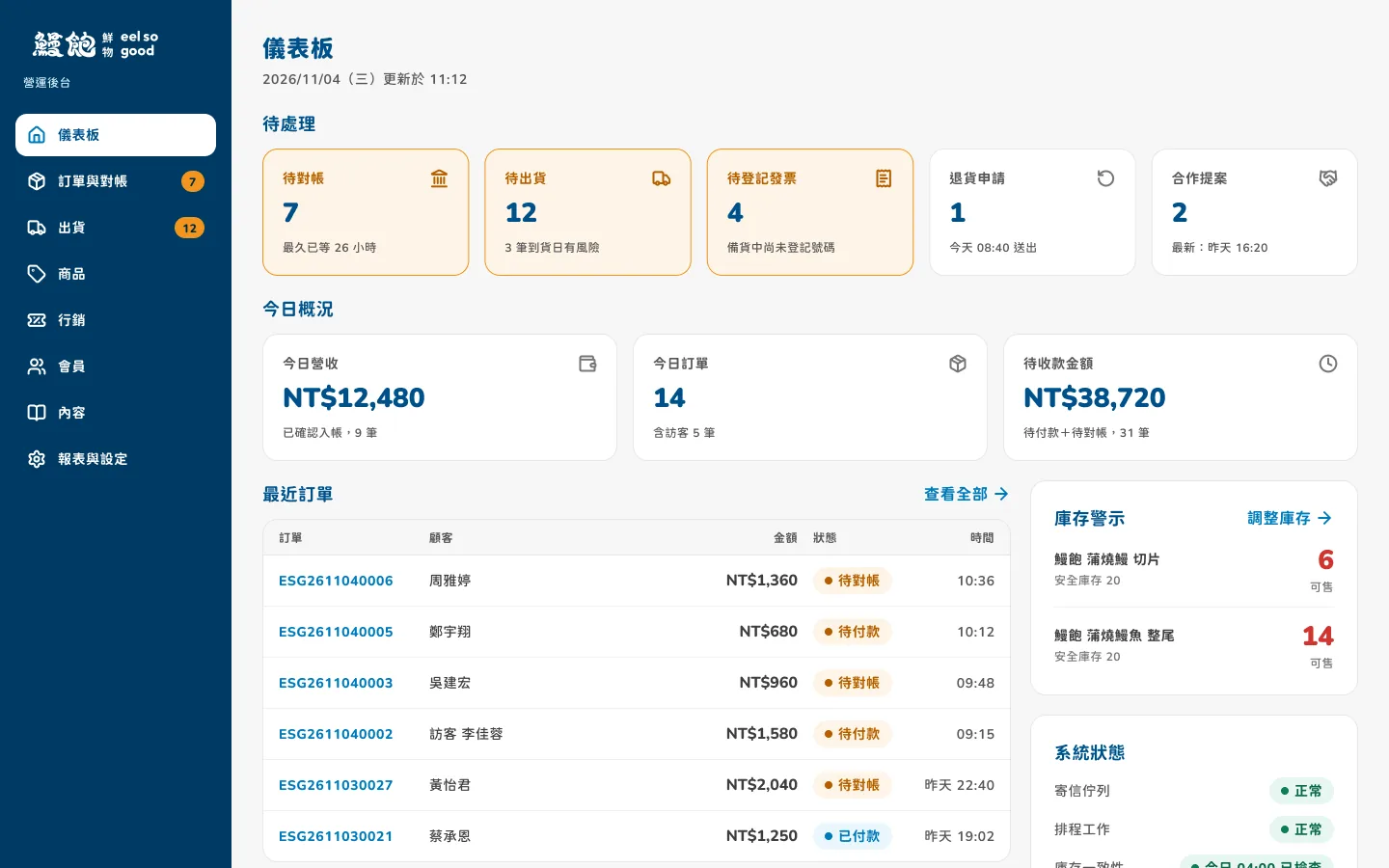
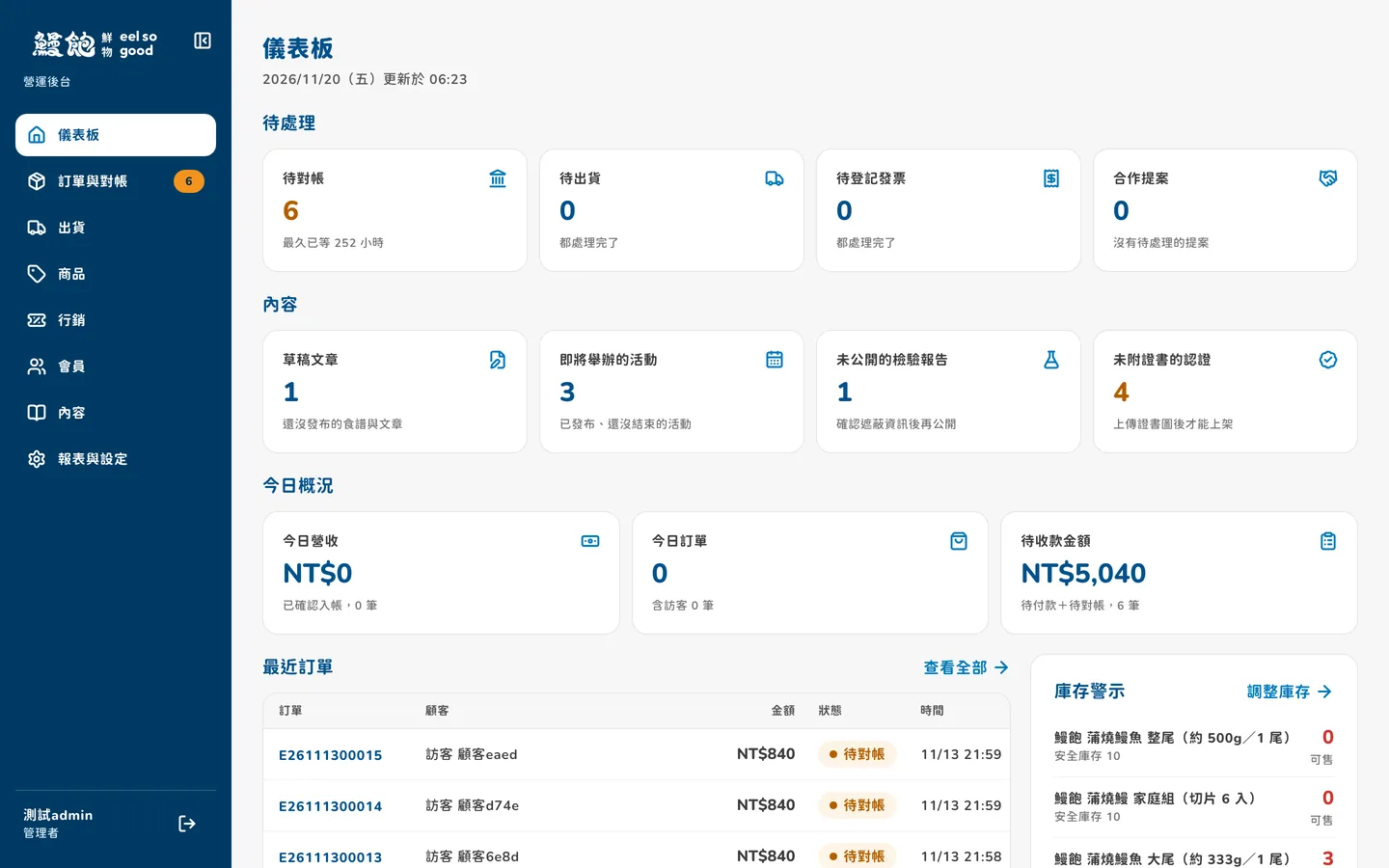
Many websites end up quite different from the approved design once they go live. This time, the colors and font sizes in the design are wired directly into the code. To change a color later, you change it in the design, and the website follows.
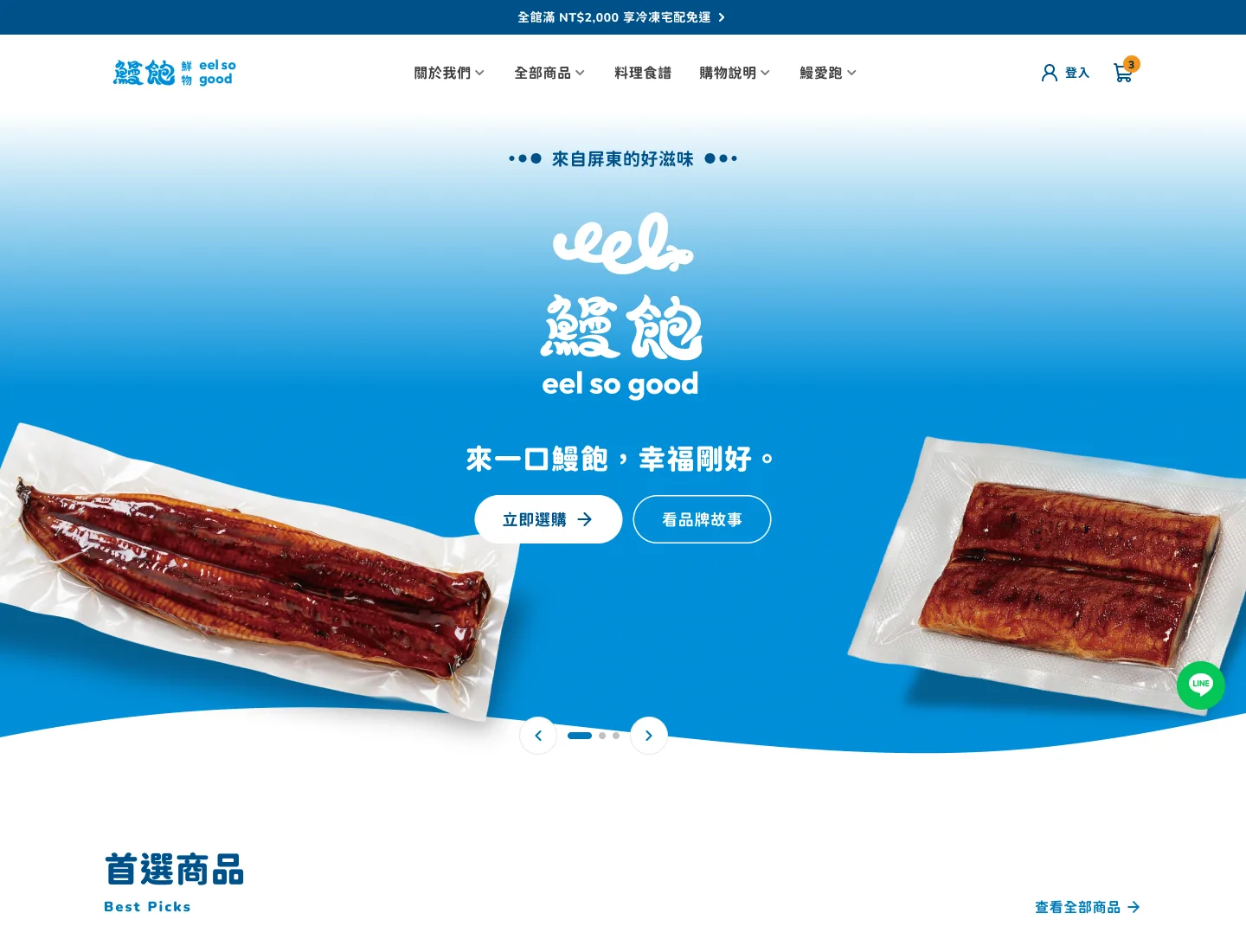
Below, the design is on the left and the built screen is on the right.
03 · Reconciliation
Each day, open the admin and check the longest-waiting order first
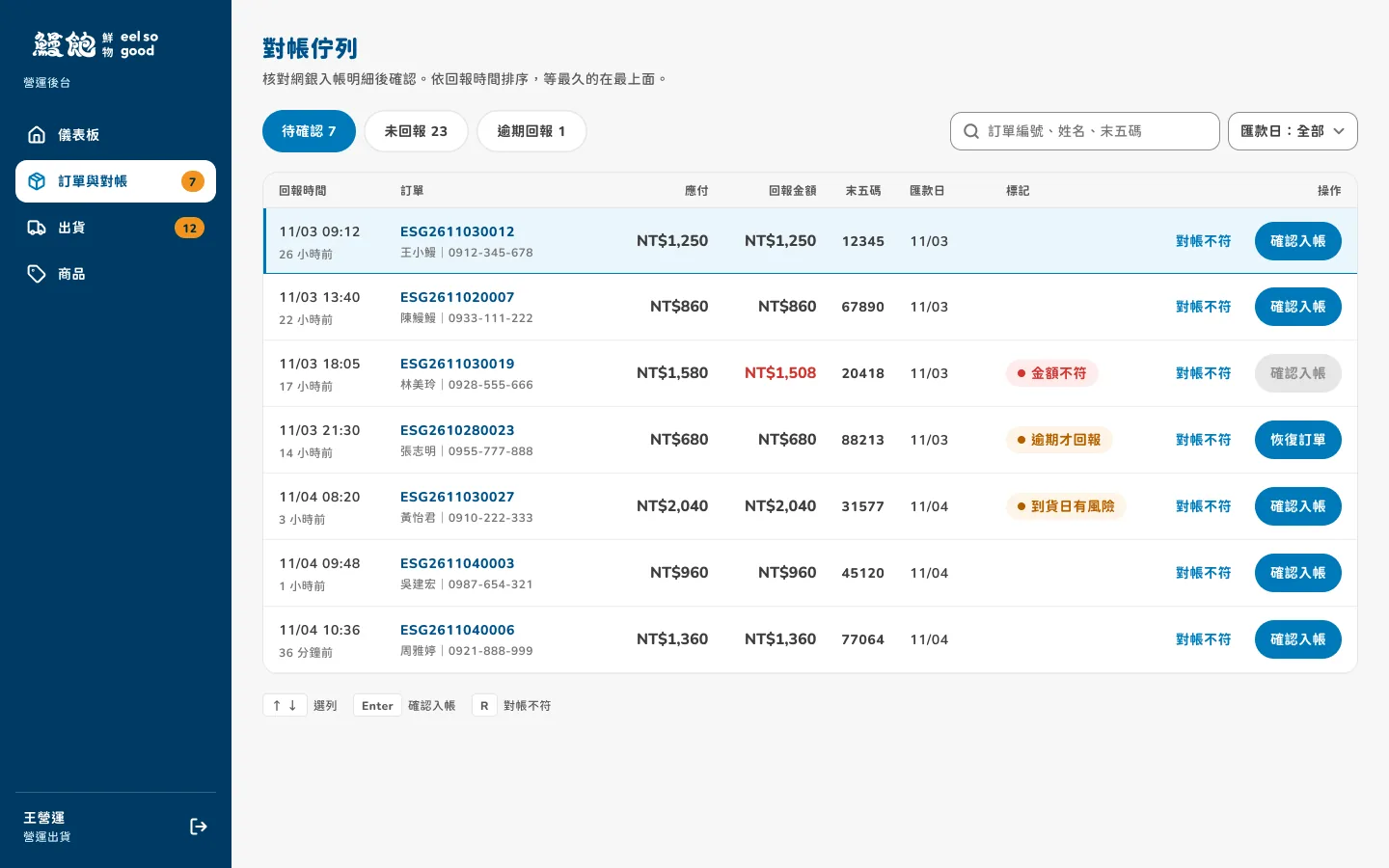
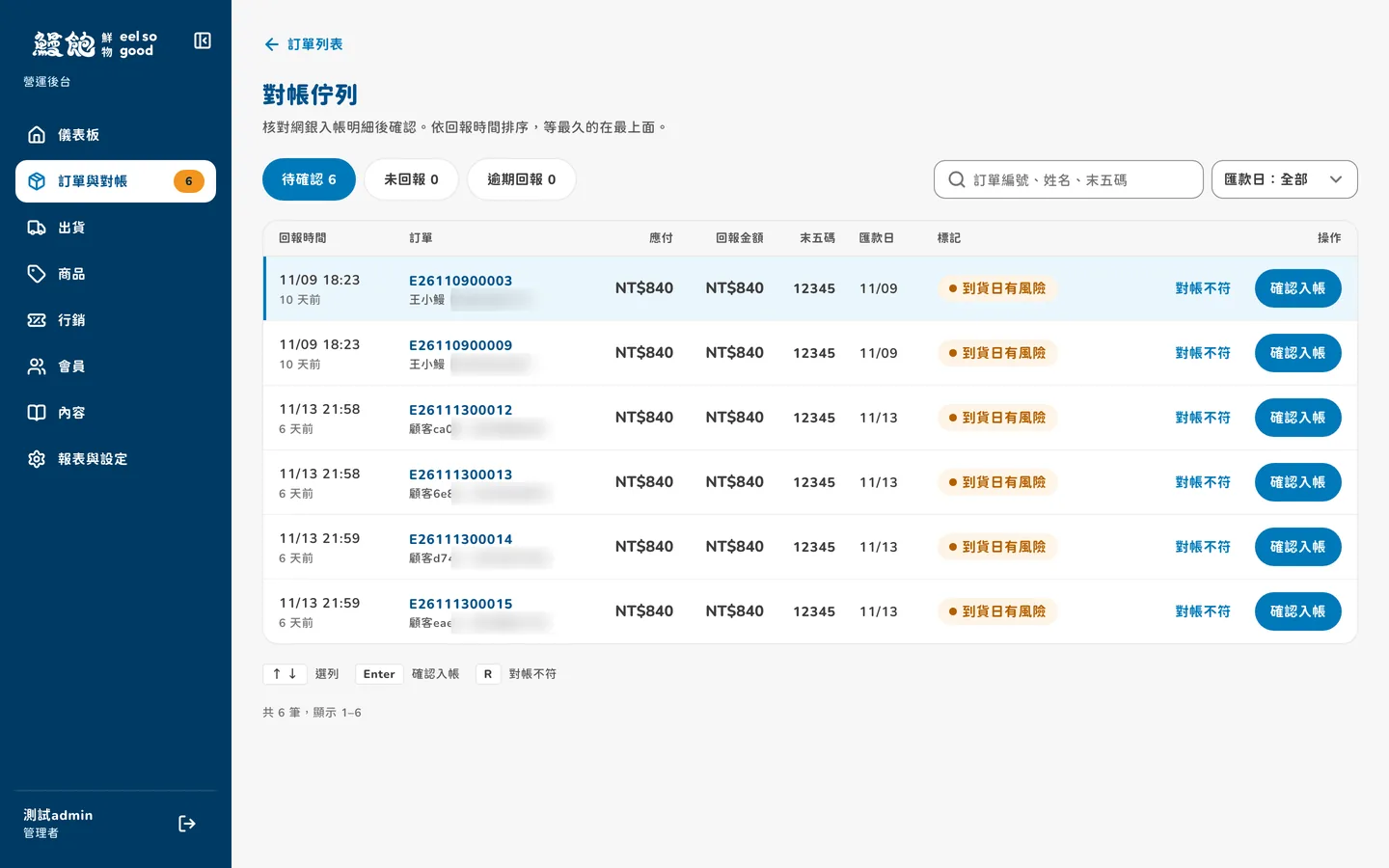
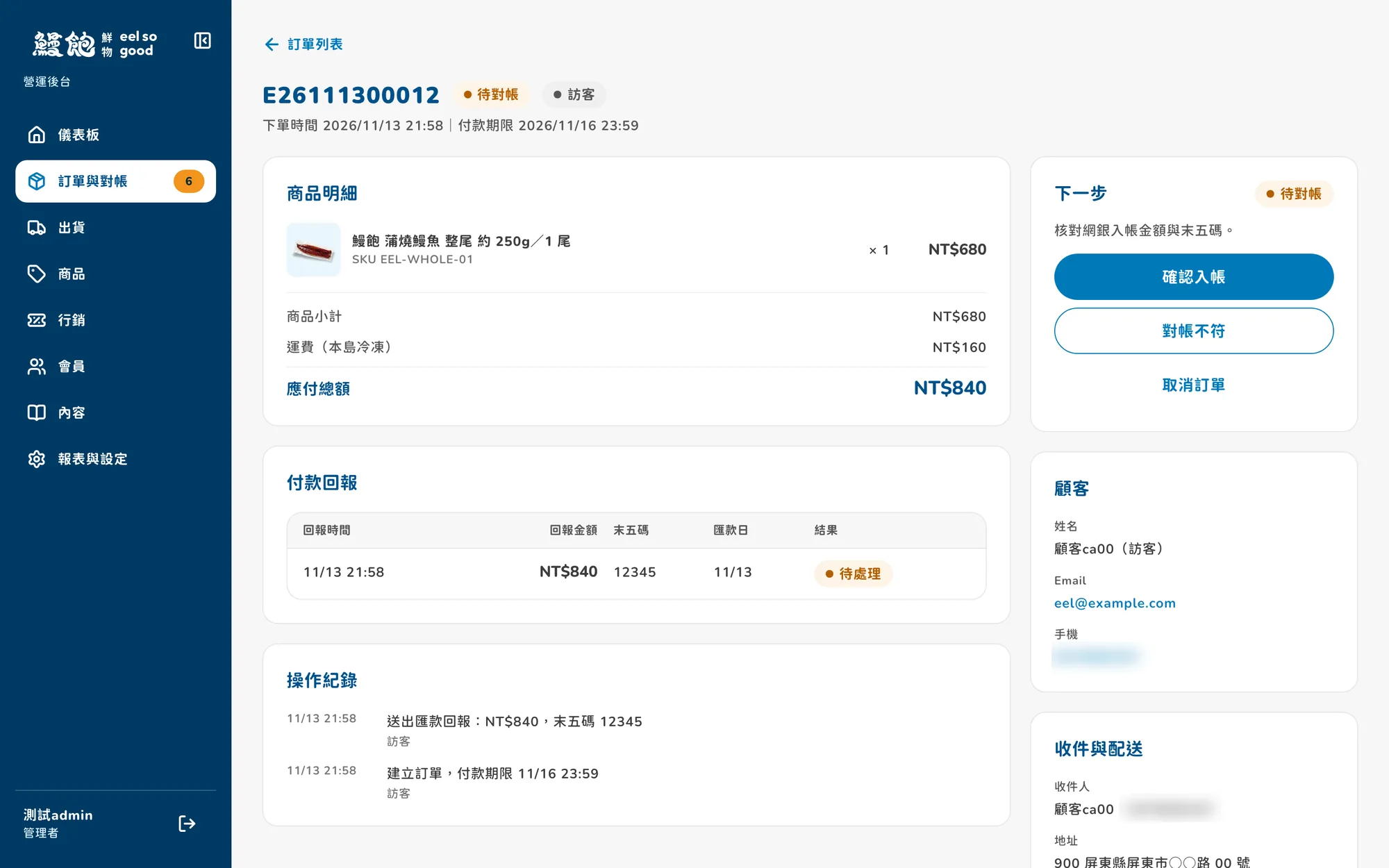
After paying, the customer returns to the order page and enters the last five digits of their account. The brand opens the reconciliation page, where the order that has waited longest sits at the top. They compare the amount and the last five digits with their online banking statement, then click “Confirm payment” if they match or “Payment mismatch” if they don't.
If the customer's requested delivery date is getting close, the order gets an orange tag as a reminder to handle it first. Inside an order, the top-right corner lists only the actions available right now. Orders that haven't been paid don't show a ship button.
04 · Admin
The brand edits the store's content itself
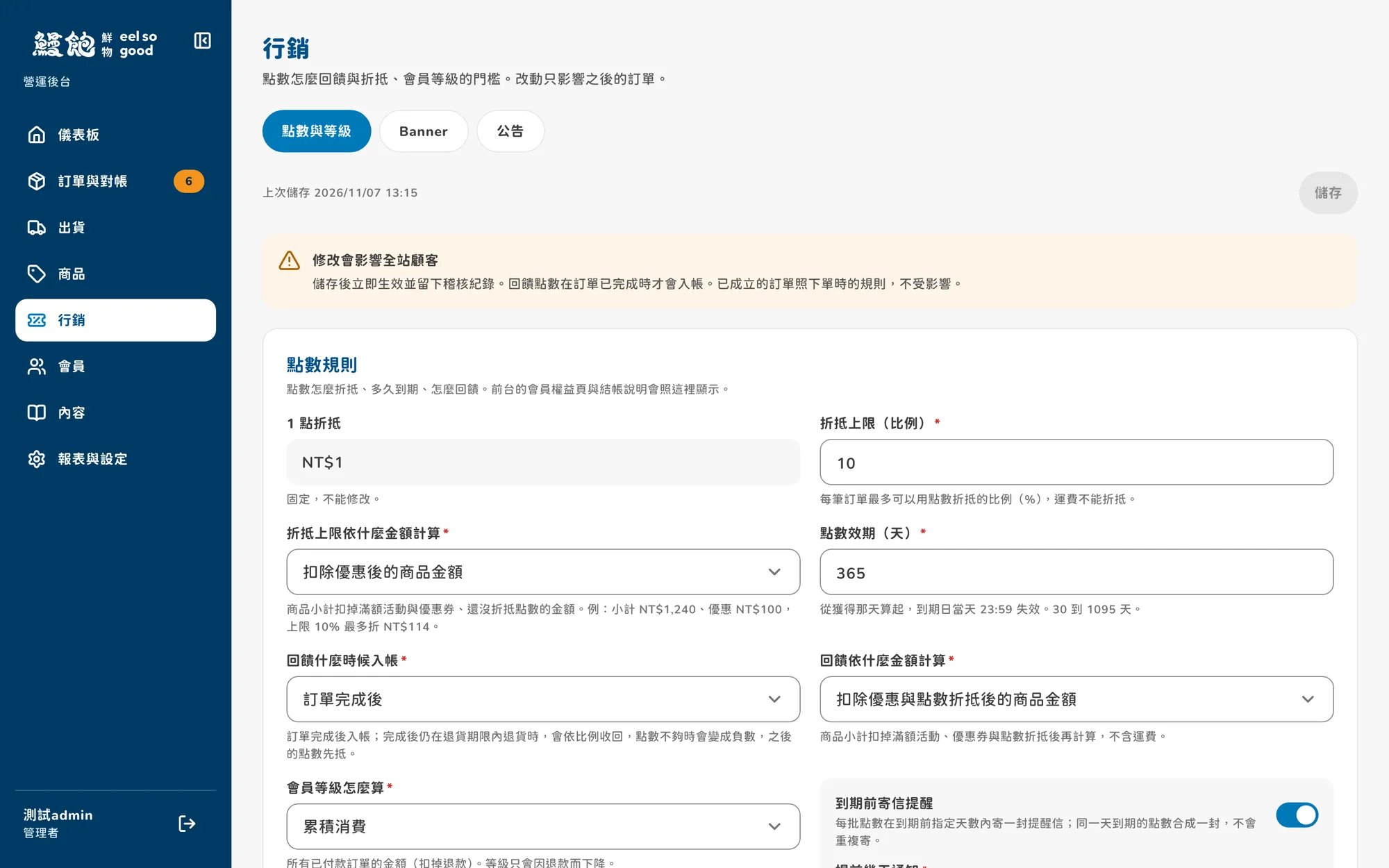
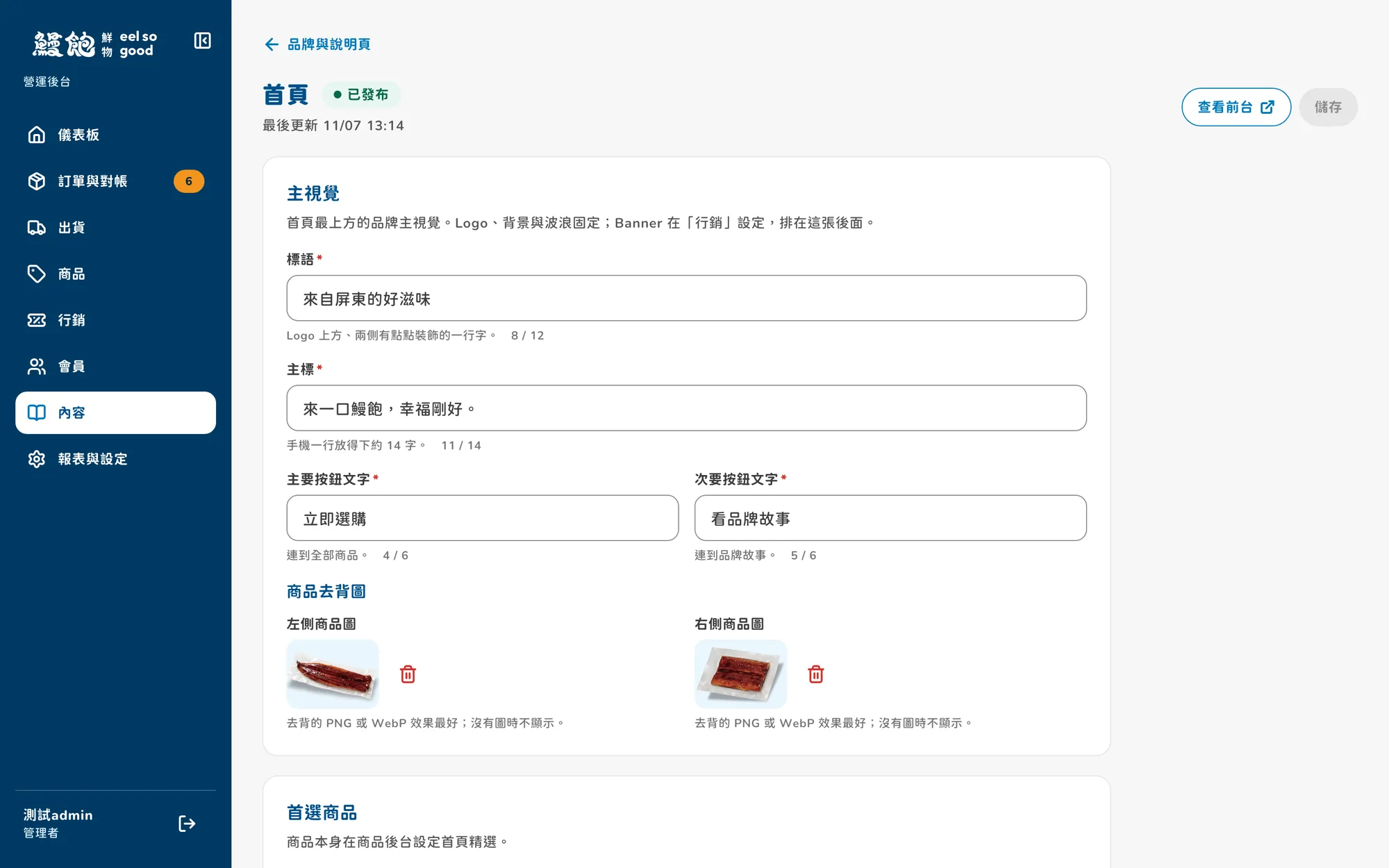
The home page banner text, announcements, shipping fees, and member points rules are all edited in the admin. When shipping staff and customer service log in, they only see the pages they use.
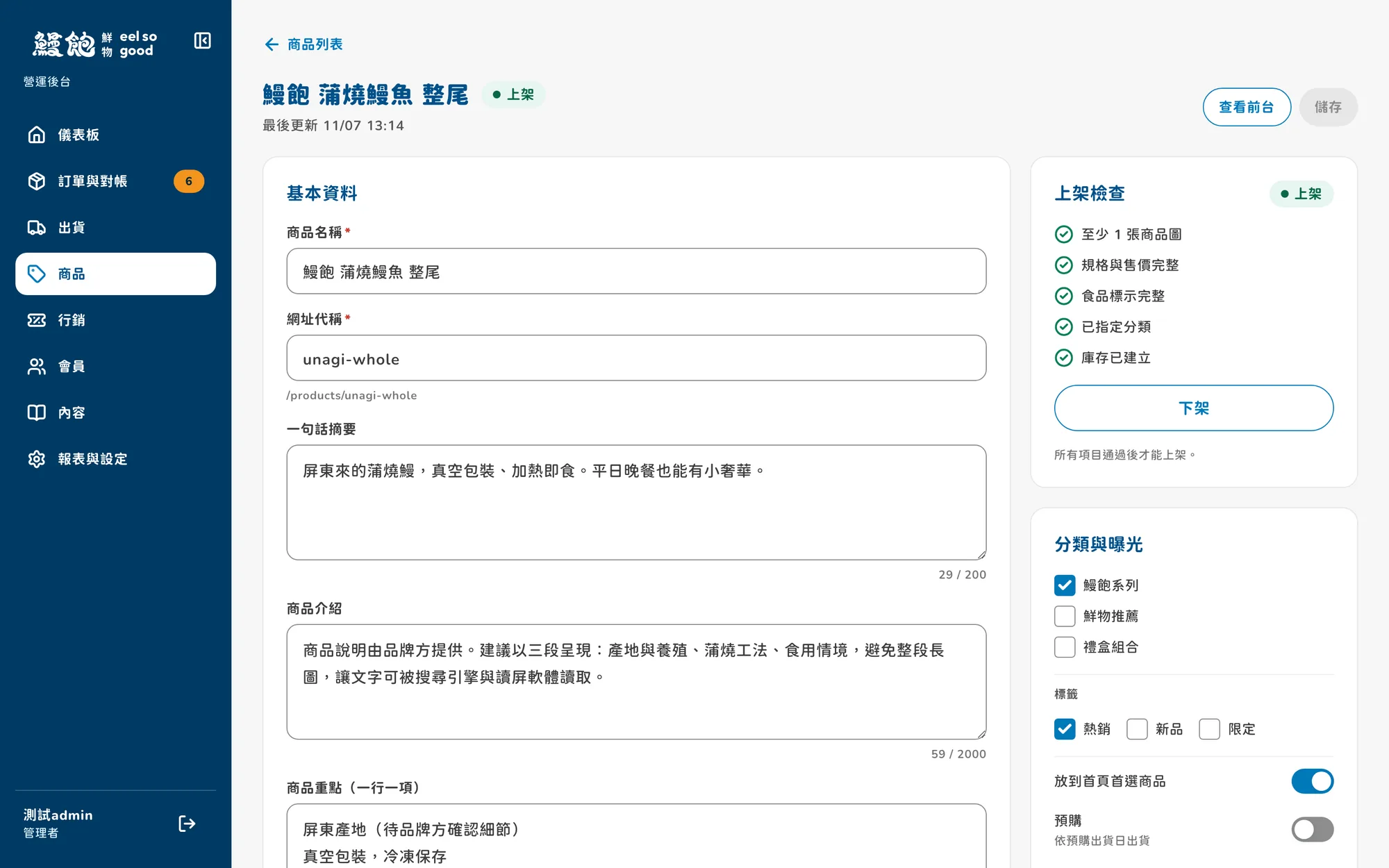
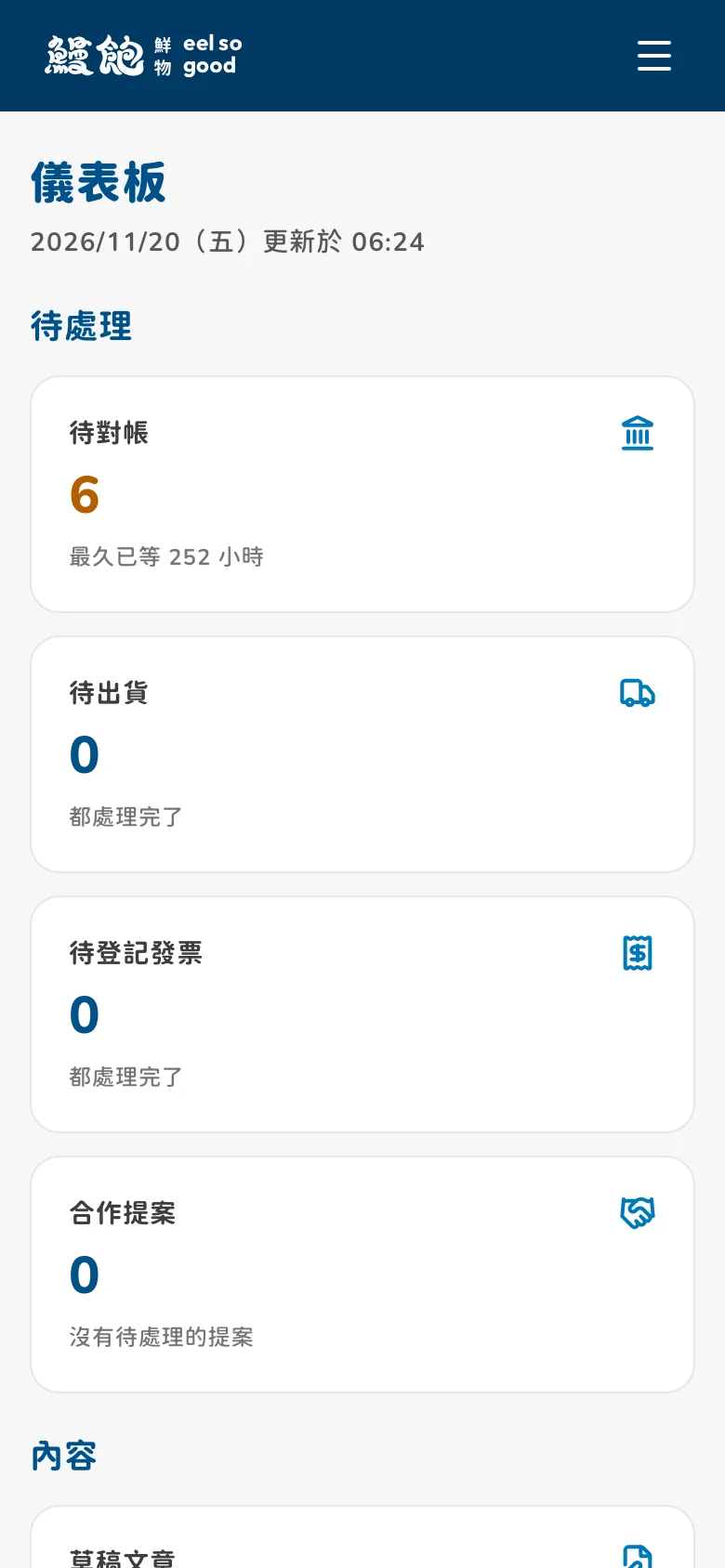
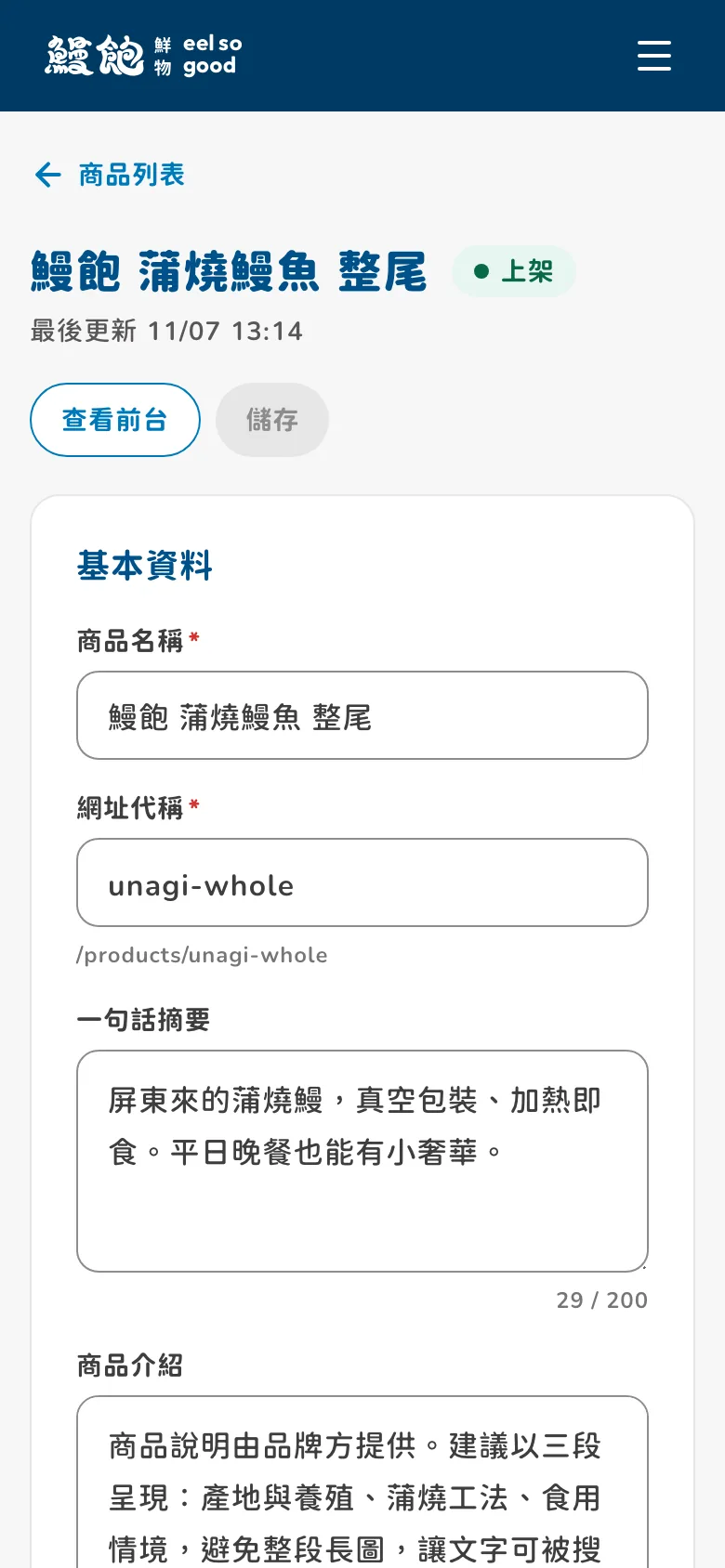
When listing a product, the system won't publish it until the photos, price, and food labeling are filled in, so customers never see a half-finished listing. The admin also opens on a phone, so you can check how many payments need reconciling today while you're out.
05 · Inventory
The last box won't be sold to two people
When two customers try to buy the last box at the same time, only one order goes through, so the store never sells stock the warehouse doesn't have. Each order records the price at the time of purchase, so later price changes don't affect the amounts on past orders.
Bank account numbers that customers enter for refunds are stored encrypted and deleted automatically once the refund is complete.
06 · Storefront
No sign-up: three steps to buy on a phone
Customers don't need to register first. They enter shipping details, choose a payment method, and confirm the order, and that's it. The confirmation page shows the bank account for the transfer, and after paying they come back to enter the last five digits.
Many people arrive through links in LINE. LINE's in-app browser often can't sign in with Google, so the site prompts them to open it in their phone's browser instead.