Hardware wholesale
Henghong Hardware
An inventory and accounting system for a hardware wholesaler. Quotes, shipments, payments and invoices carry forward from one document to the next.
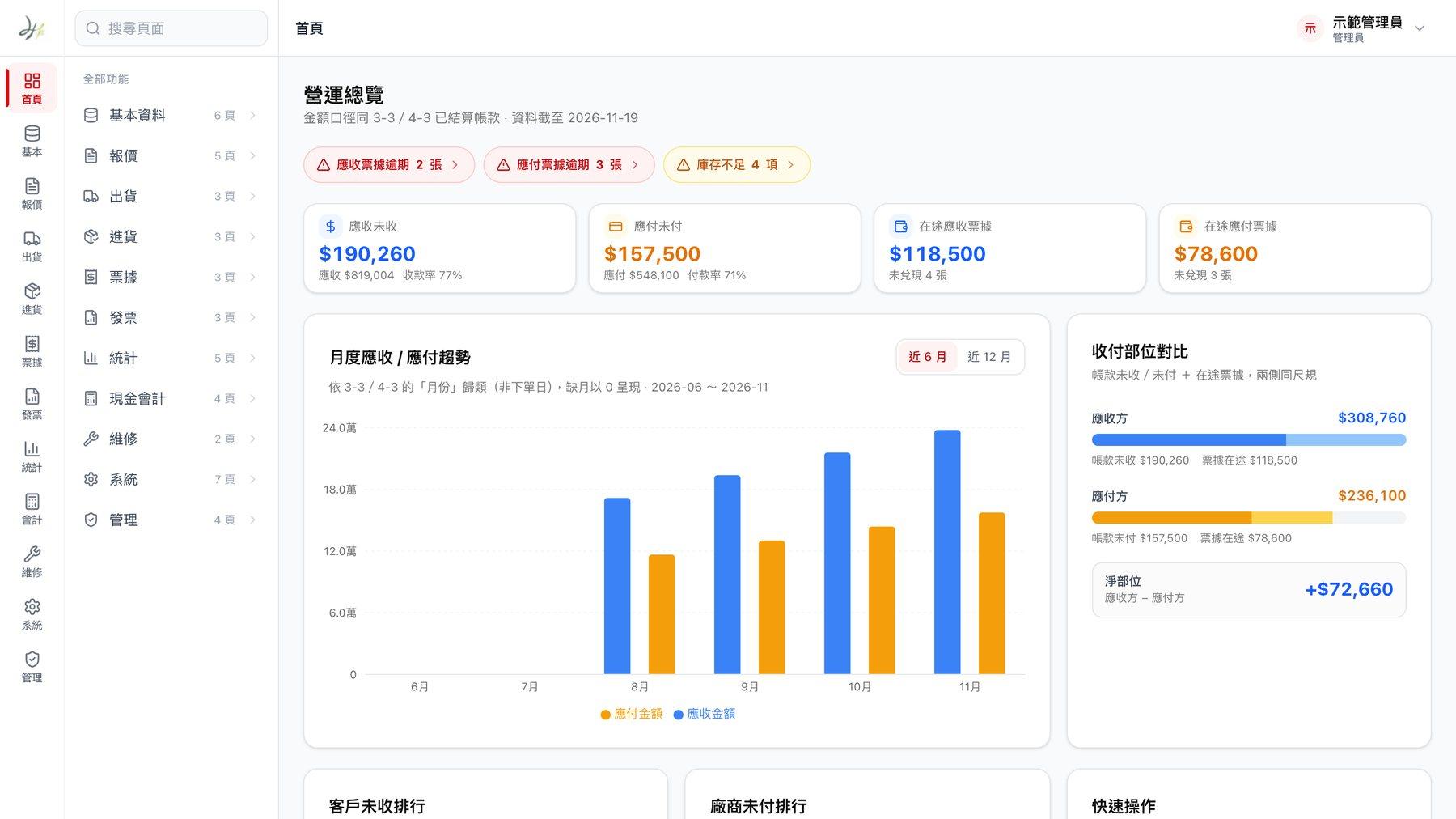
Henghong Hardware is a hardware wholesaler. Every day it sends quotes, takes orders, ships goods and collects payments, and it also has checks and invoices to manage. We built them an inventory and accounting system that runs in the browser, covering everything from the first quote to month-end closing in one place.
- Project type
- Cloud inventory and accounting system
- What we did
- Process planning, interface design, system development
- Who uses it
- Admins and staff, with permissions set item by item
- How it’s used
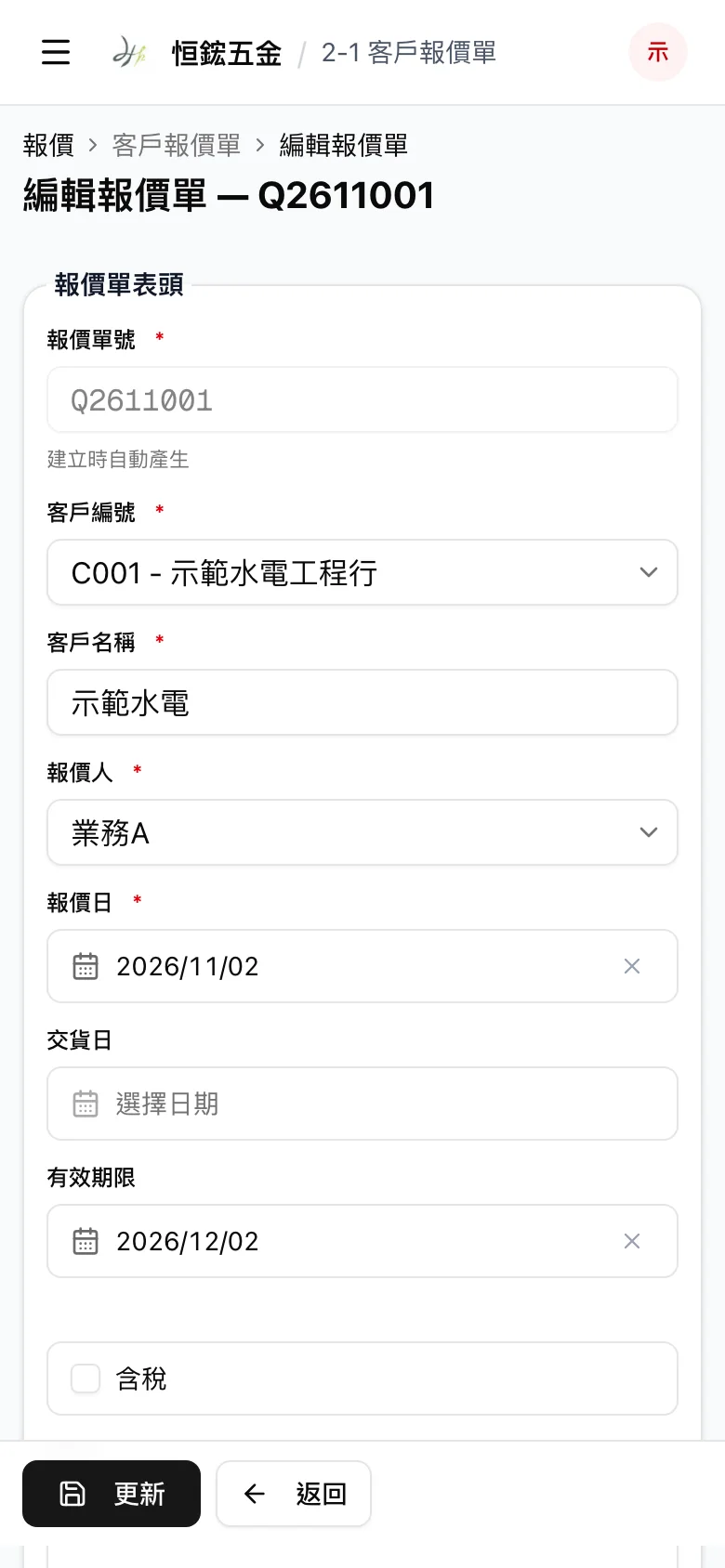
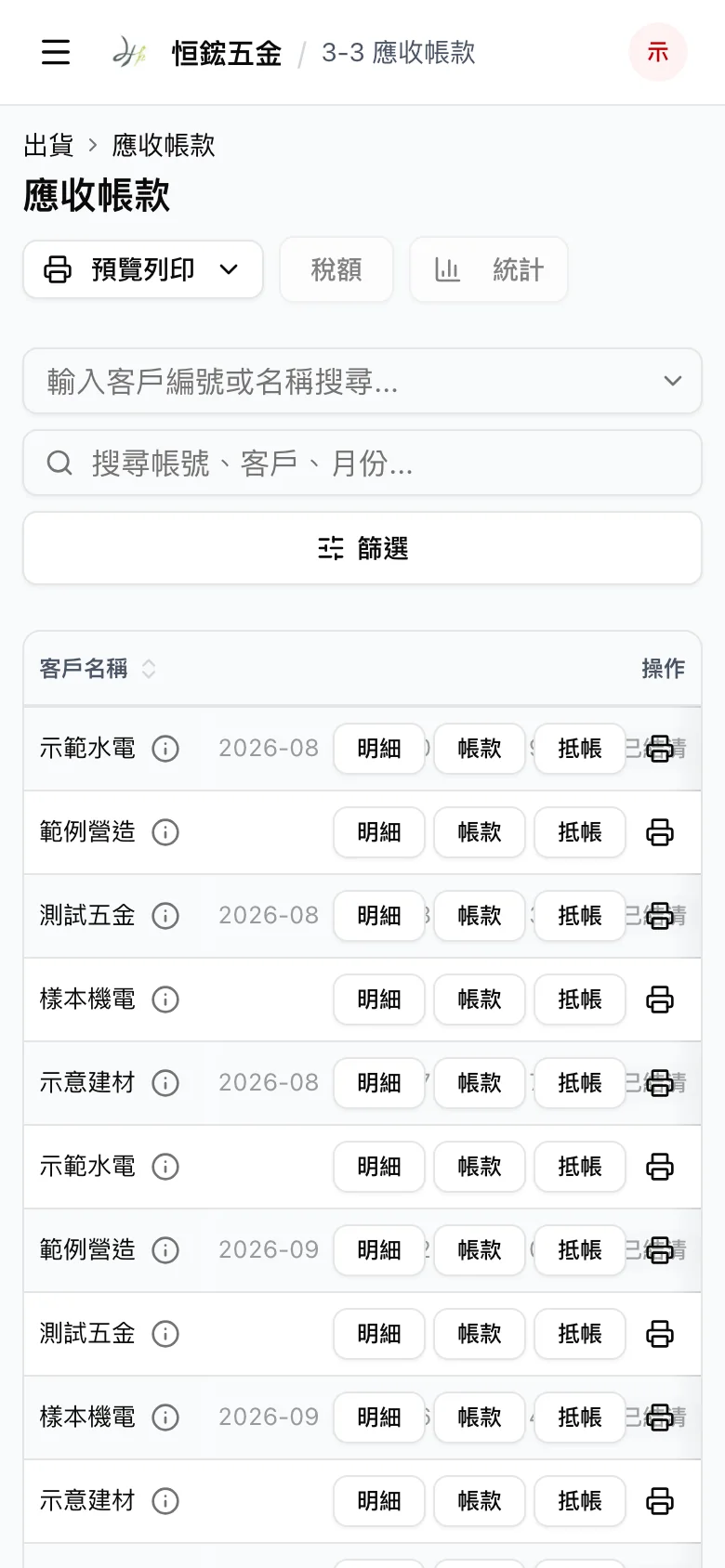
- In a browser on a computer or phone
Project overview
Quotes, orders and delivery notes used to be typed up separately, with the same items and quantities copied several times, and at month-end the team went through them one by one to reconcile. When checks were due and how much each customer still owed also depended on people remembering. The system passes documents along from one step to the next, settles accounts on its own, and lists what needs attention right on the home screen.
01 · Documents
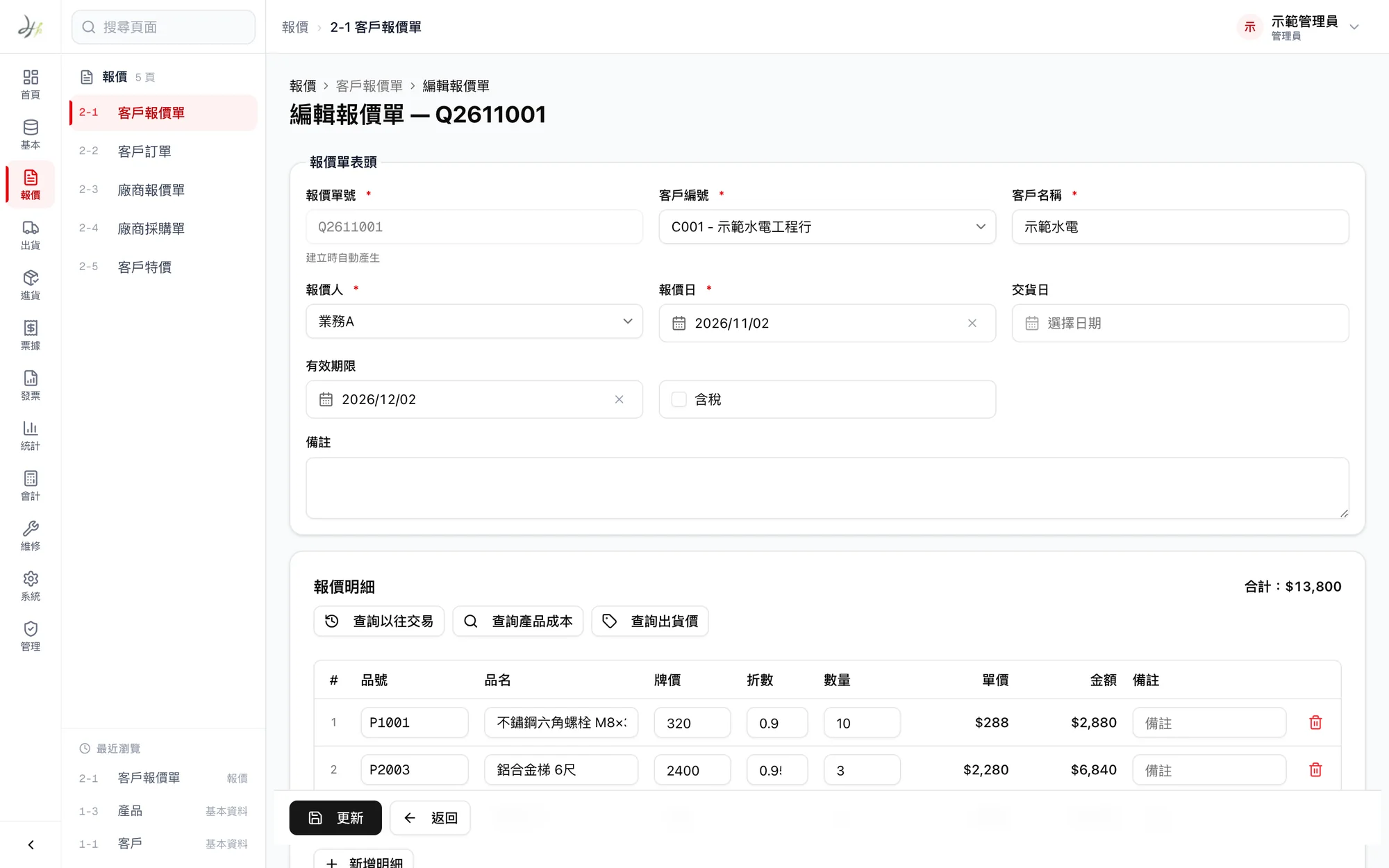
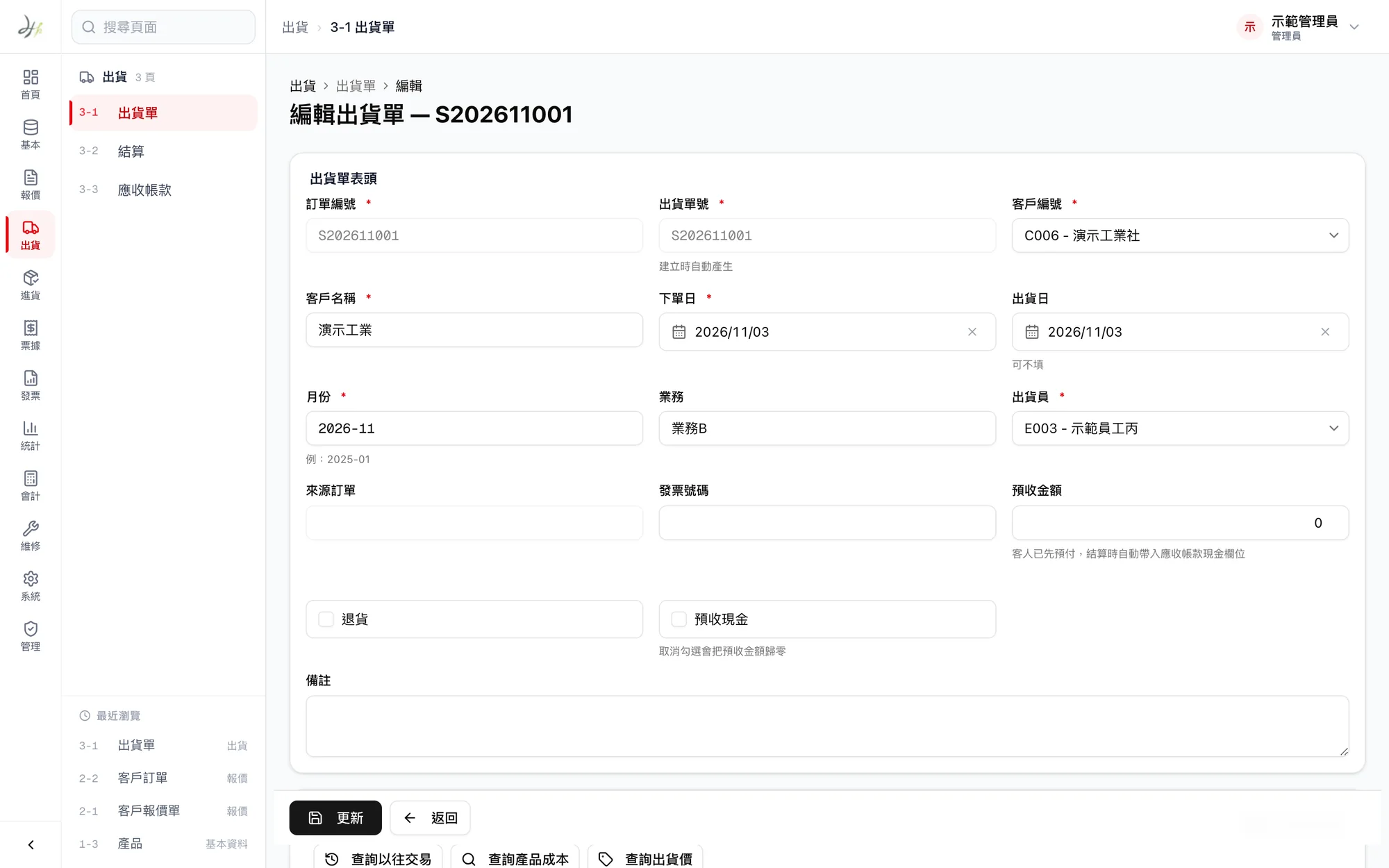
One click turns a quote into an order, then a delivery note
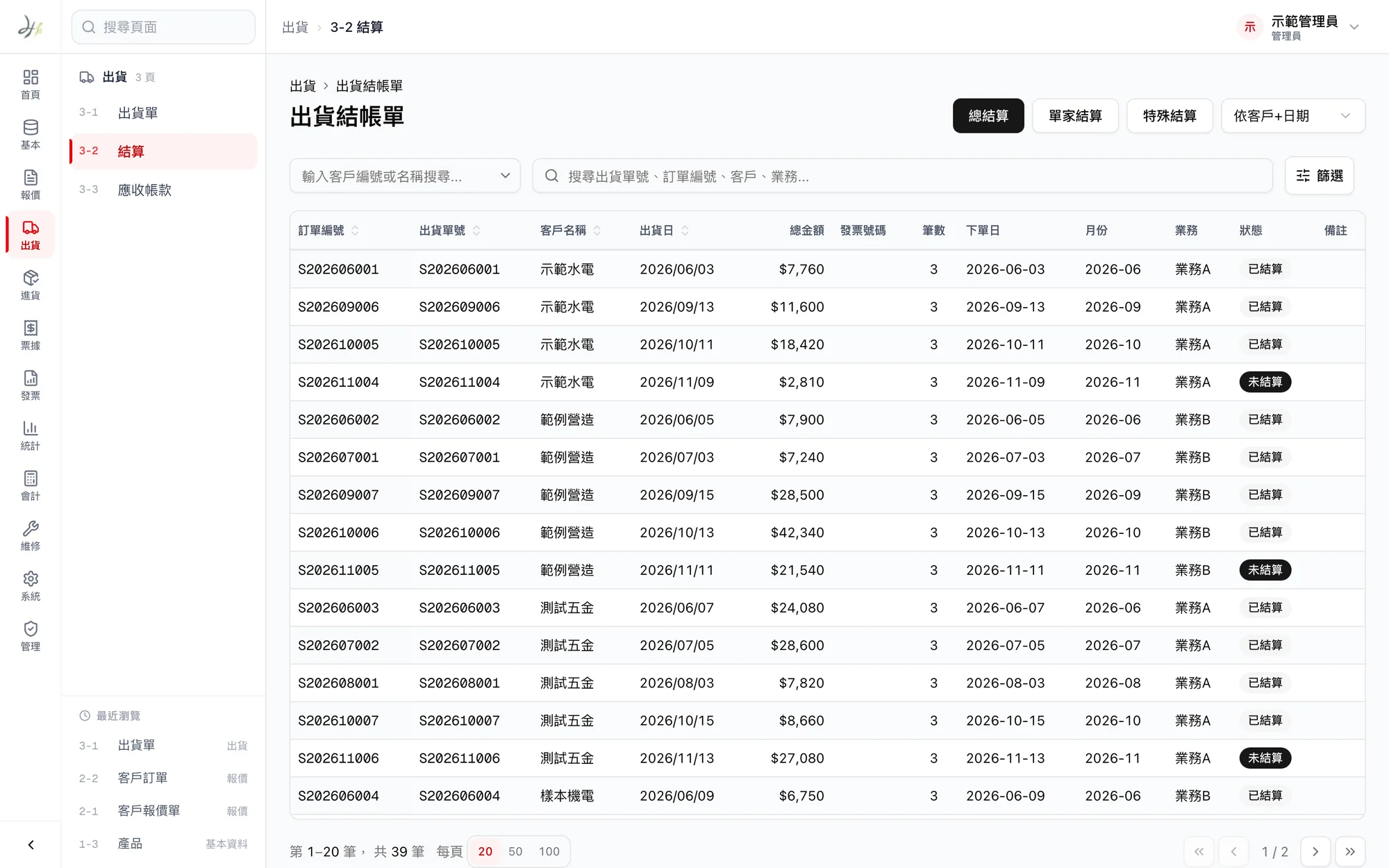
A customer quote converts directly into an order, and the order into a delivery note, which can ship in several batches. Items, quantities and prices carry forward, so nothing is typed twice.
Purchasing works the same way: supplier quote, purchase order, goods received, and stock goes up automatically once goods arrive. If the quantity on a delivery note changes, the “shipped so far” figure on the order is recalculated too.
02 · Accounts
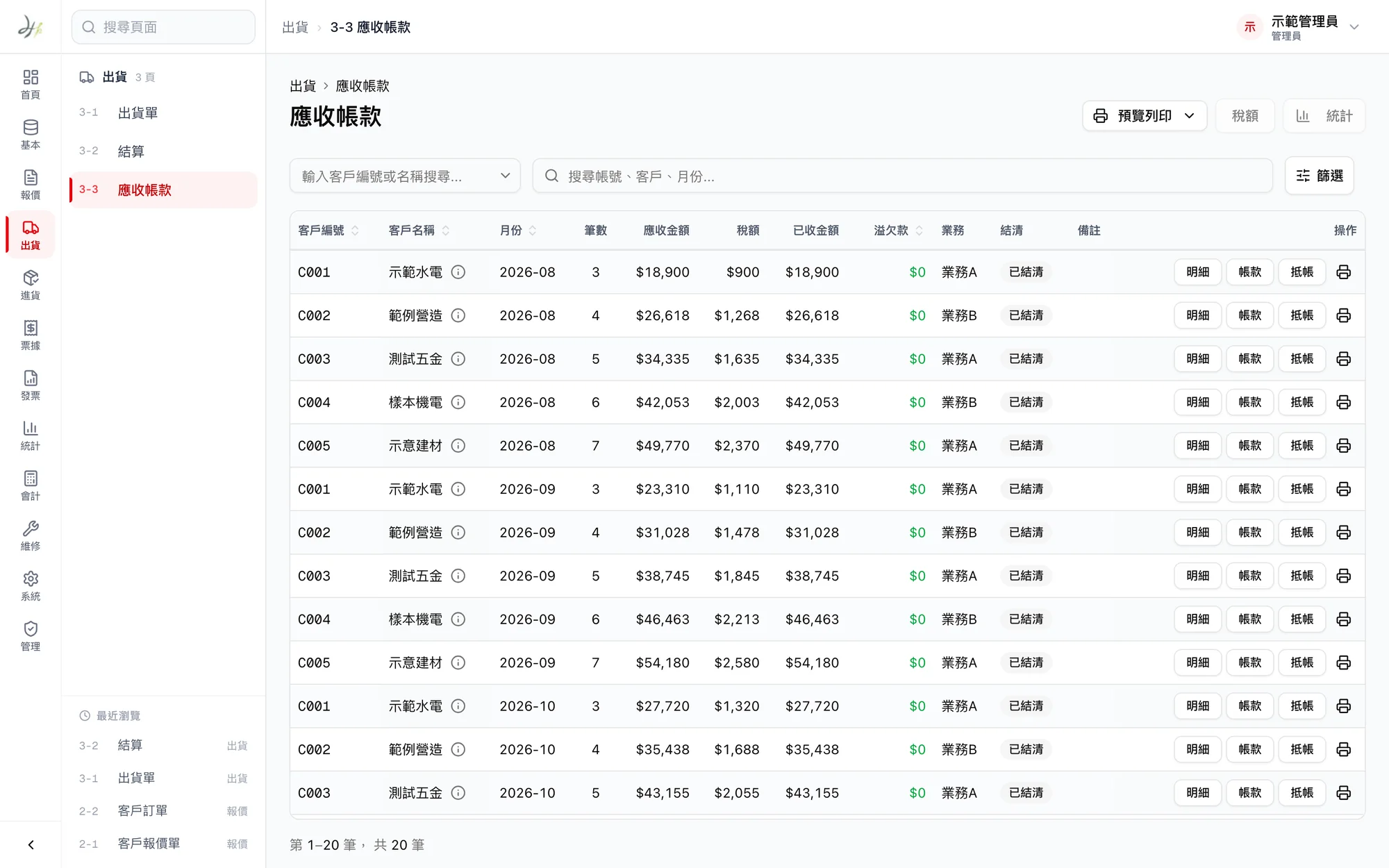
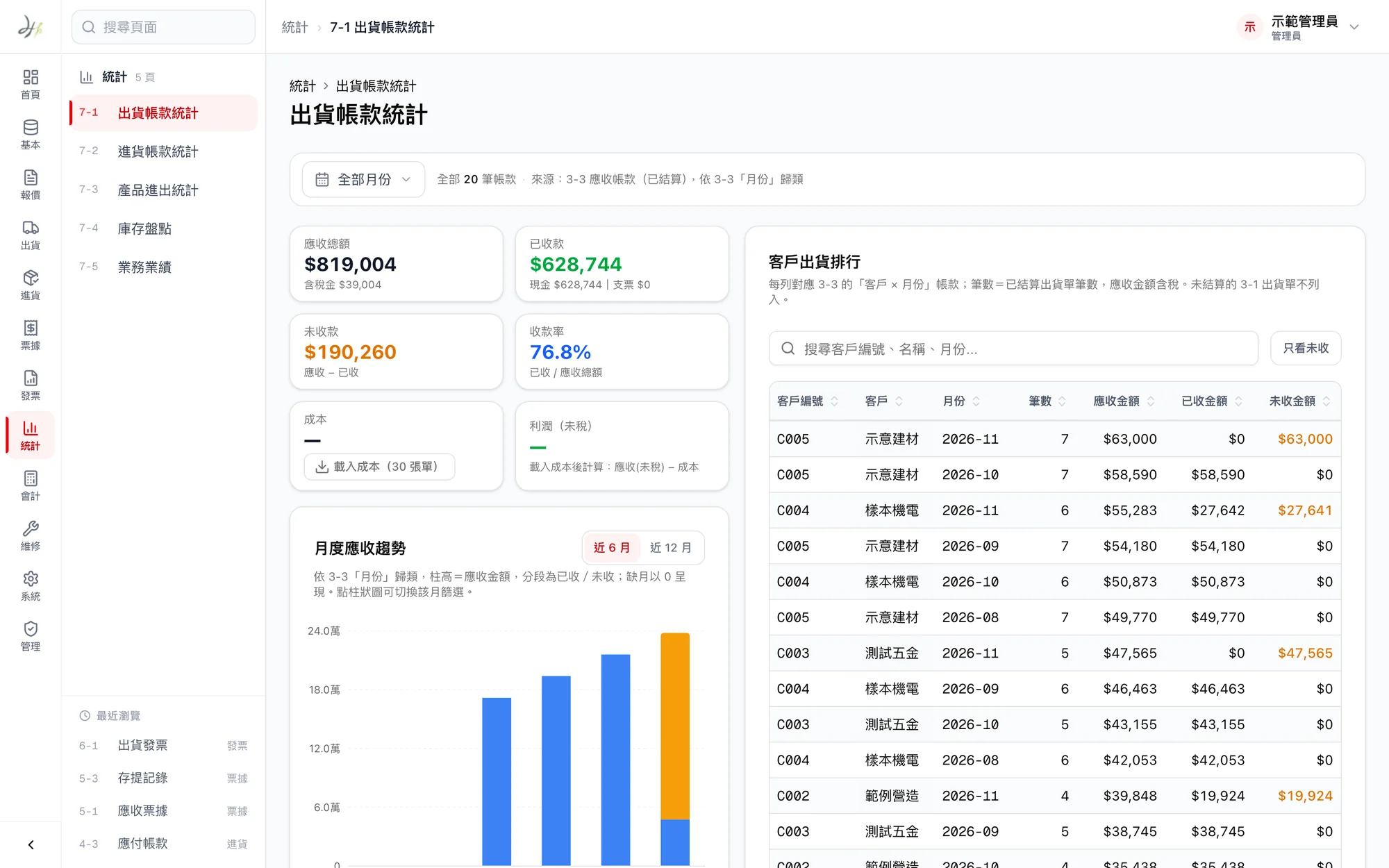
Month-end settlement shows who owes what at a glance
Each month, shipments are settled by customer to create accounts receivable, and both cash and check payments can be recorded. Amounts owed show in red, overpayments in blue and settled accounts in green.
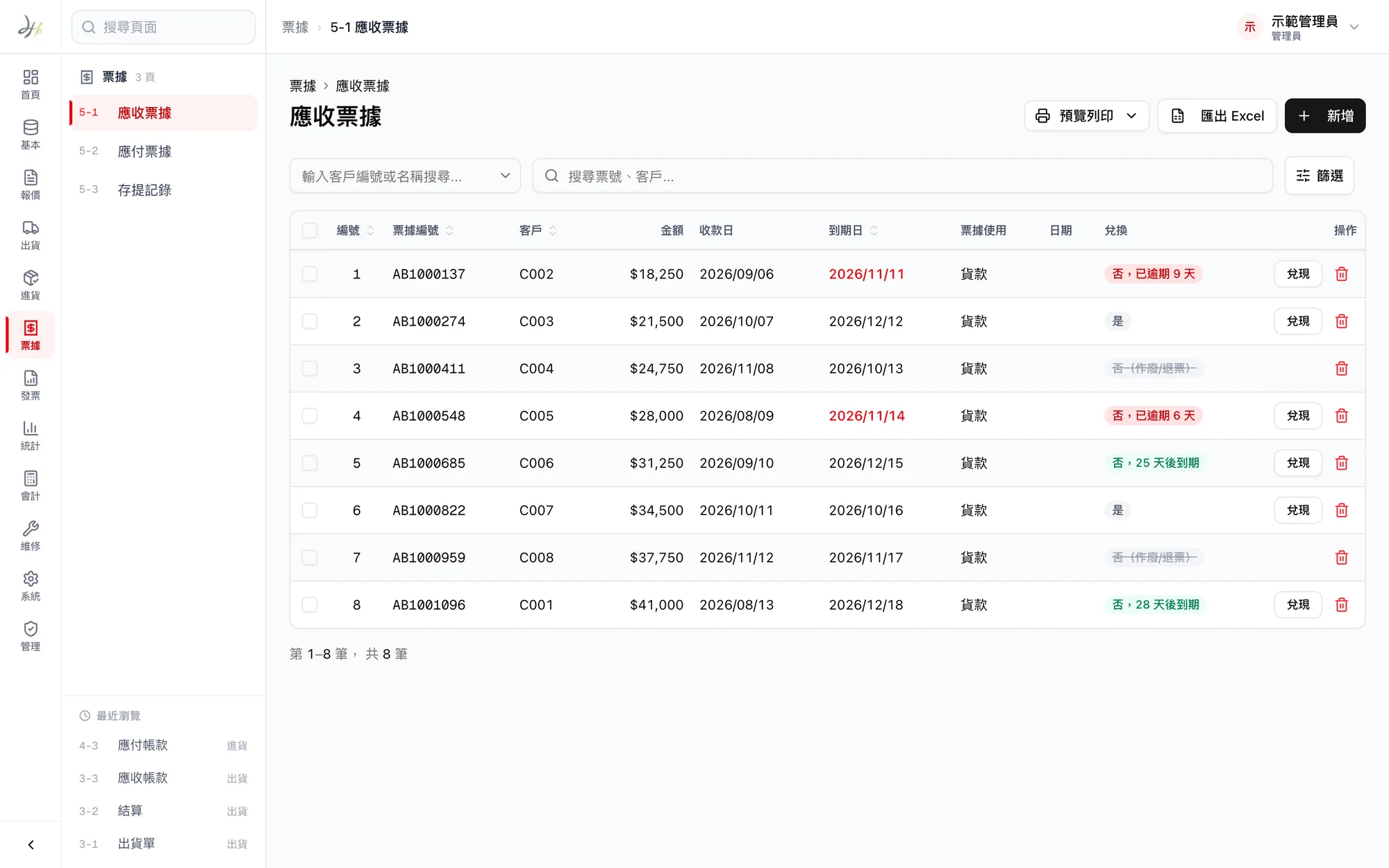
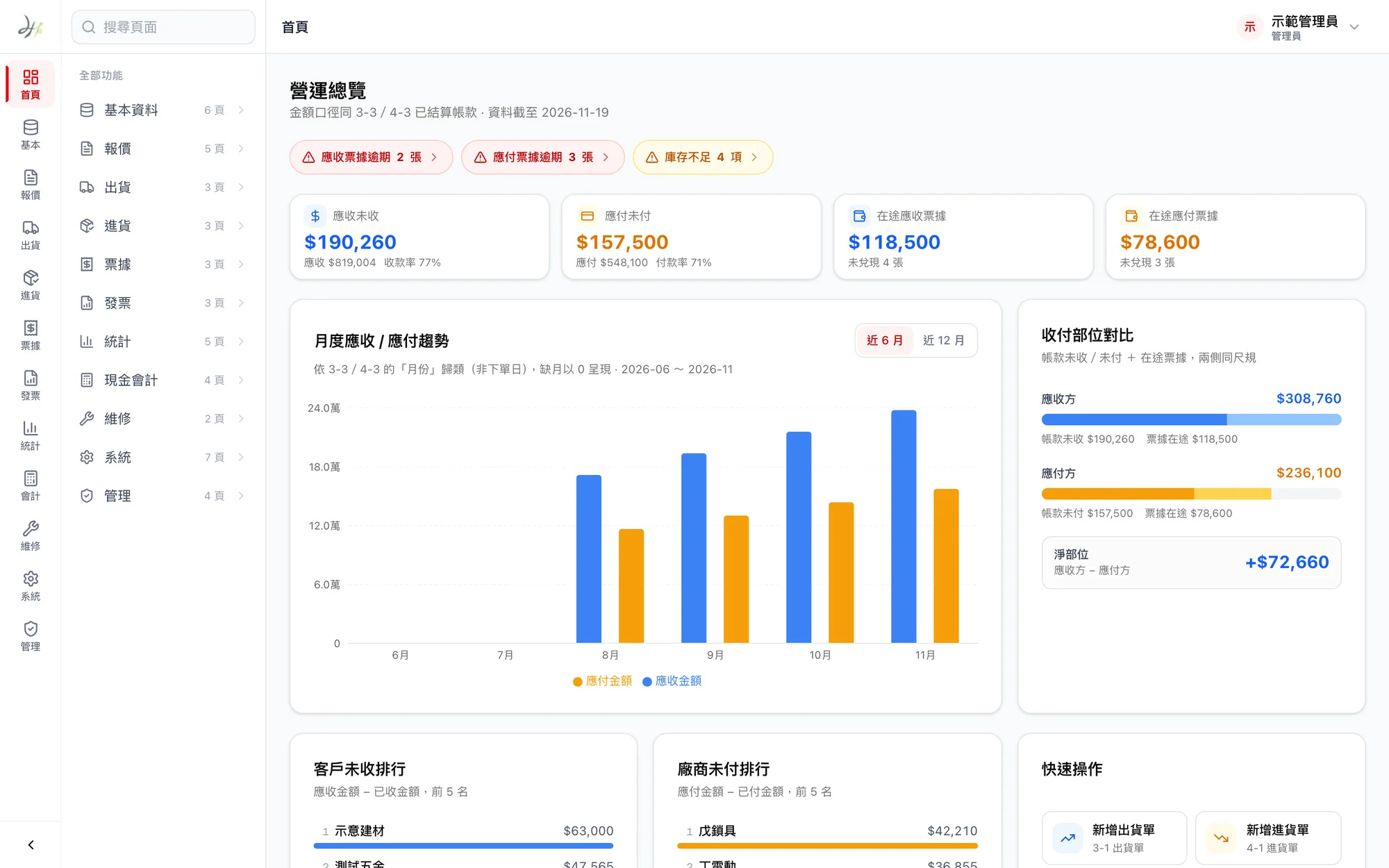
Checks received are tracked as on hand, sent for collection, cleared or bounced, and checks issued are tracked the same way. Checks that are due soon or overdue appear right on the home screen.
03 · Home and reports
Open the system and see what needs handling first
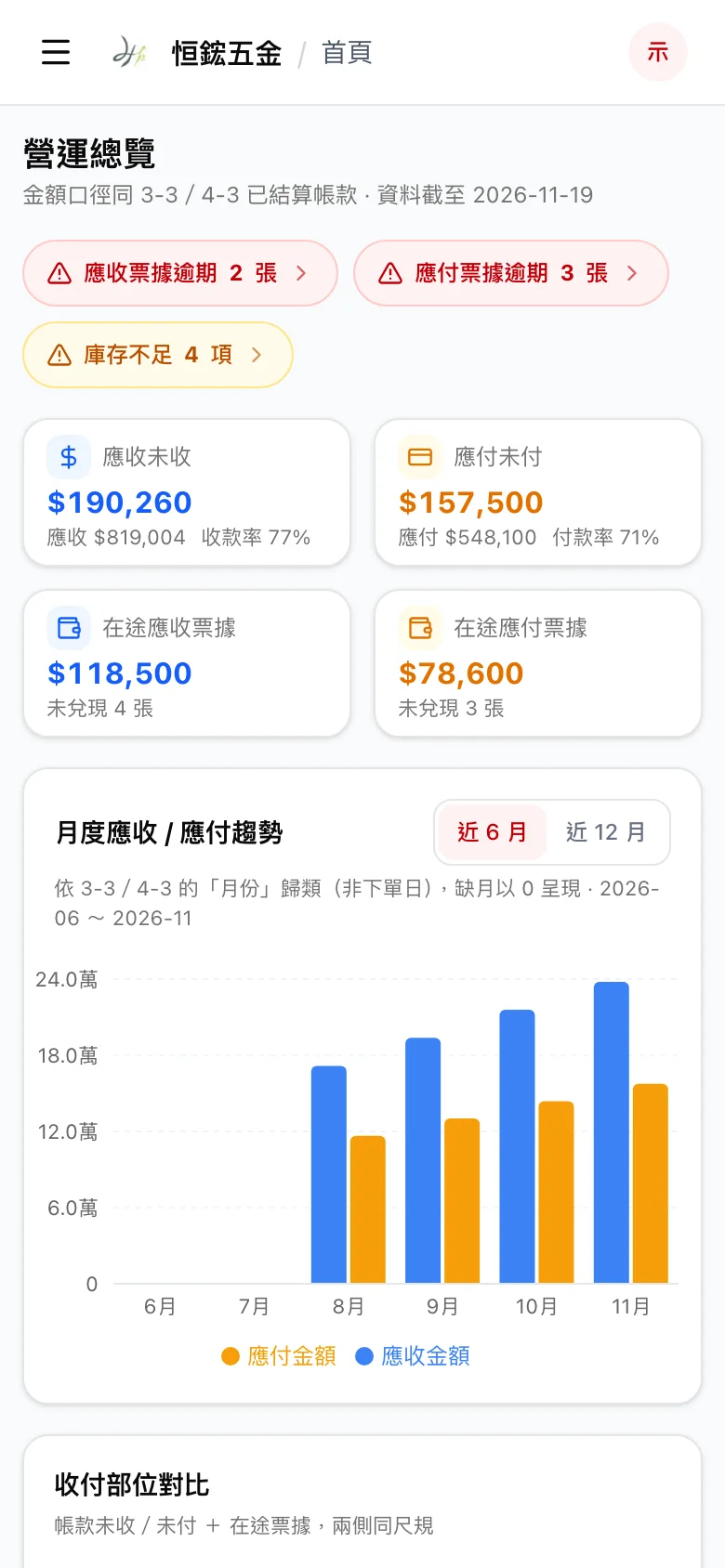
The home screen lists overdue checks, products running low, money not yet collected and money not yet paid. Below that are receipt and payment trends for the past six months or year, and the customers who owe the most.
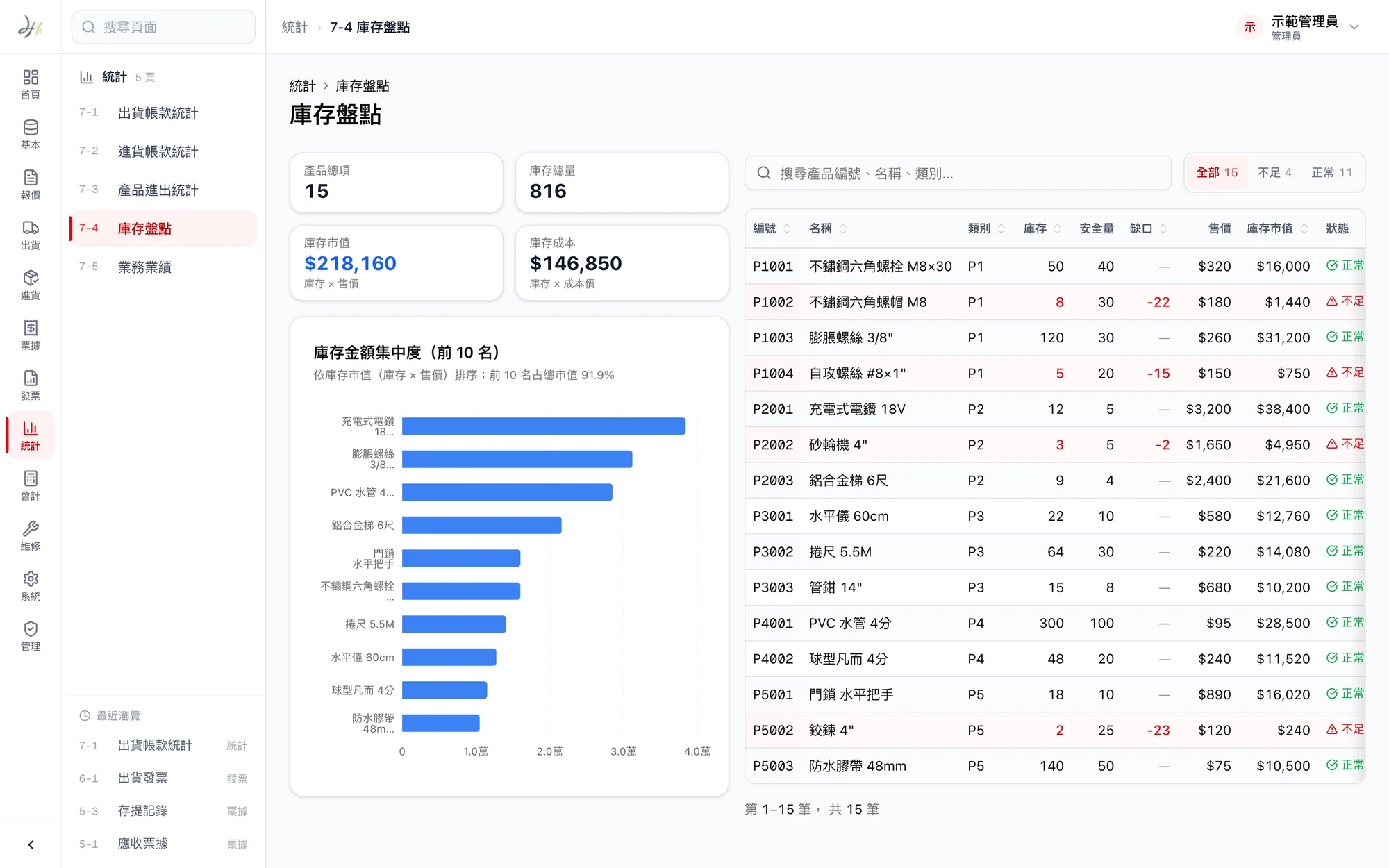
Reports cover shipment and purchase totals, stock counts and sales performance, and can be exported to Excel when needed.
04 · Data safety
Two people never edit the same document at once
Only one person can edit a record at a time, and the list shows who is using it. If that person is inactive for one minute, the record is released automatically.
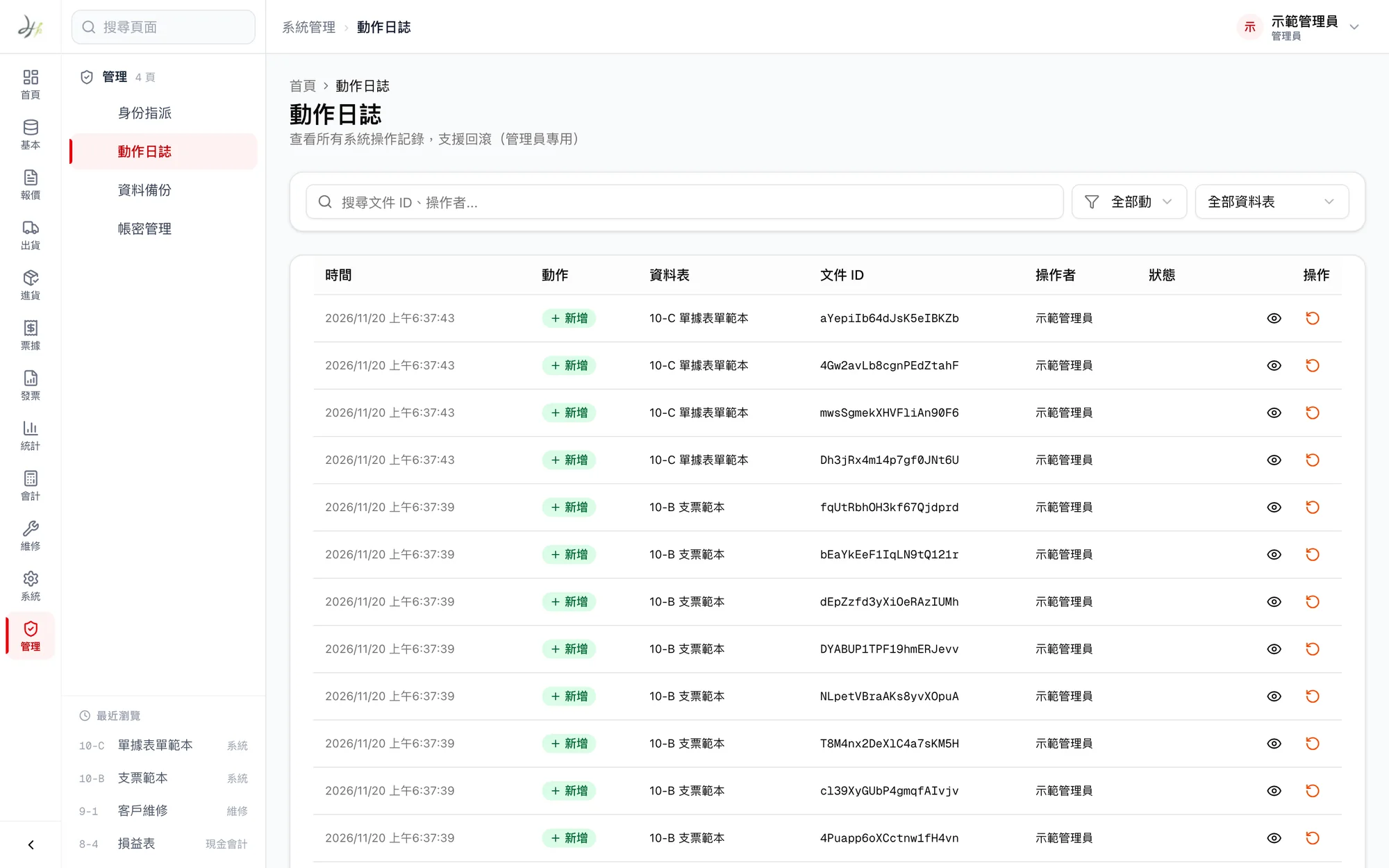
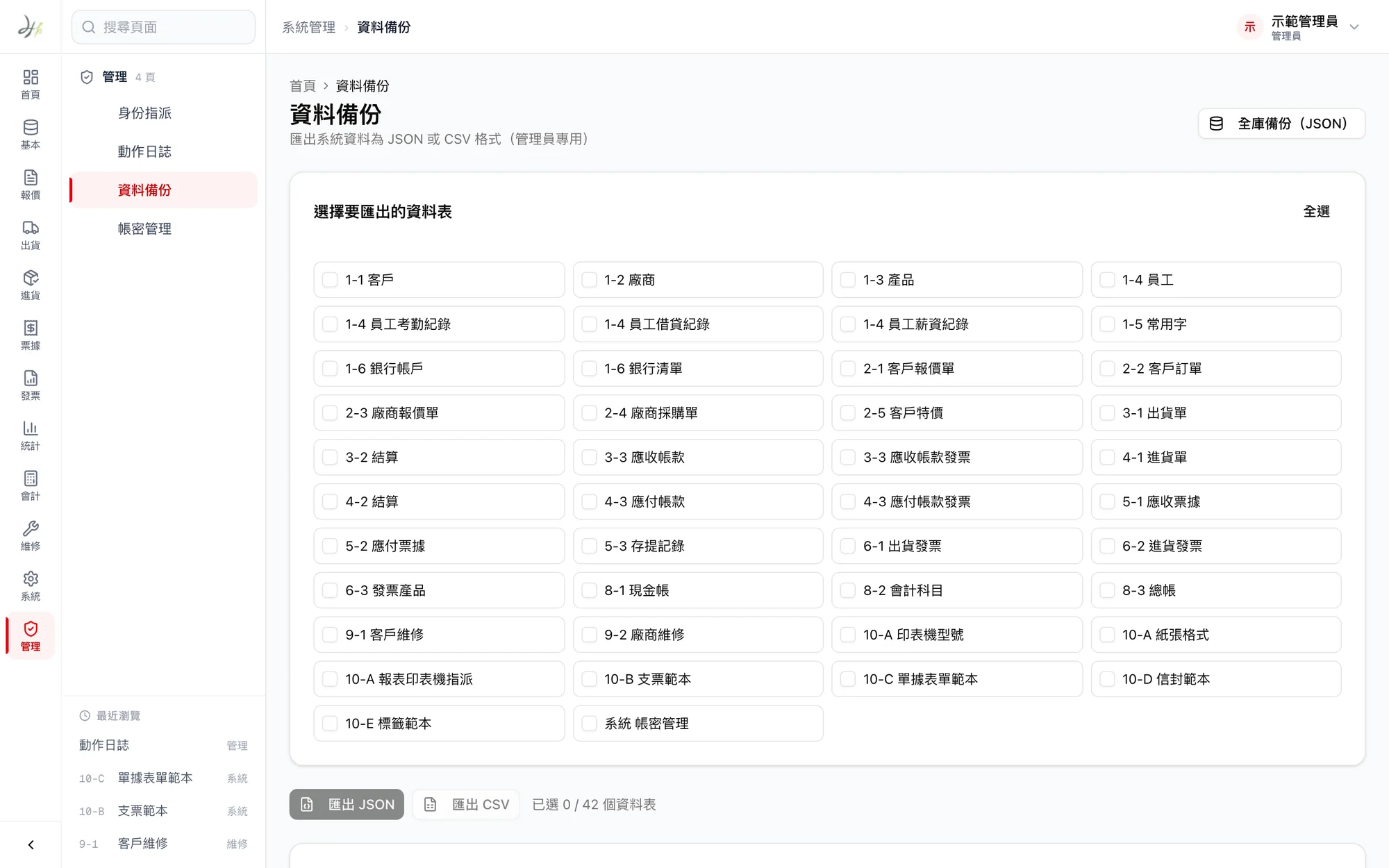
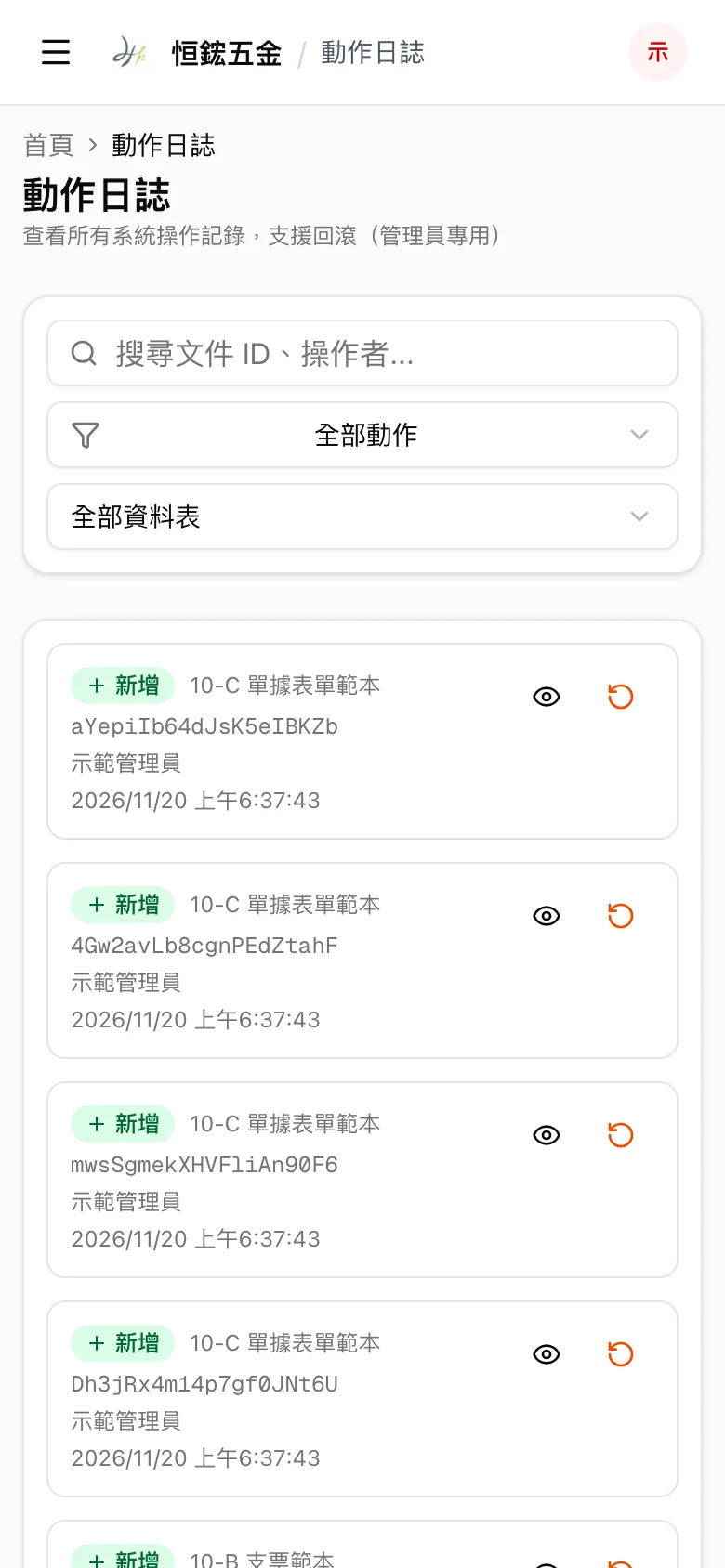
Every addition, change and deletion is logged, and mistakes can be undone. The system backs up automatically at 2 a.m. every day and keeps backups for 30 days.
05 · Printing and HR
Checks, envelopes and labels, printed in the company’s format
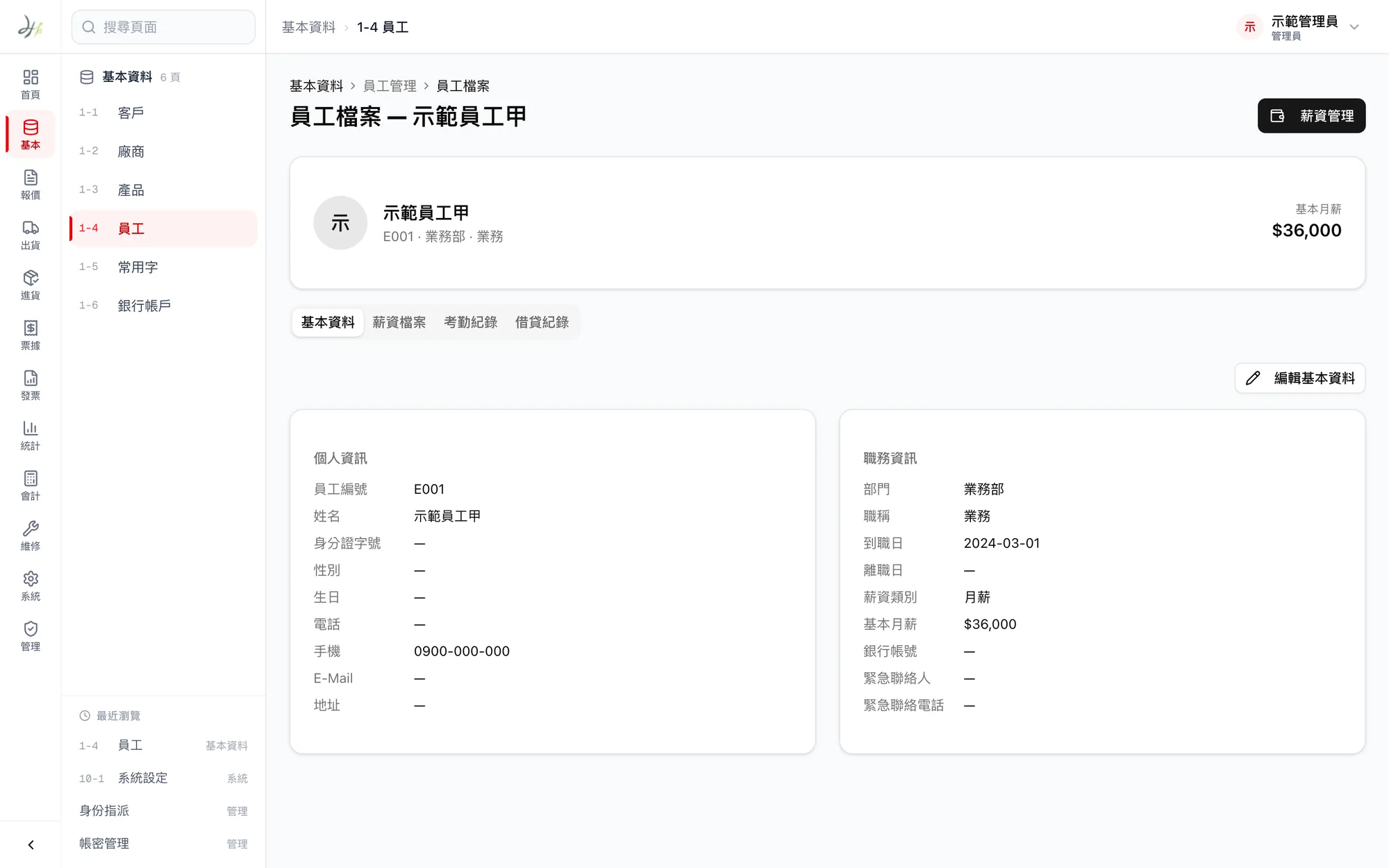
Checks, documents, envelopes and labels each have adjustable print templates, with dates in the ROC (Minguo) calendar. Staff attendance and payroll are calculated in the same system, with overtime, annual leave, sick leave and perfect-attendance bonuses following the company’s rules.