Art
Clay+ Art
A ceramics studio's website, glaze shop and talk sign-ups on one site, managed by the studio itself.
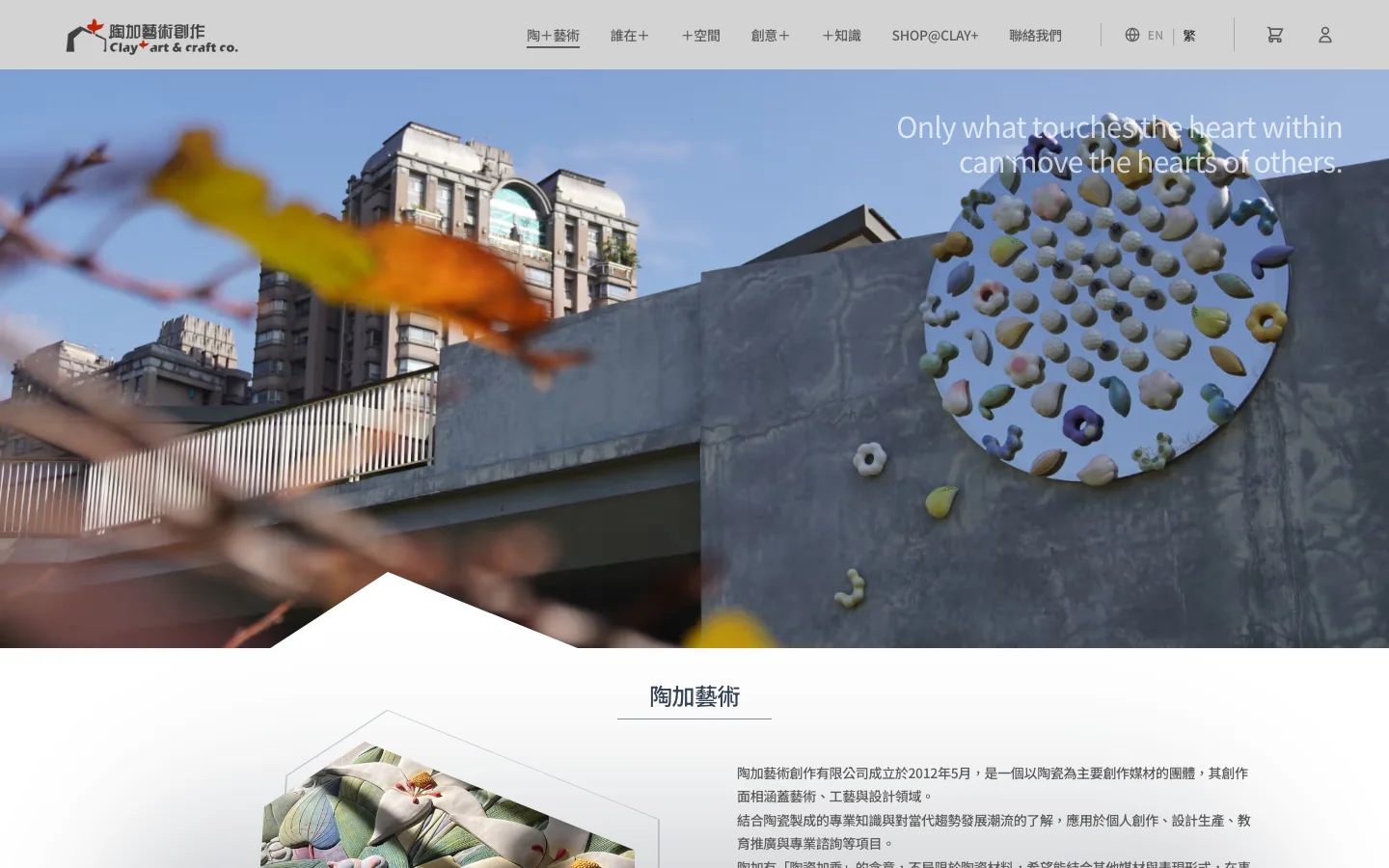
Clay+ Art is a ceramics studio led by Fang Po-Ching and Wang Shin-Yu. They create their own work and public art, hold talks and hands-on classes, and sell glazes and tools. We built them a website in Chinese and English, an online shop, and a talk registration system that works without creating an account.
- Project type
- Brand website, online shop, talk registration
- What we did
- Website design, website, admin
- How students sign up
- No account needed; fill in the form and you are signed up
- Site languages
- Chinese, English
Project overview
The studio handles many kinds of work. It shows its pieces and exhibitions, sells glazes and tools, and runs talks that take sign-ups. Sign-ups used to come in through forms and private messages. Seats, payments and the waitlist were all tracked by hand, and on class day someone checked names off a list one by one. Now all of this is on one website, and the studio handles it in the admin.
01 · Sign-up
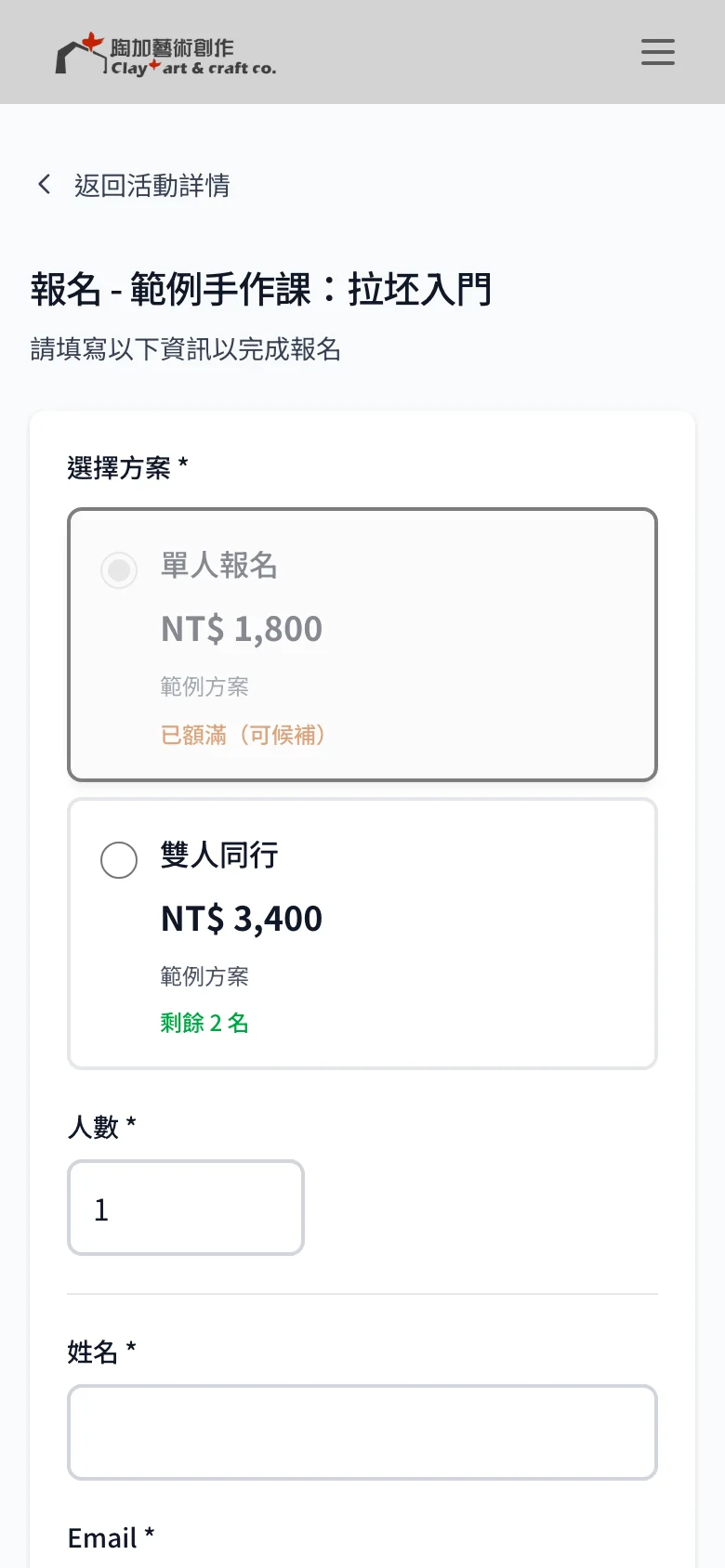
Sign up for a talk without creating an account
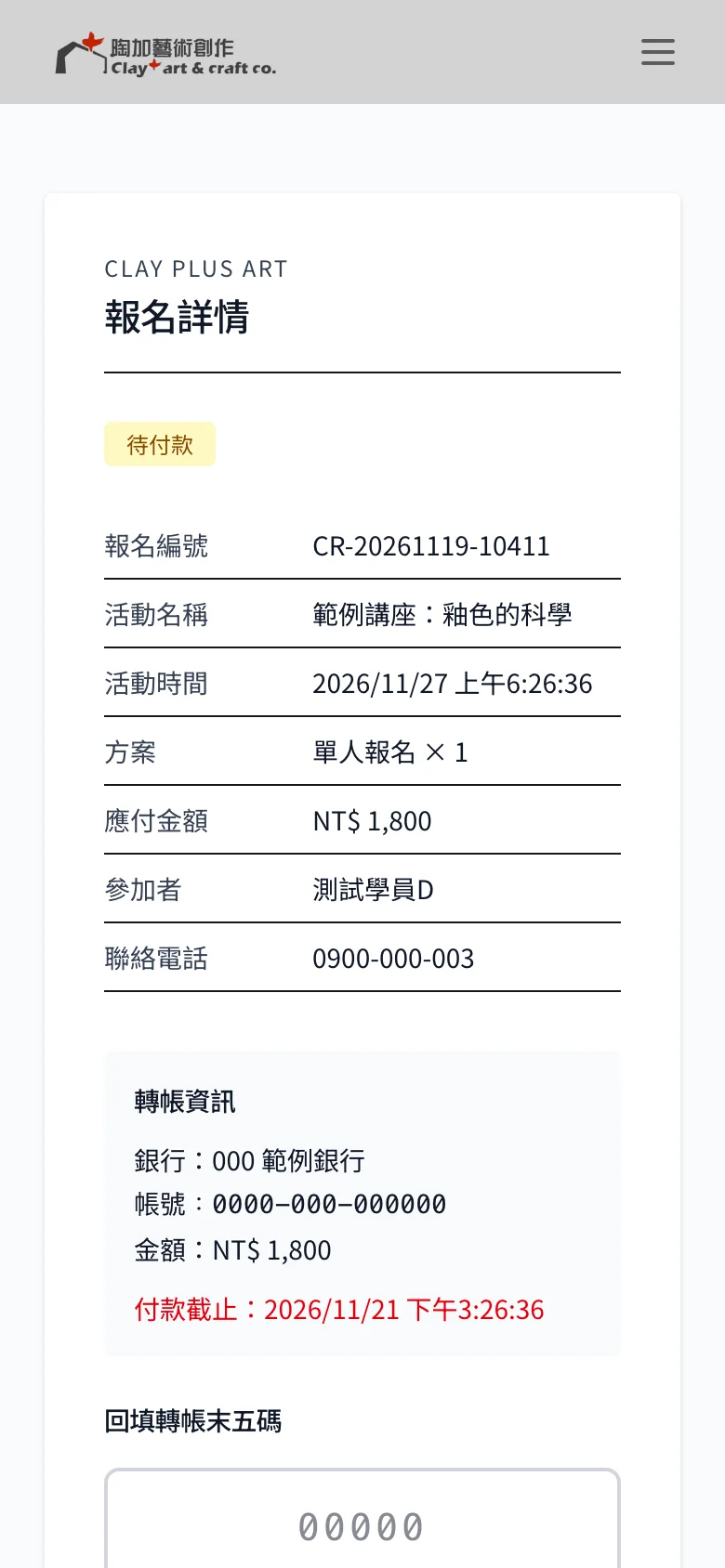
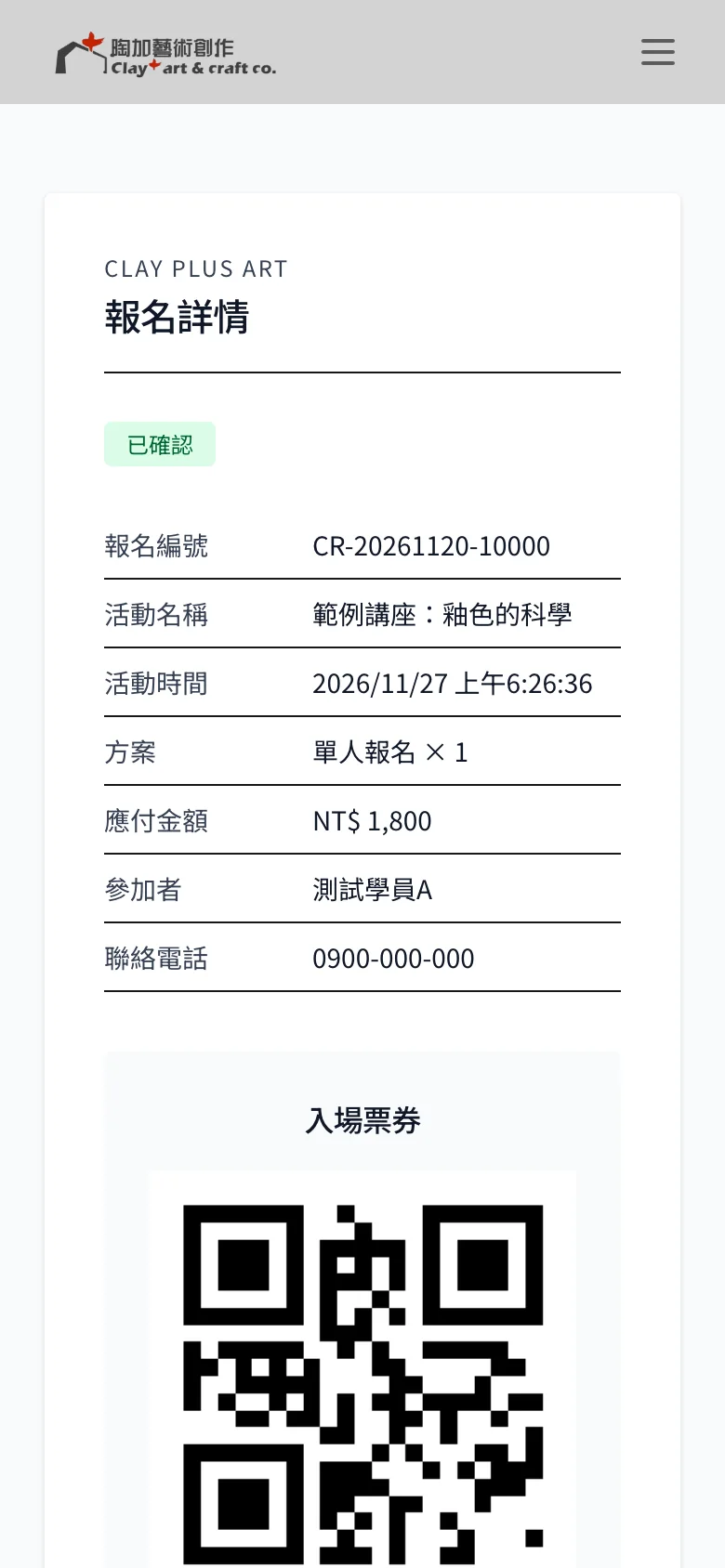
Students pick a plan and enter their name and contact details, and they are signed up. The screen shows a registration number and a payment deadline. After transferring the fee, they go back to their registration page and enter the last five digits of the transfer account.
Once the studio confirms the payment, the system emails a QR entry ticket, with a file attached that adds the event to the phone's calendar. Every step, from a successful sign-up to payment reminders and cancellations, sends an email automatically.
02 · Waitlist
When a talk is full, open seats go to the waitlist first
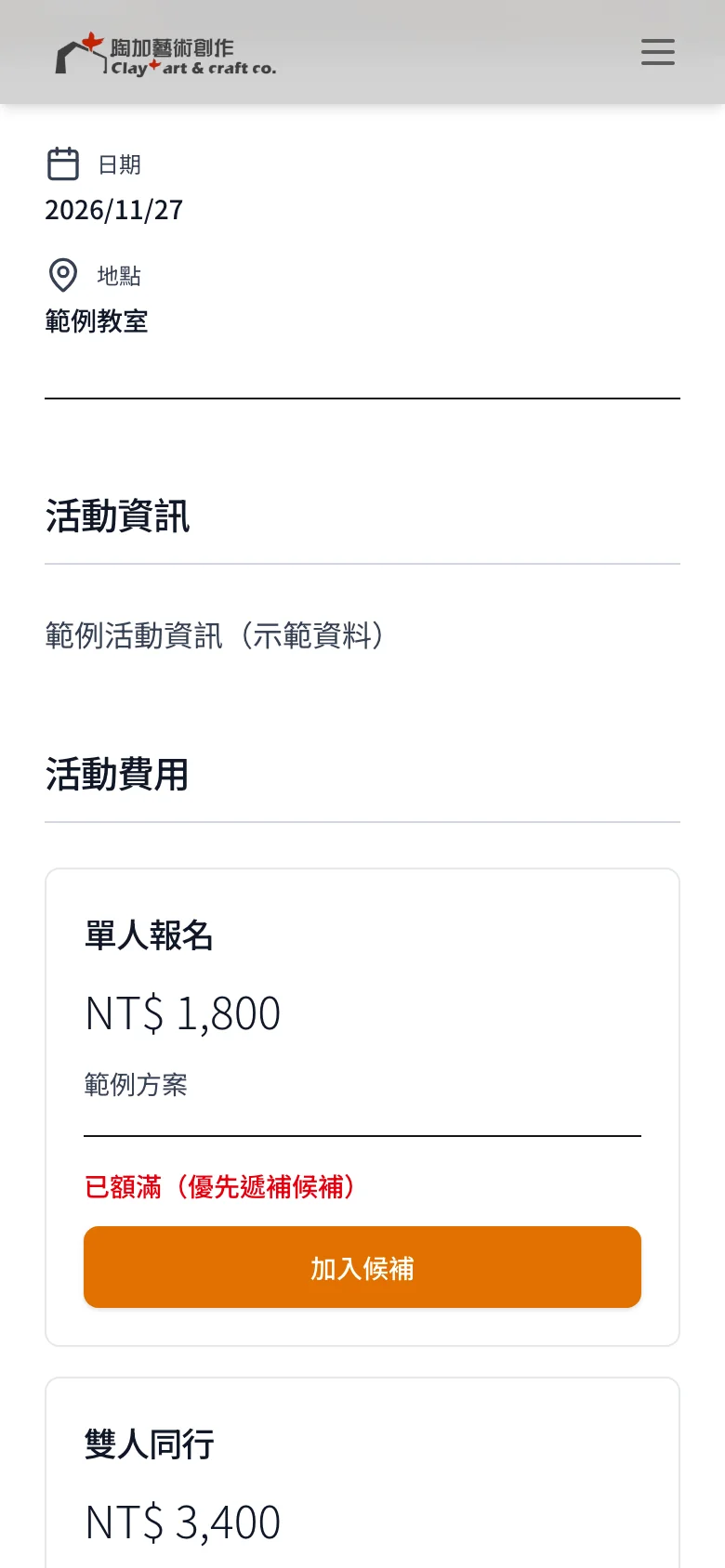
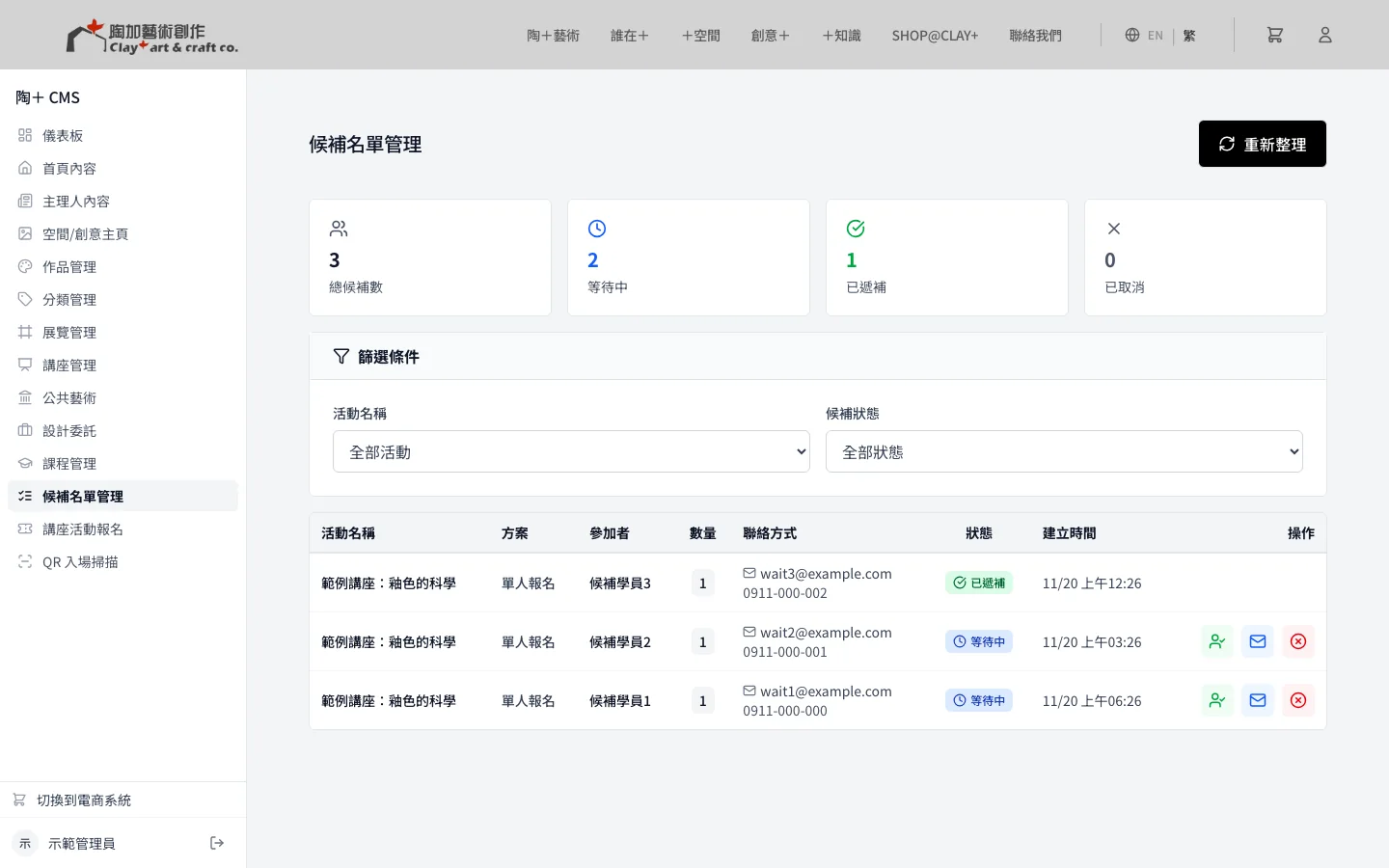
When a talk is full, students can join the waitlist. If someone cancels, the open seat is offered to people on the waitlist in order. As long as anyone is still waiting, newcomers cannot sign up directly and skip the line.
For special cases, the studio can also let a specific person in from the waitlist by hand in the admin.
03 · Class day
On class day, check in with a quick phone scan
The studio opens the scanner page on a phone and scans each student's QR ticket to check them in. If the same ticket is scanned a second time, the screen shows it has already been used to check in.
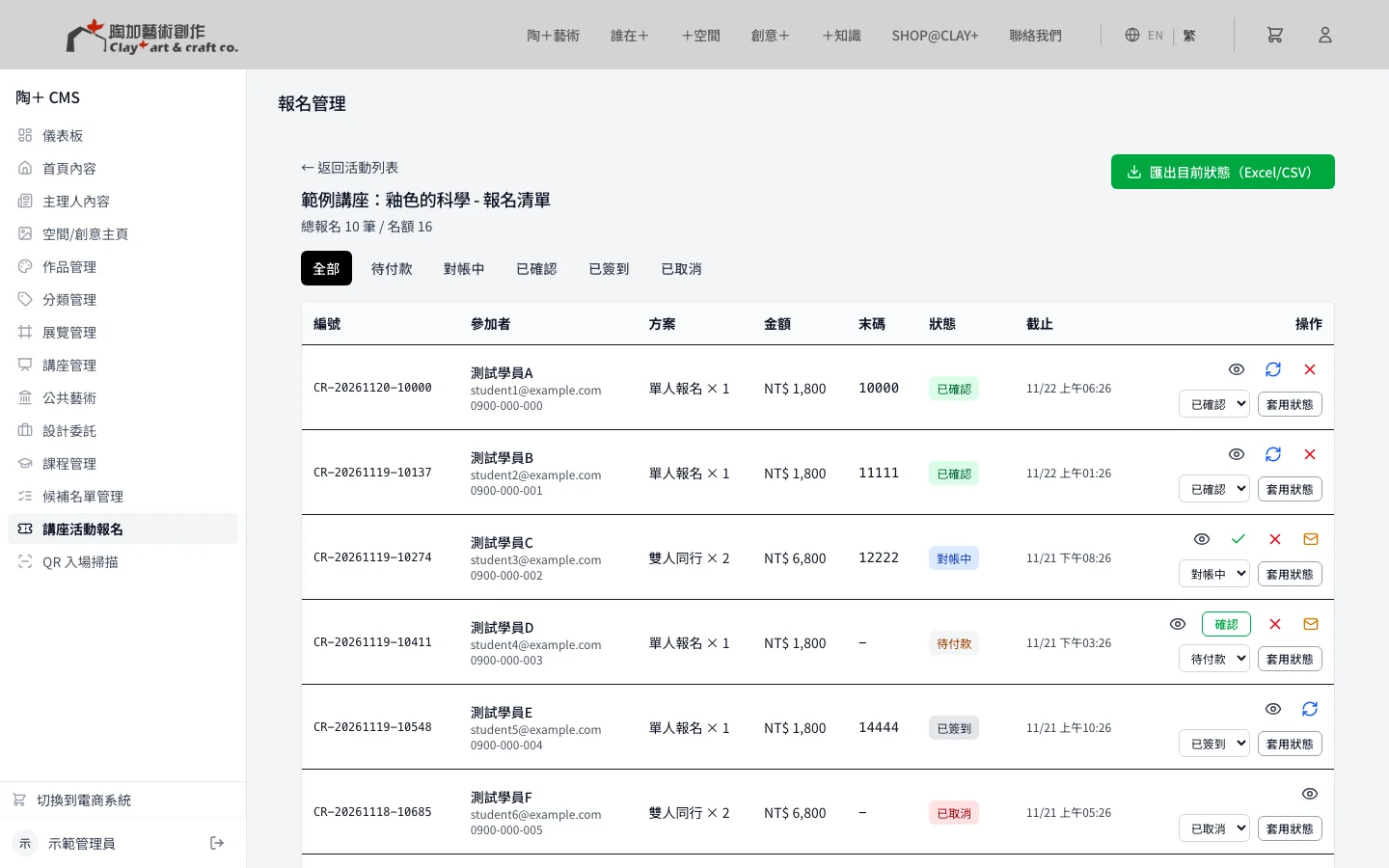
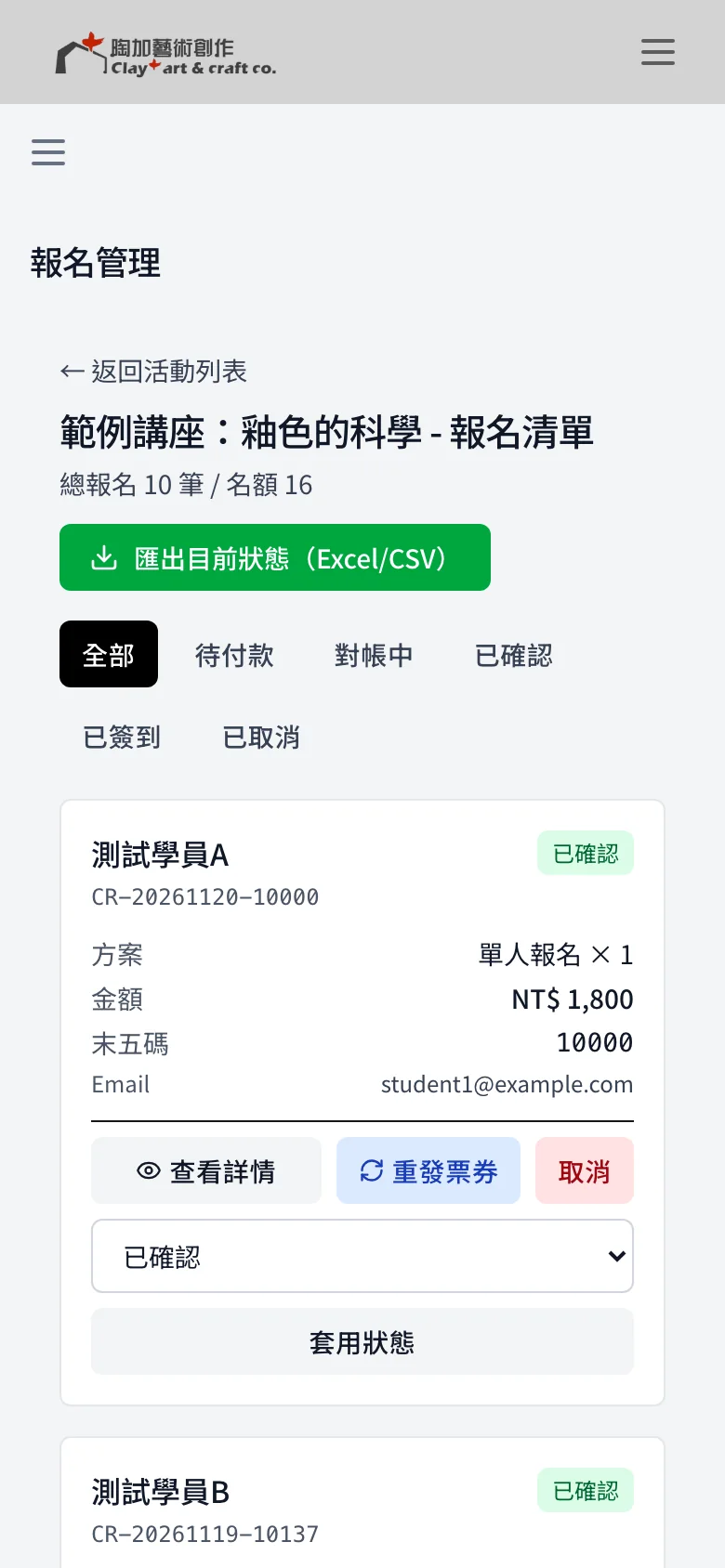
The registration list can be filtered by status to see who hasn't paid and who is confirmed, and tickets can be resent. When the list is exported to Excel, Chinese text doesn't turn into garbled characters.

04 · Shop
Glazes and tools on the same website
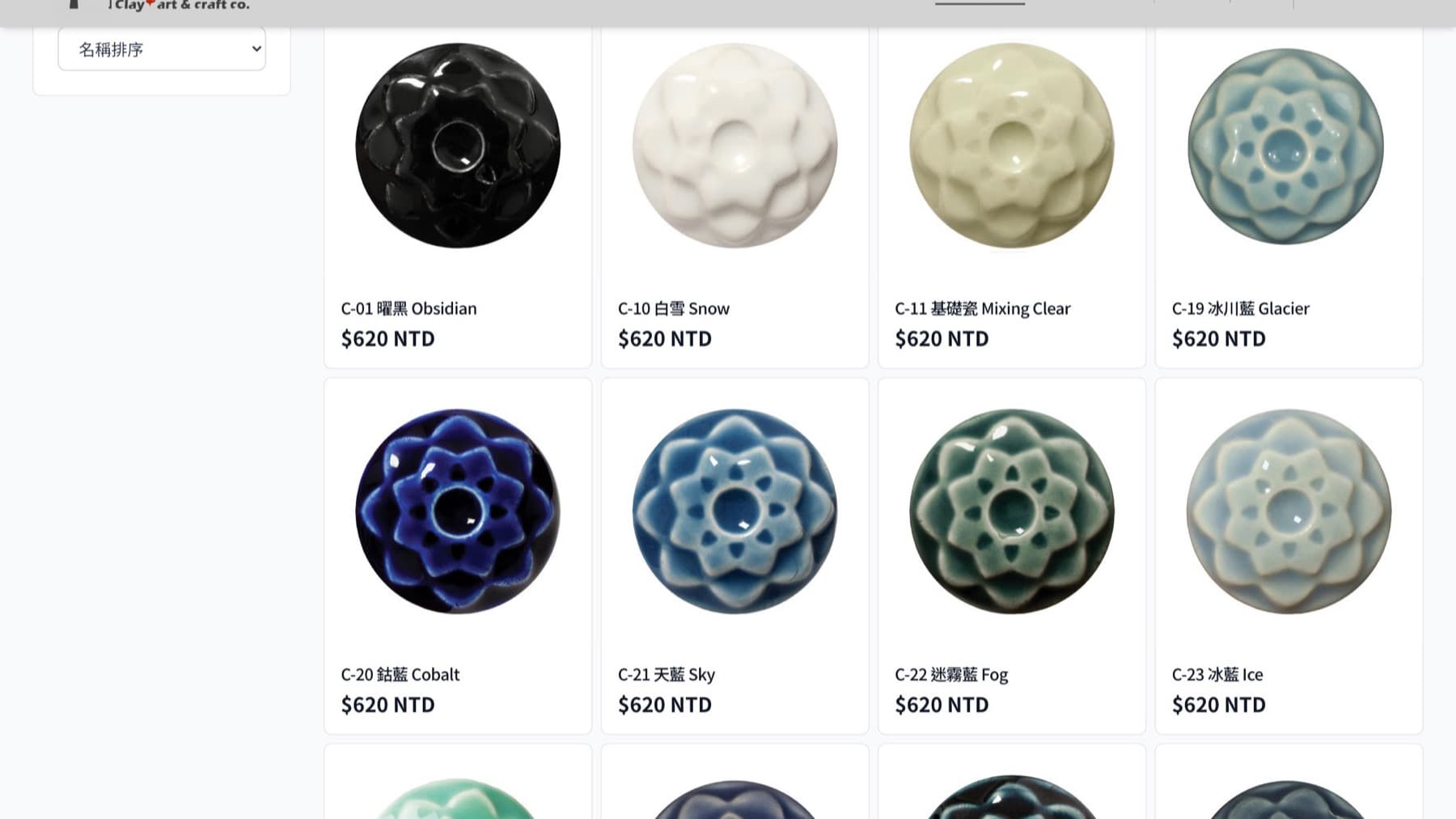
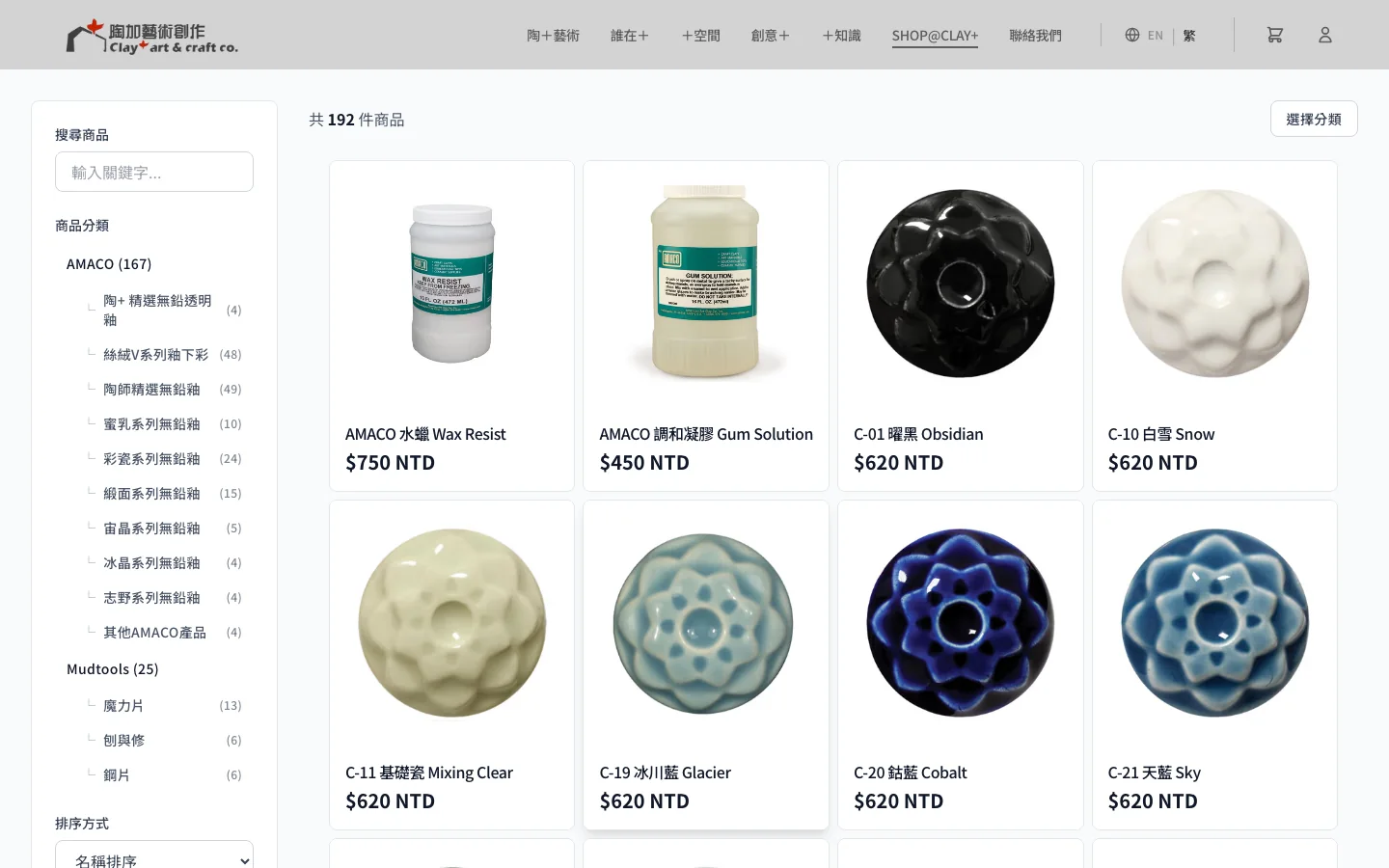
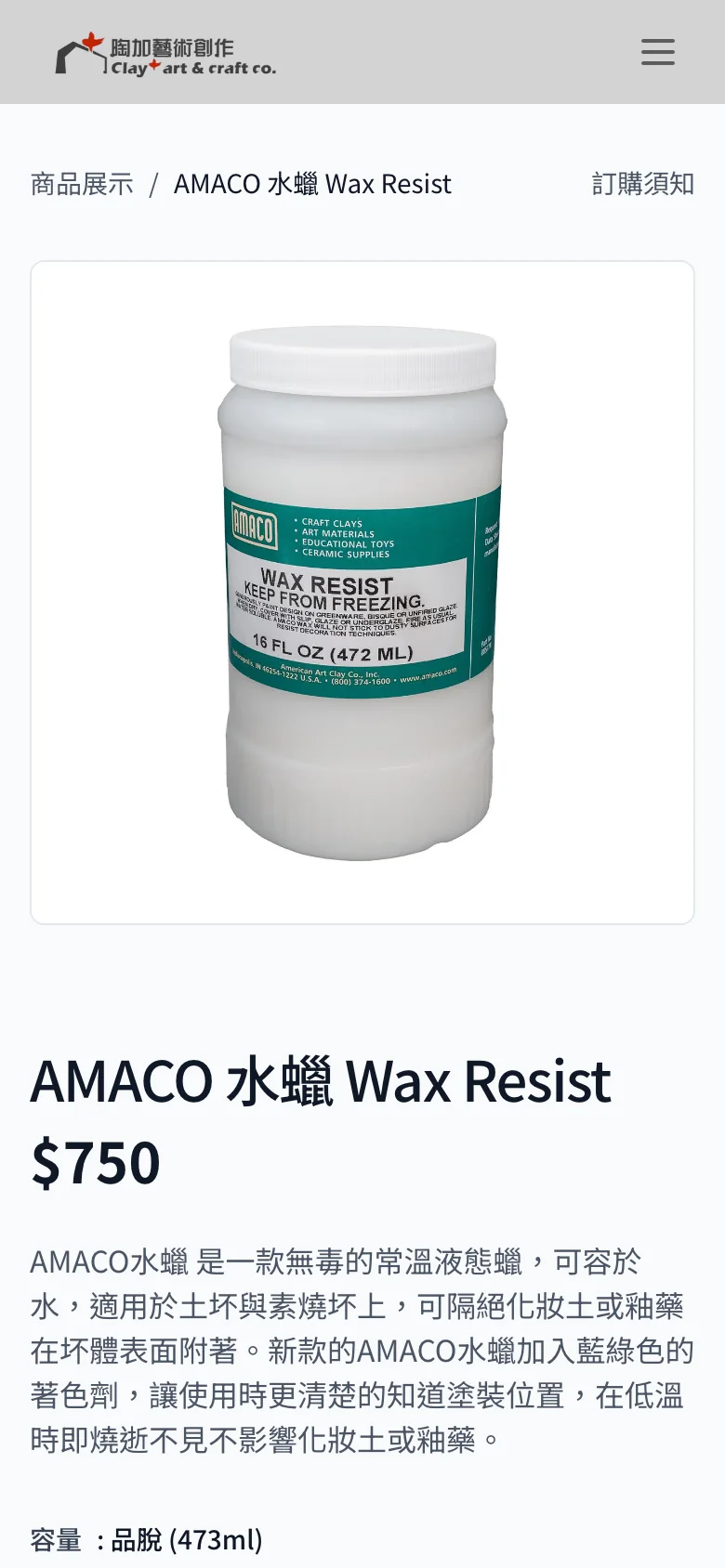
The online shop sells AMACO and Mudtools glazes and tools. Customers can browse by category and choose by specification. Shipping options are post office, Black Cat delivery and pickup at the studio, and Black Cat also offers cash on delivery.
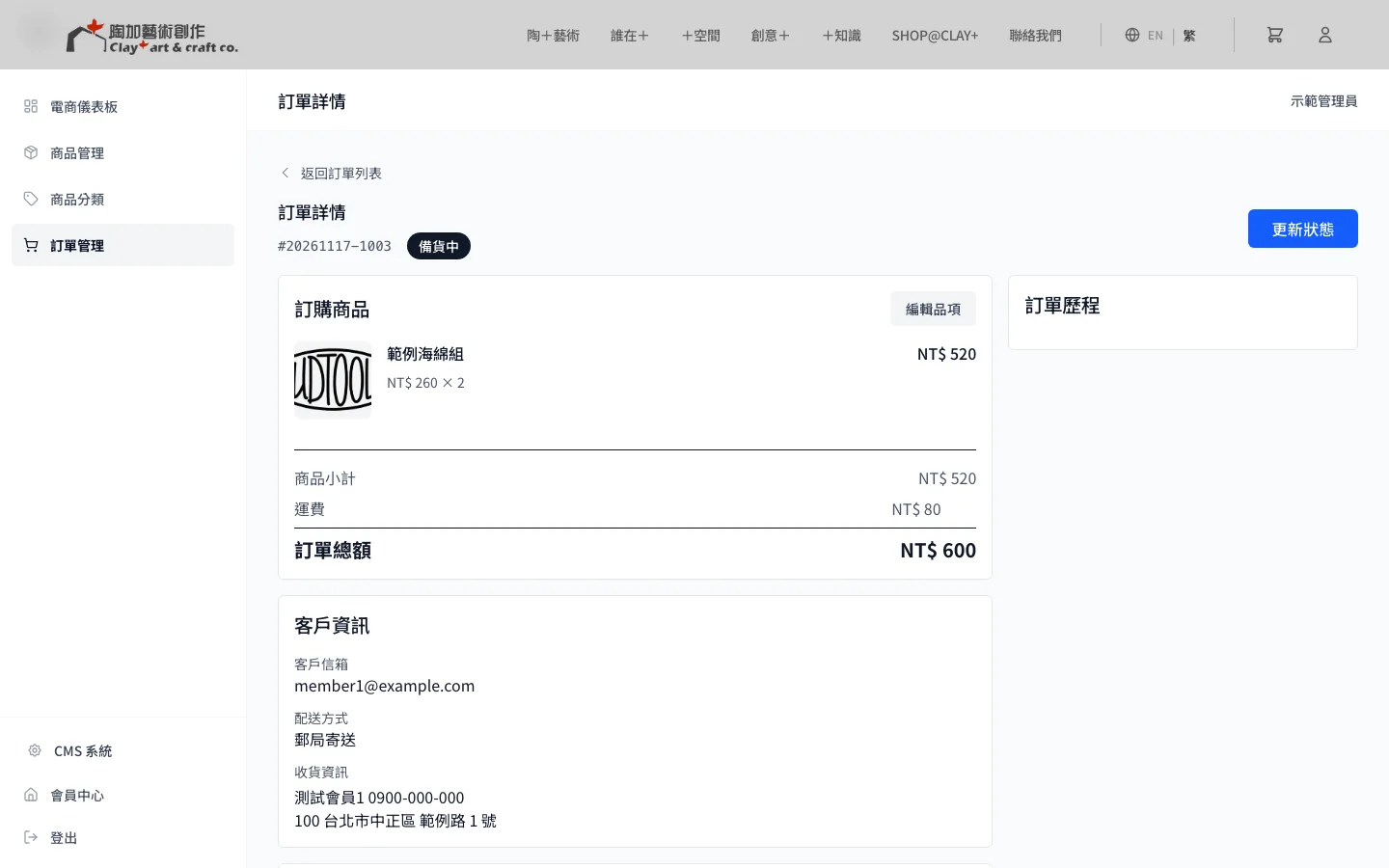
When an order is canceled, the stock is added back automatically. If the studio changes an order's shipping method or items in the admin, the total is recalculated on its own.
05 · Work
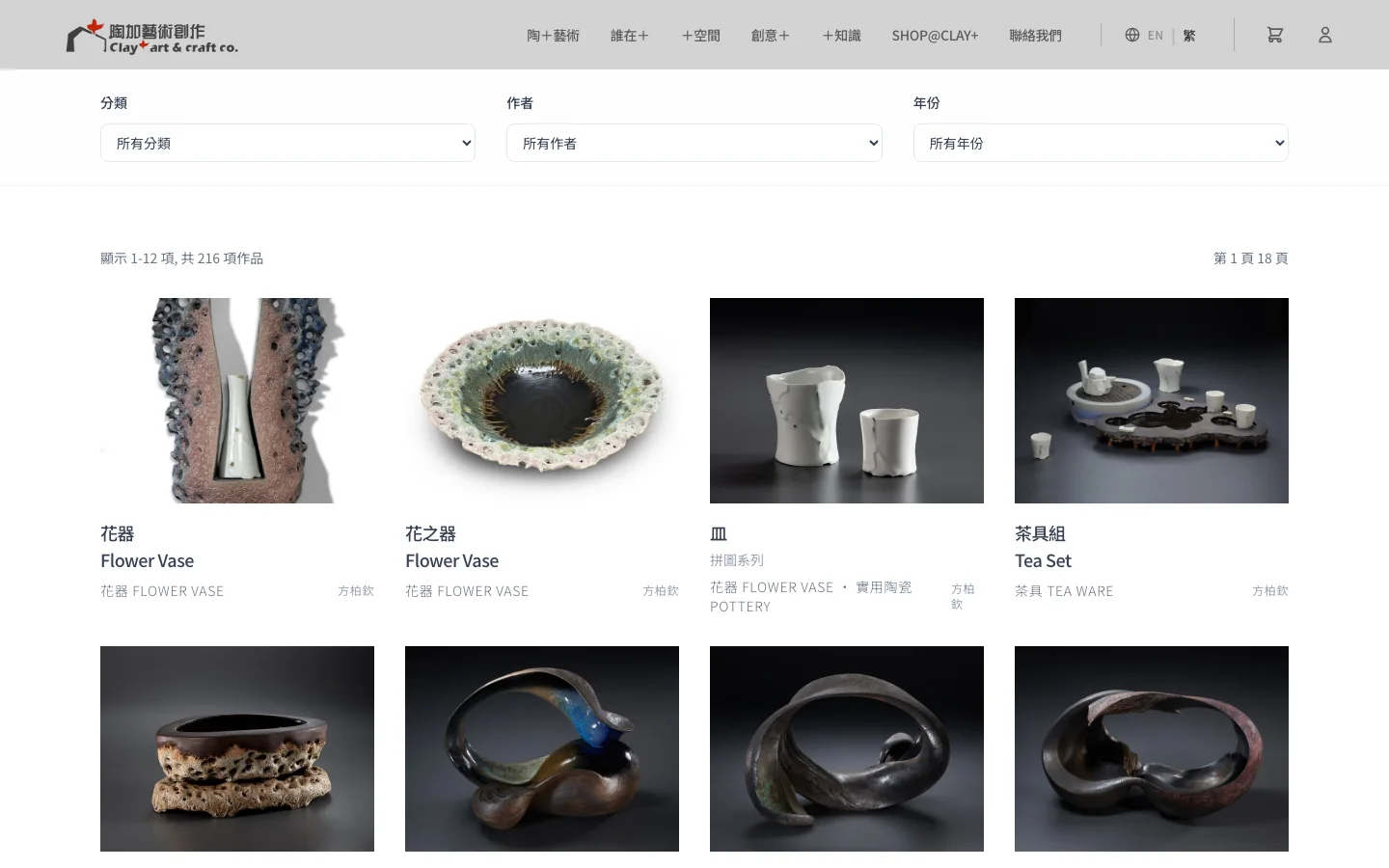
The studio updates its work and exhibitions itself
The studio publishes its portfolio, exhibitions, public art and design commissions in the admin, filling in Chinese and English separately. Each exhibition shows as upcoming, on view or ended based on its start and end dates, so nobody has to remember to come back and change it.